
Locking a reservation will indicate to other users that a reservation should not be moved to another room.
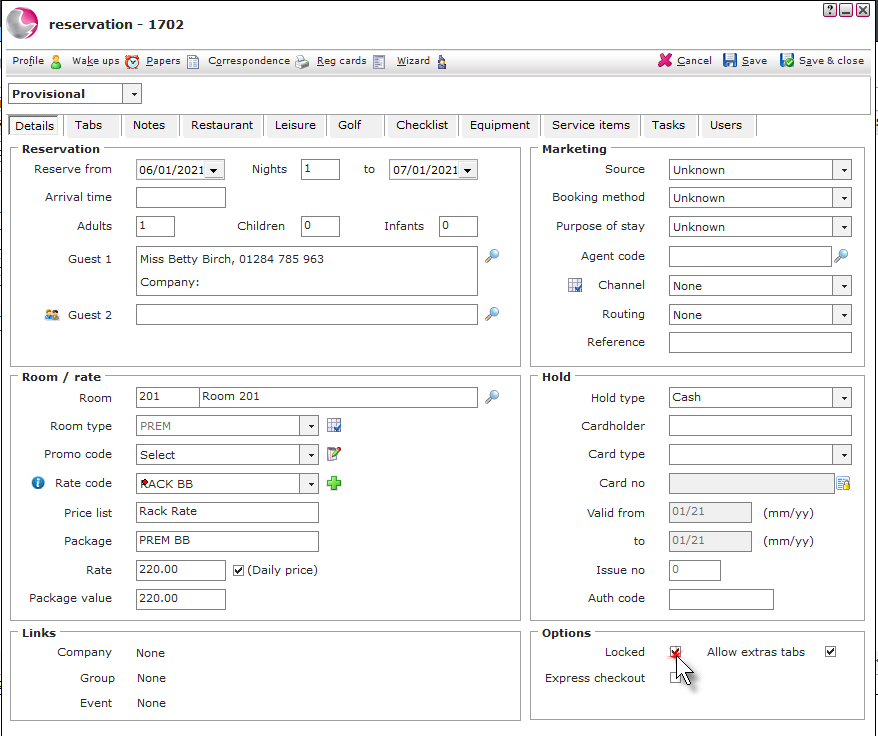
1. Open a existing reservation. Tick the Locked checkbox in the options section at the bottom of the reservation details form.
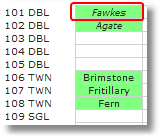
2. The reservation will be displayed in italic on the charts showing that the reservation is locked.
See next: How to Add Notes to Bedroom Reservations
How to Send Confirmation Email