
This is the section where Z readings can be run as part of the Financial Control process. Performing a Z read produces a summary report for the takings on the chosen till/PC by payment type.
Click on Banking from the Maintenance menu.
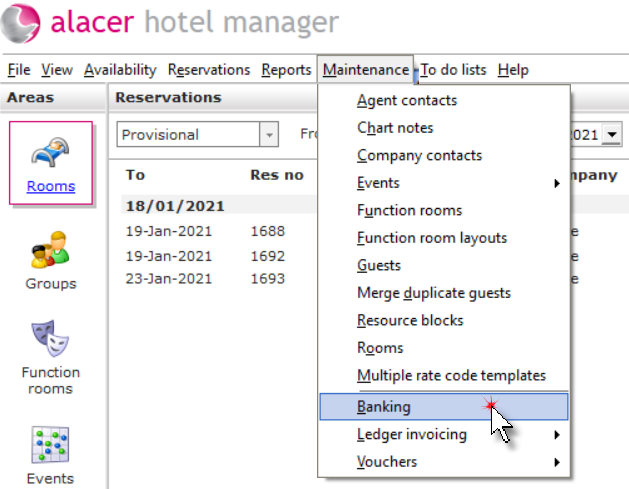
Running the Operations Z Read:
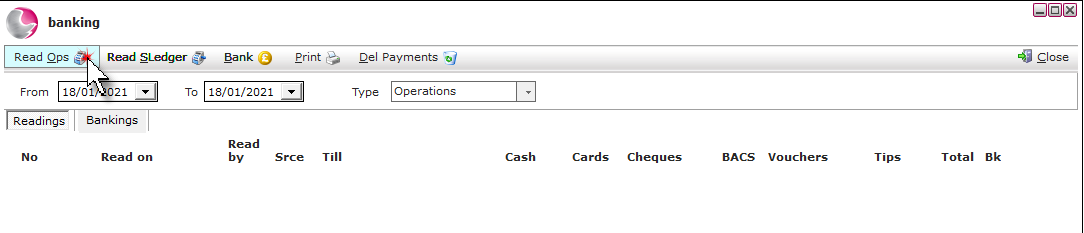
Click Read Ops.
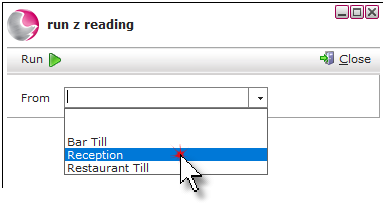
Select a till from the menu.
Before running the Z Read it is possible to view the payment type analysis to check that it is correct by clicking on one of the payment types listed. i.e.; Cash, Visa.
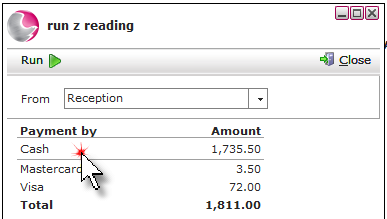
This form can be printed to check against payment receipts. Clicking on an individual transaction will open up the related tab.
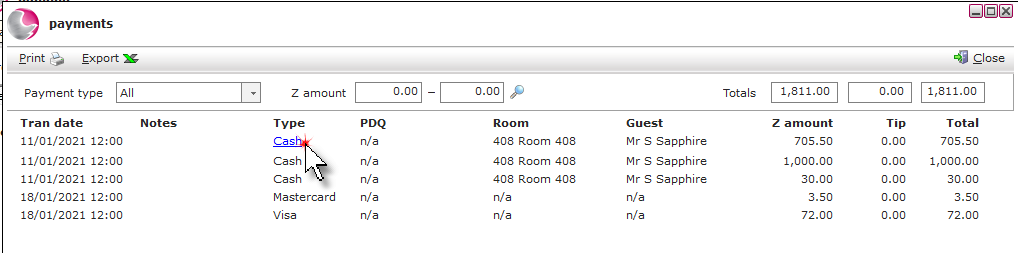
Click Close.
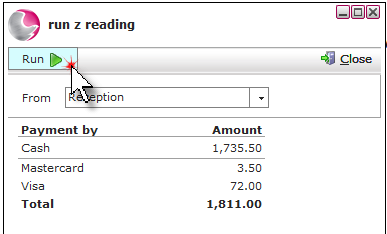
Click Run.
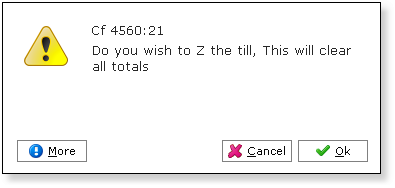
Click Ok.
Click Close.
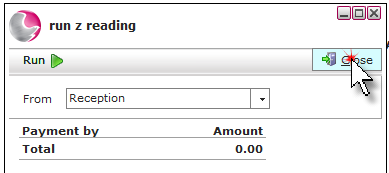
The Z read will appear on the banking's form under the date it was run.
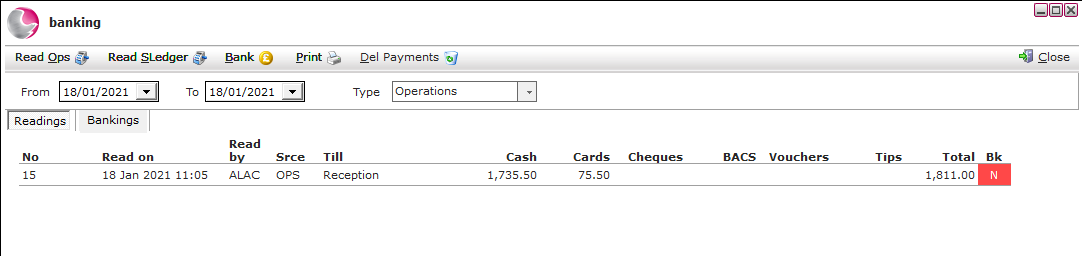
Recording the Cash Count:
Click on the Z reading.
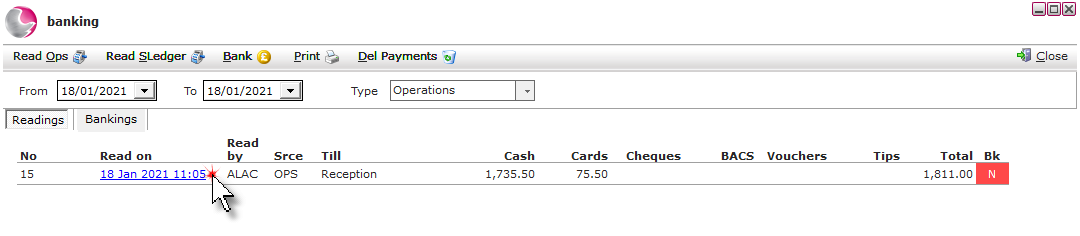
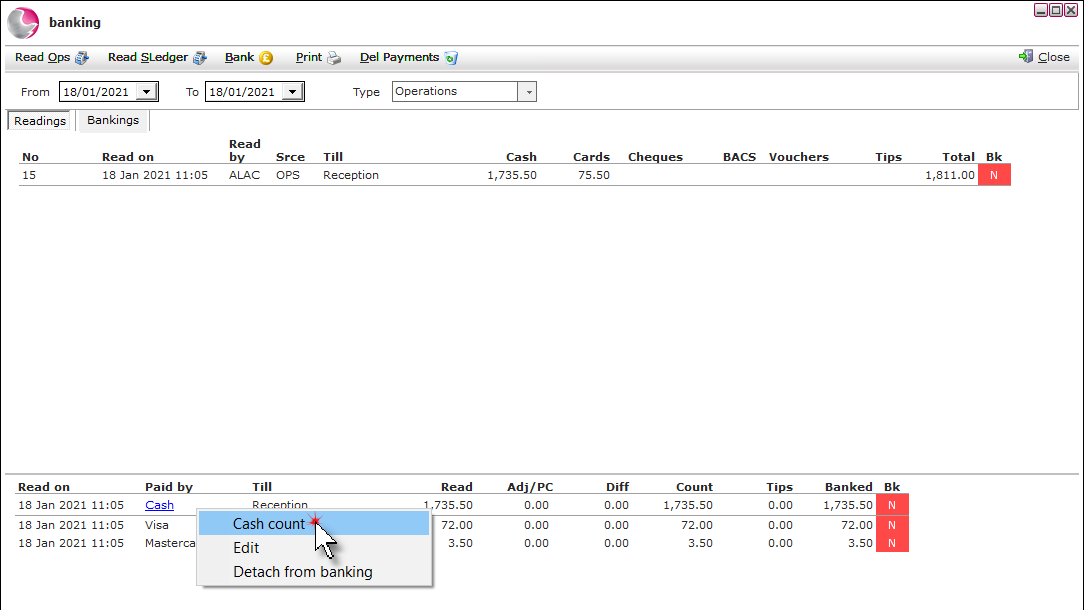
Right click on the cash payment type at the bottom of the banking screen and click cash count.
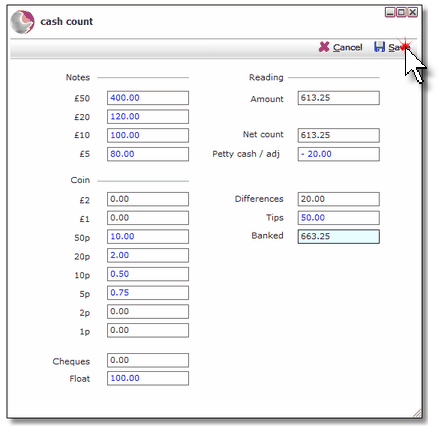
Record the cash taken, including any petty cash/adjustments and tips on the cash count form. Click Save.
Changing an incorrect payment method:
Right click on the Z read and select transactions.
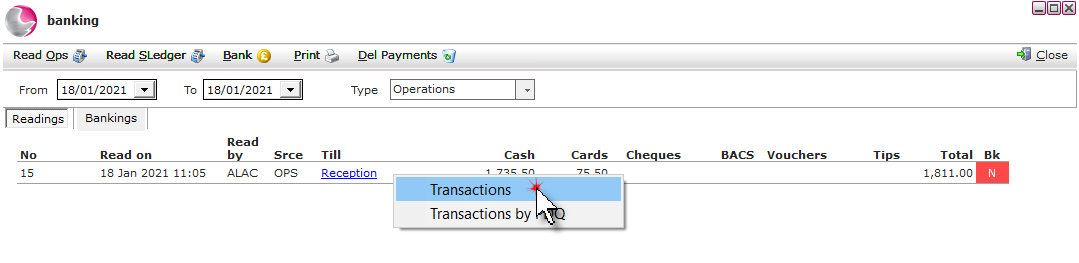
Right click on the incorrect payment type and click change payment type.
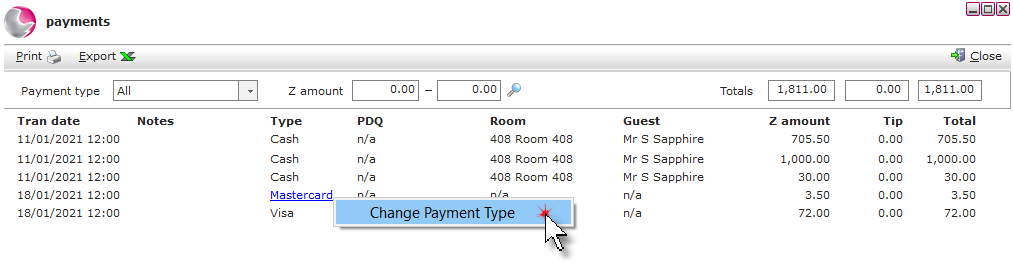
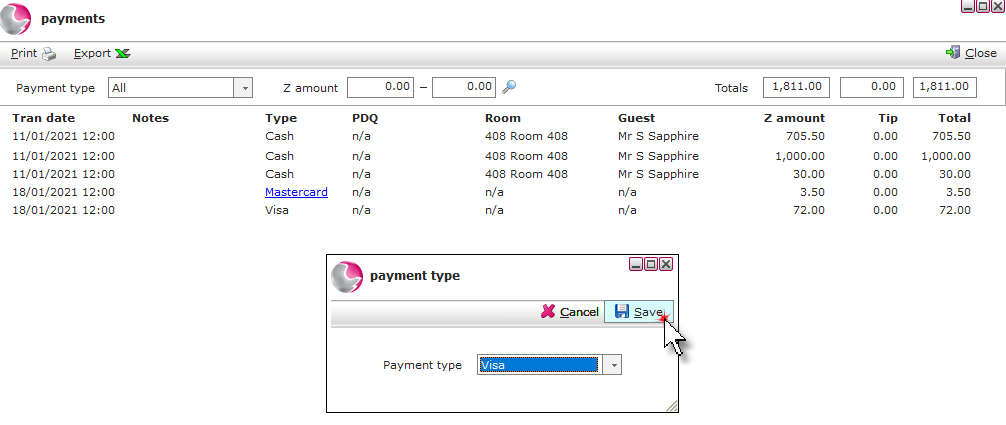
Select the correct payment type. Click Save.
Making adjustments and recording tips:
Click on the Z reading.
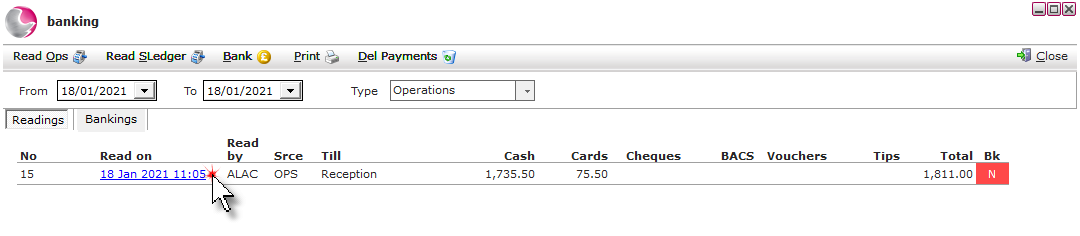
Right click on the payment method at the bottom of the banking form. Click Edit.
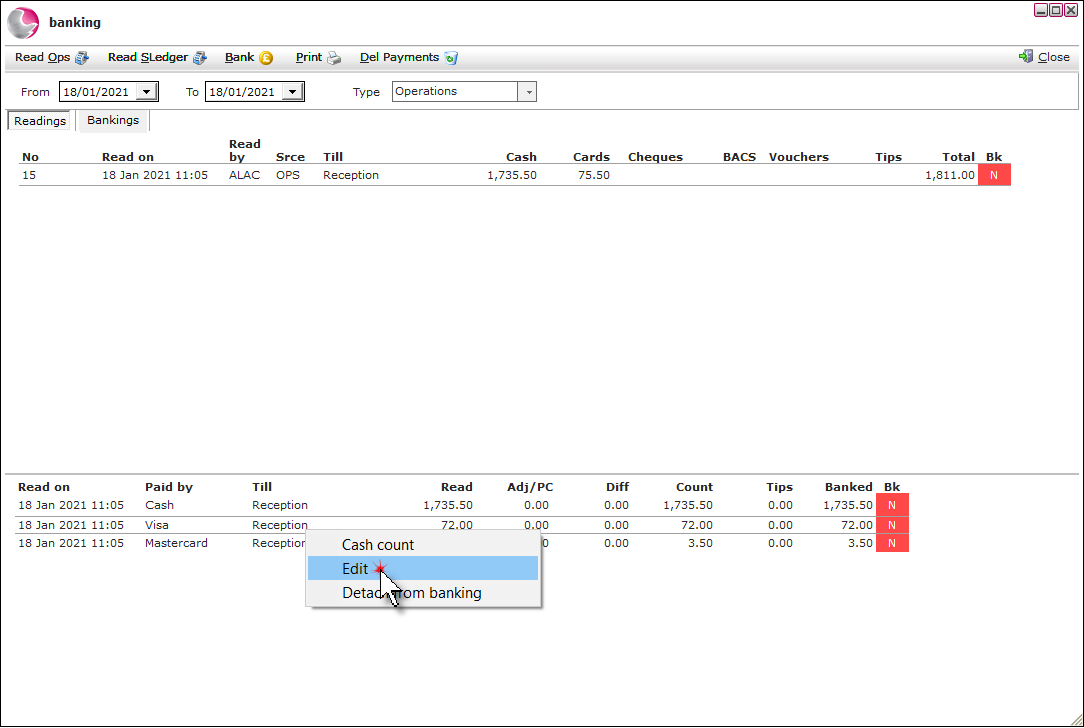
Enter the actual amount in the net count field. Enter any petty cash or adjustments in the Petty cash /adj field and add any tips received. Click Save.
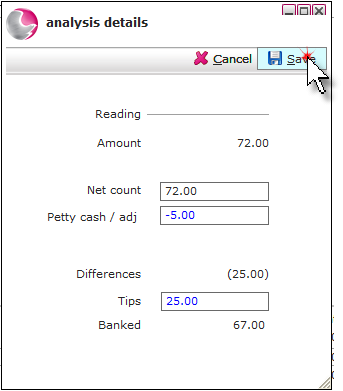
The Differences section of the form should now reflect your exact physical money totals - either positive (+) or negative (-) (shown in brackets).

Click Close.
