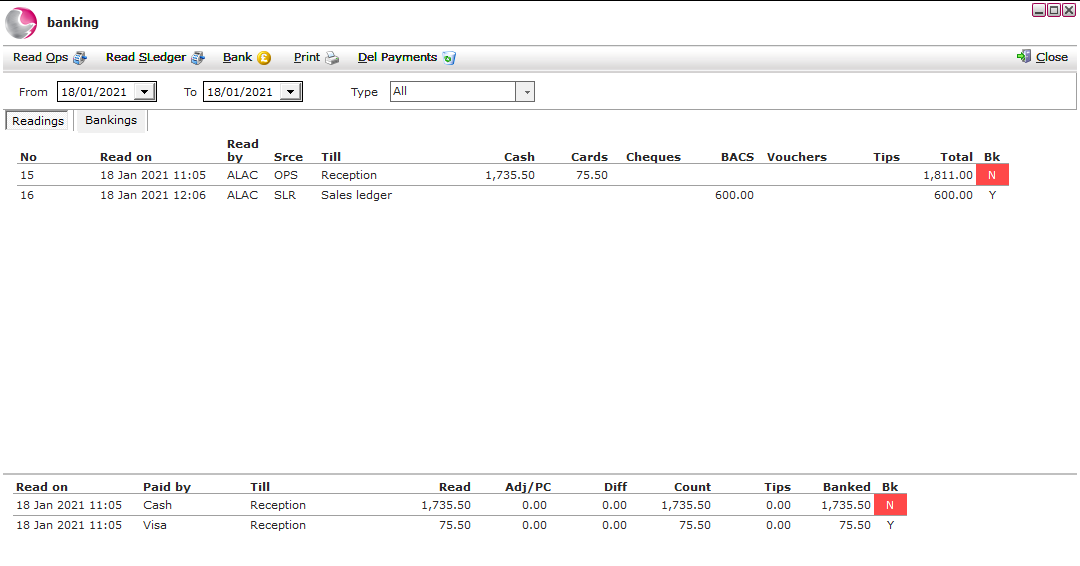
Once the Z reads have been reconciled they can be banked. The banking process collects all the Z reads up to a specific date providing a summary of the total taken from each payment type.
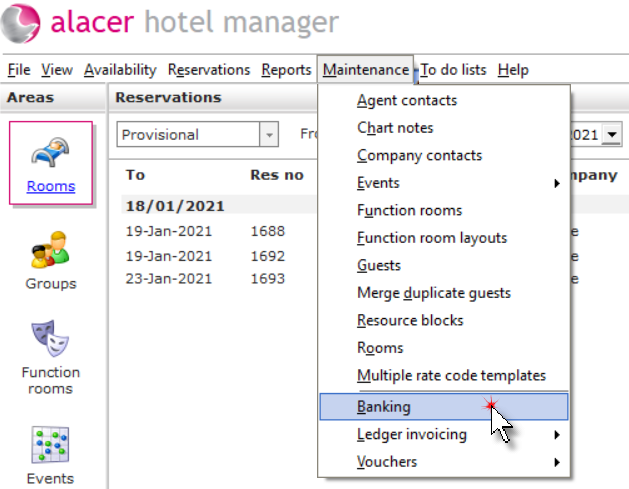
Click on Banking from the Maintenance menu.
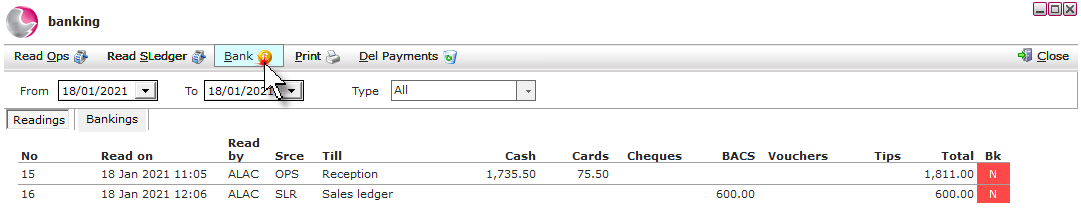
Click on Bank.
Select the dates. Click Run.
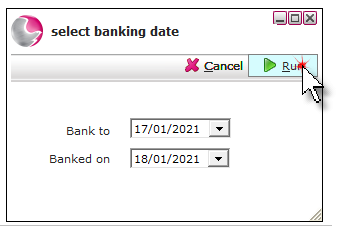
Bank to: The end date of the transactions.
Banked on: The date the banking is run.
The status of all the reconciled Z readings will be updated to Y. Click Close.
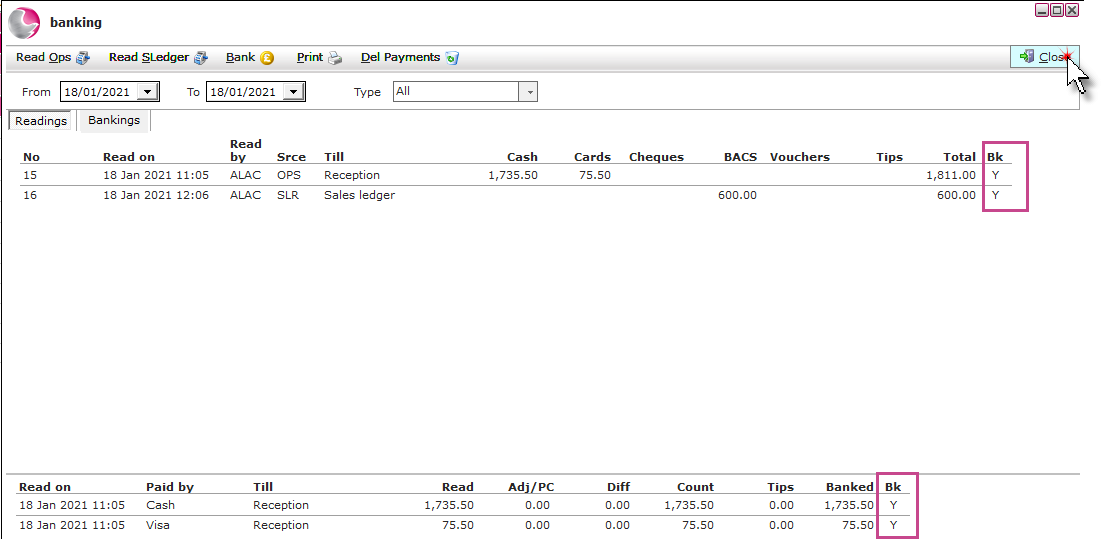
Detach a transaction from the banking:
Should an error be found after the banking has been run. a transaction can be detached from the banking.
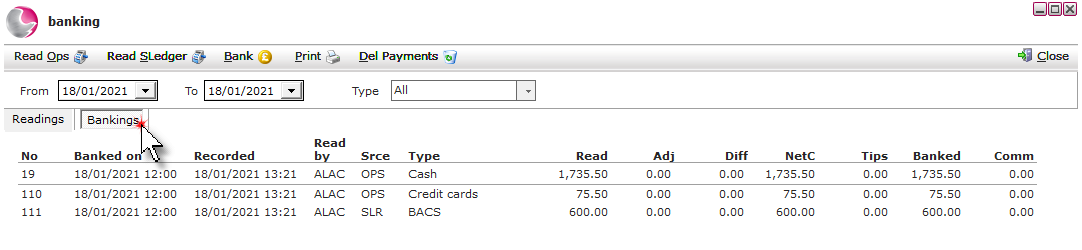
Click on the banking's page.
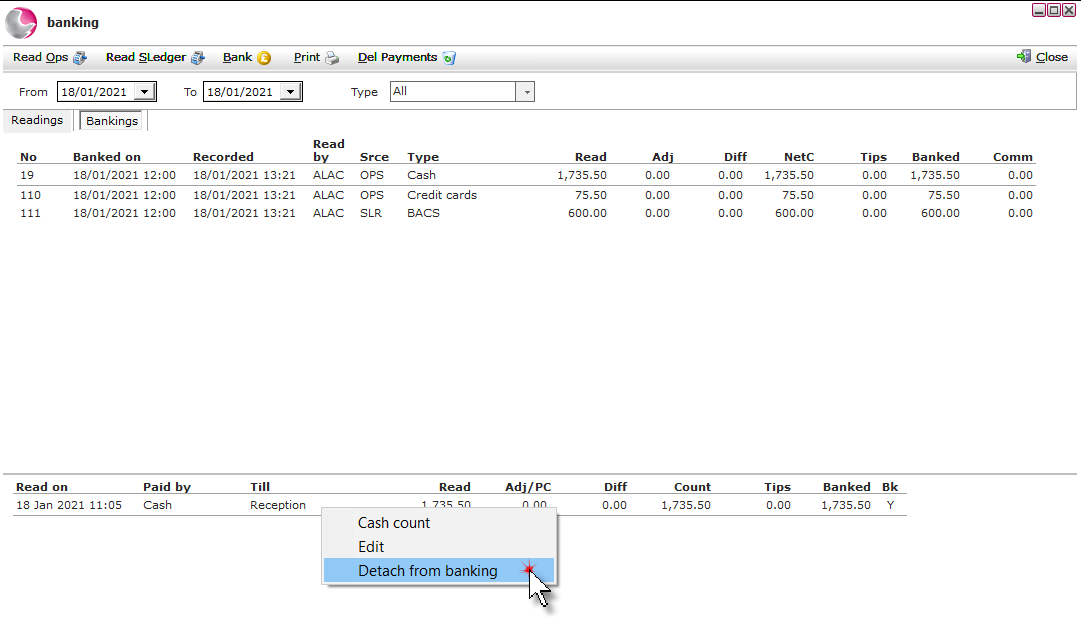
Click on the transaction payment type. Select Detach from banking from the bottom of the banking screen.
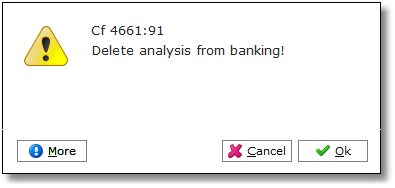
Click Ok.
This will move the transaction back to the reading analysis screen and will display the red box with the letter N in the Bk column next to it confirming the transaction as unreconciled.