
Allocations are the method used to release bedroom availability to the Alacer web engine.
There are two types of allocations that can be set up in the system:
Base Allocations - The number of rooms that have been negotiated with a booking agent that only they can sell.
Flexible Allocations- This is the number of rooms that have been negotiated with a booking agent that they can sell on behalf of the hotel, but can also be sold by the hotel directly.
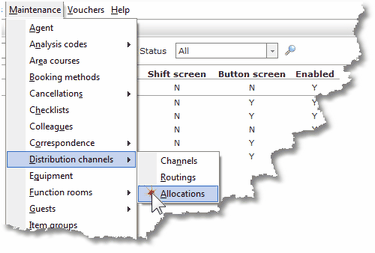
1. Select Distribution channels then Allocations from the Maintenance Menu.
2. Click on New.

3. Complete the Allocation form.
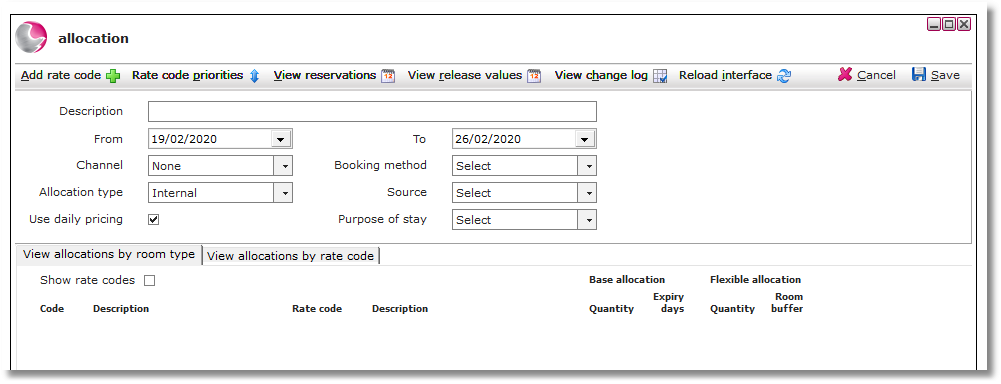
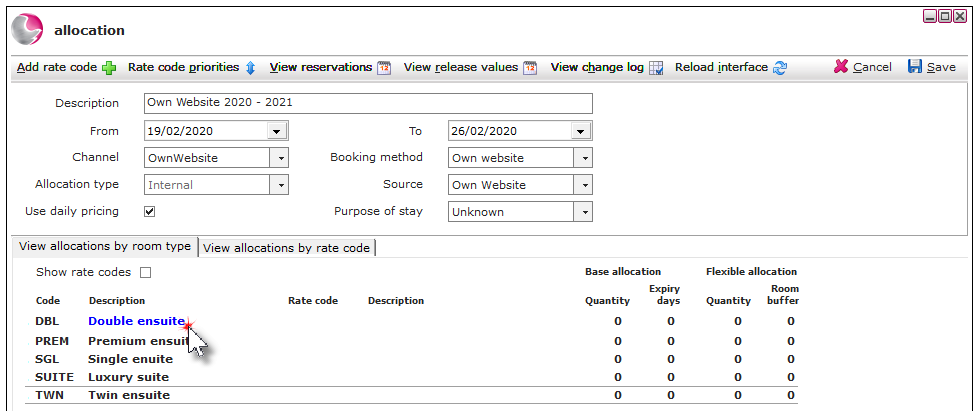
Description: Enter the description of the allocation, usually the channel name, month and year.
For example: Own Website March 2021.
Date Range (From & To): Select a date range for the allocation. The Alacer web engine allocations can be set up yearly.
Channel: Select OwnWebsite
Allocation Type: This will be generated automatically depending on the channel selected.
Use Daily Pricing: Daily pricing will be ticked as a default, untick to use average pricing for the rate codes attached to the allocation.
Booking method: Select a booking method.
Source: Select a source code.
Purpose of stay: Select a purpose of stay (if known).
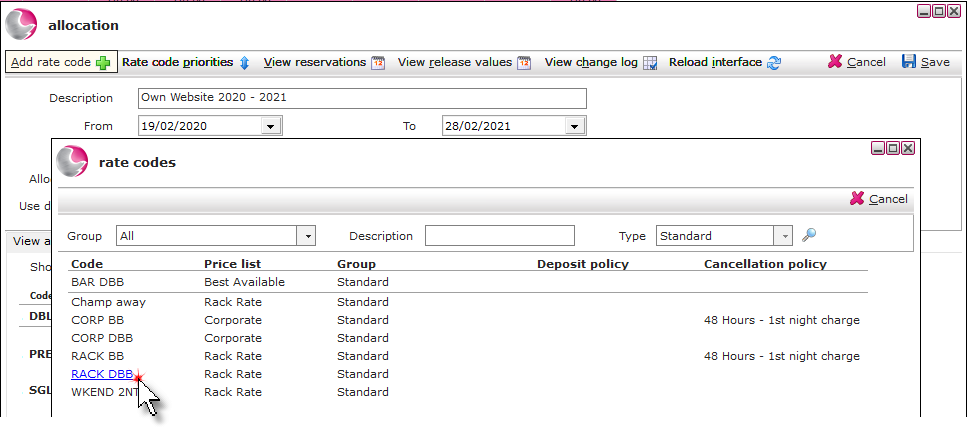
4. Click Add rate code and select the required rate.
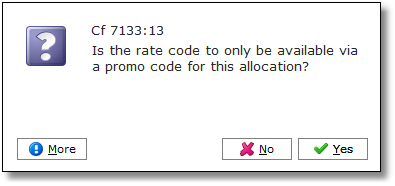
5. If the rate code is only available via a promotional code click Yes to enter the promo code. If not click No.
See How to Create a Promo Code
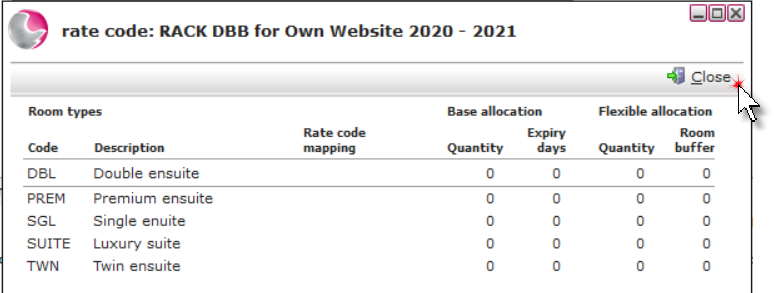
6. Click Close.
7. Click on the room type from the view allocations by room type.
8. Complete the allocation for room type form.
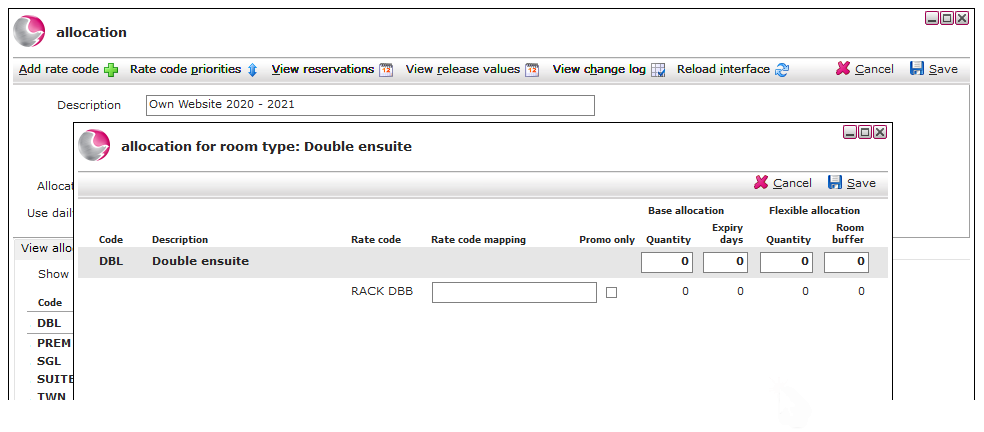
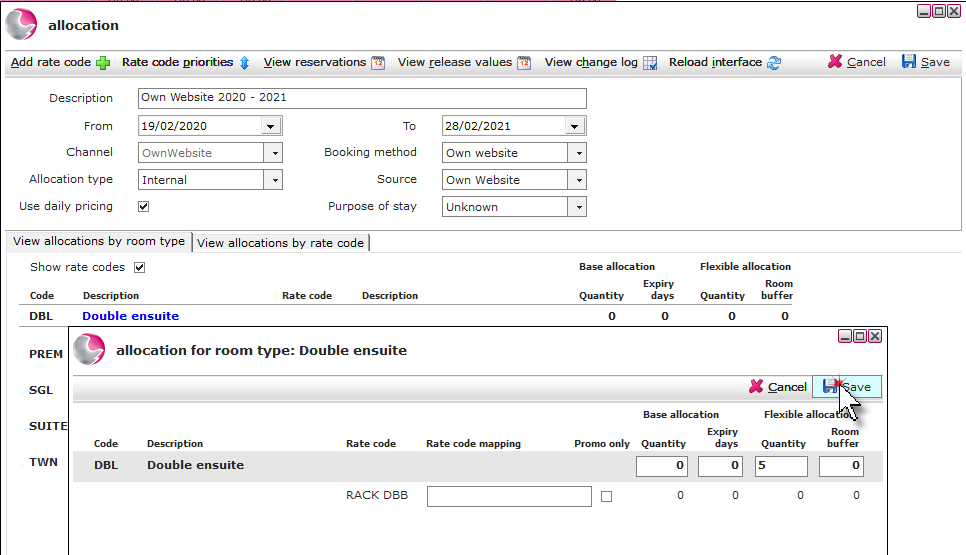
Flexible allocation- Quantity: enter how many rooms that can be sold through the web engine channel.
9. Click Save and repeat for all room types.
See Next: How to Copy Existing Allocations (Distribution Channels)
How to Create a New Rate Code