
Purpose of stay options record the reason why a guest has chosen to use the facility, this helps with collating statistical data for marketing purposes.
Adding a New Purpose of Stay
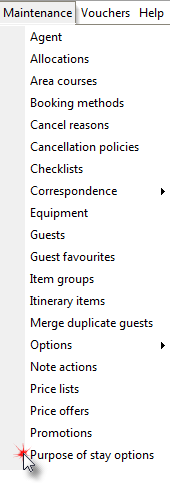
1. Click Purpose of stay options in the Maintenance menu.
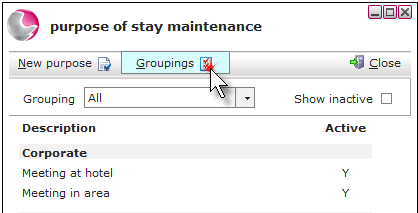
2. Click Groupings.
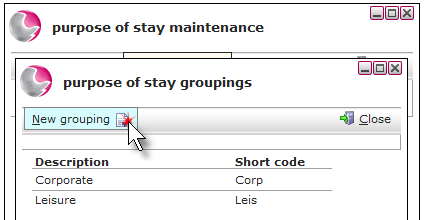
3. Click New grouping.
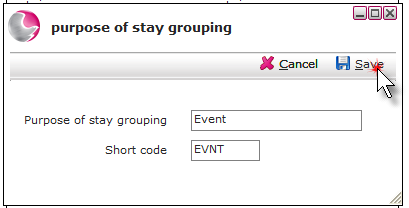
4. Enter a description of the grouping and a short code. Click Save then Close.
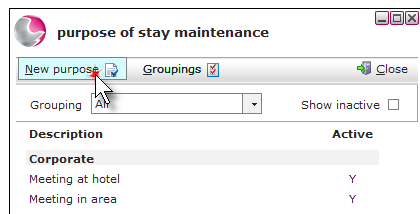
5. Click New purpose.
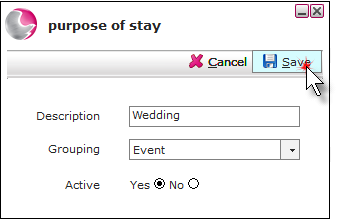
6. Enter a description of the purpose of stay and select a grouping. Click the 'yes' checkbox to make the purpose of stay active. Click Save.
Deleting a Purpose of Stay Option
1. You can only delete a purpose of stay option if it hasn't been used against a reservation.
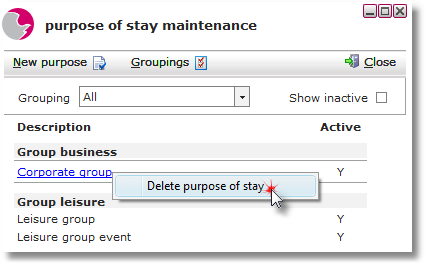
2. Right click the purpose of stay and click delete purpose of stay.
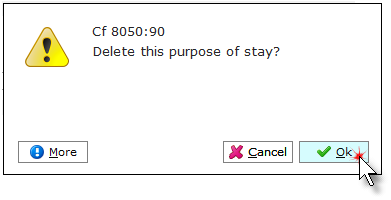
3. Click OK.
See next: How to Add New Booking Methods
How to Add New Source Codes