
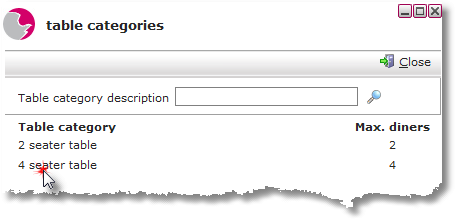
Table Categories are set up on the database by Alacer, should there be a requirement to add more please contact the Alacer Help Desk. The table categories display how many guests can occupy a table type.
Edit Table Categories
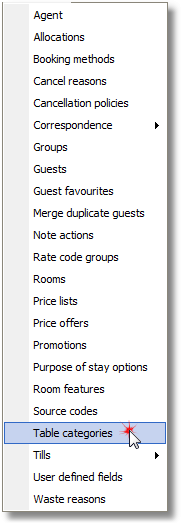
1. Click Table categories from the Maintenance Menu.
2. Click on the selected Table category.
3. Enter the total number of maximum diners for the table category.
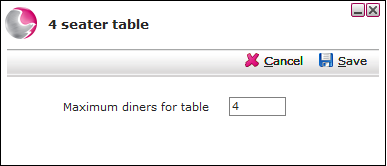
4. Click Save.
How to Manage Tables (Restaurant Manager)
How to Link Tables within a Reservation