
Equipment can be booked out against reservations to enable staff to see where and when equipment is in use.
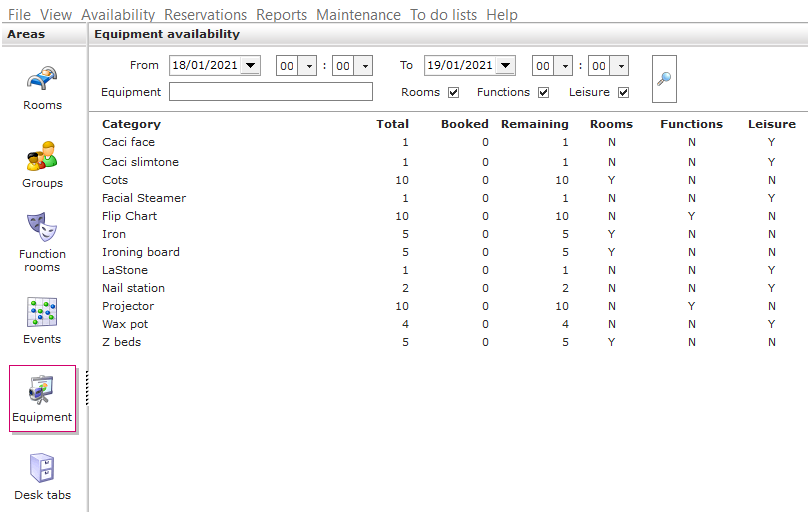
Equipment Availability:
1. Click on the equipment icon in the areas section.

2. Use the filters and click on the magnifying glass to display available equipment.
Checking Equipment Reservations:
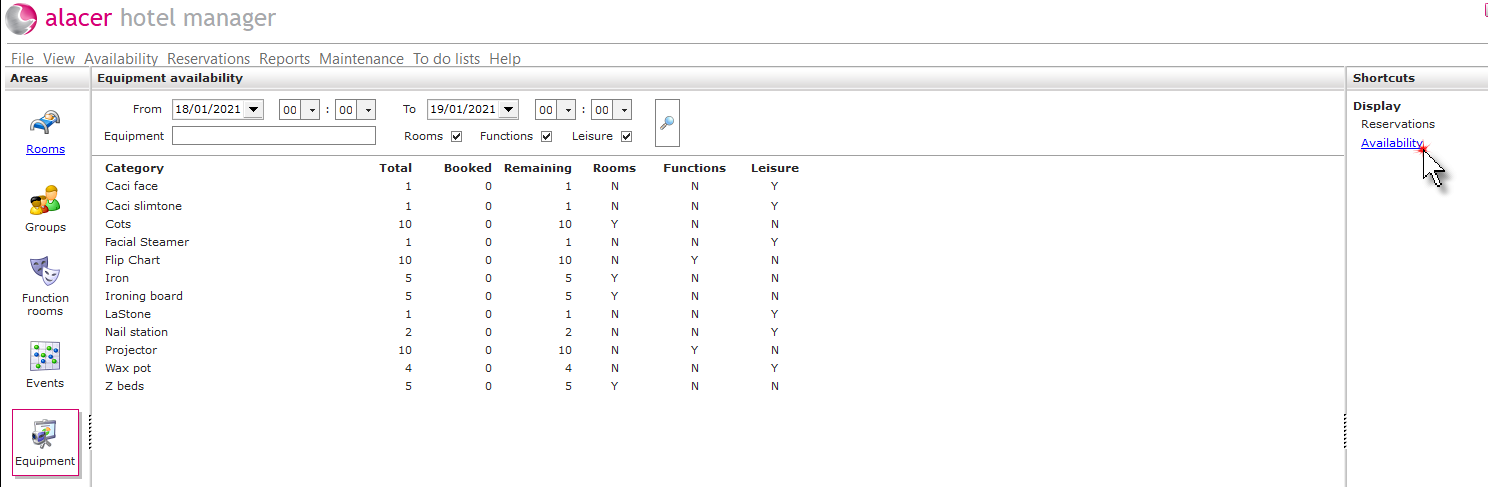
1 Click on reservations under the display shortcut.
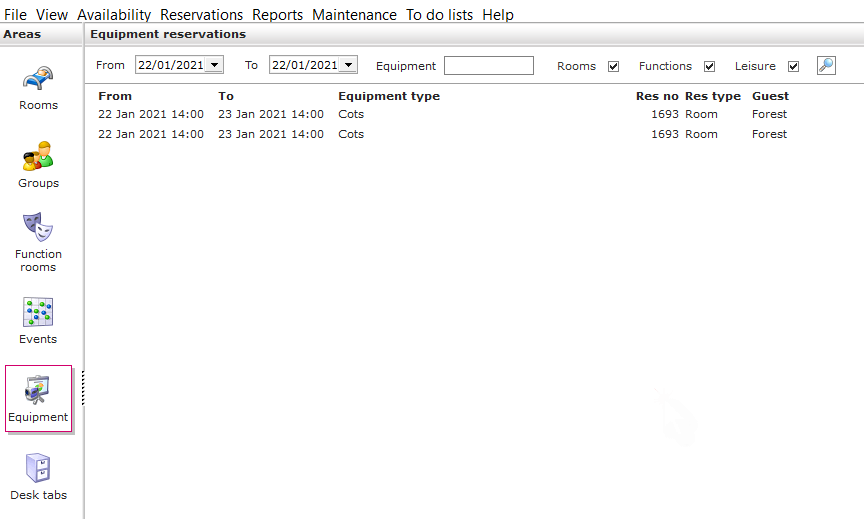
2. To view all the available equipment that has been reserved, use the filters to define your search and click on the magnifying glass.
See next: How to Add/Remove Equipment on a Reservations
How to Add New Equipment in Admin Manager