
The guest search form is used to locate existing guests and to create a new guest record.
1. Enter the surname or any known details of the guest in the available search fields. Click the magnifying glass or press return on the keyboard to activate the search.
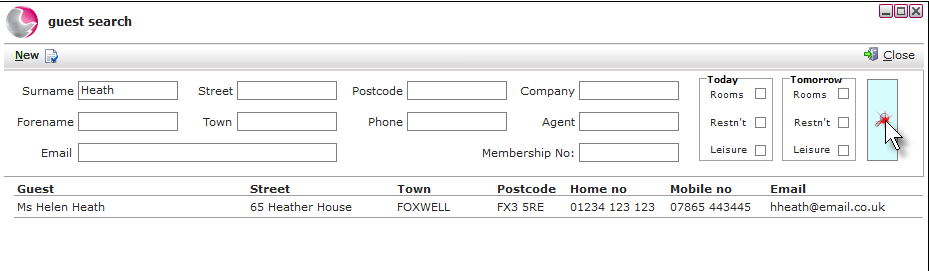 2. This will display the guest details stored in the database, clicking on the guest will open up the guest's profile.
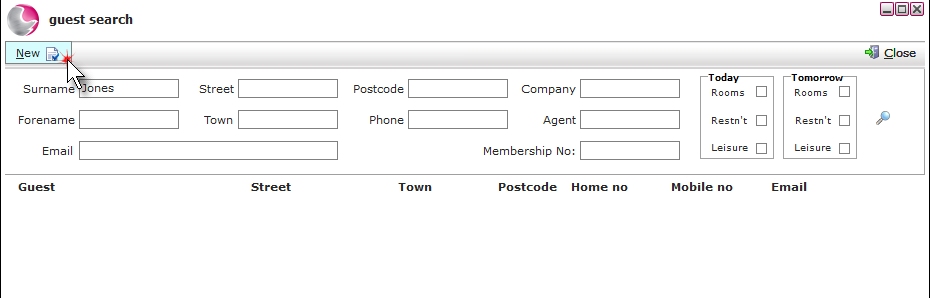
3. If the guest is not found in the database click on New.
4. The guest details form will appear. It is good practice to gain as much information as possible to enable successful marketing. The details entered at the time of inputting a reservation will be determined by the individual hotel's procedures and processes, but the minimum information such as name, address, telephone, and email contact details should be entered to contact the guest prior to their arrival. The fields marked with a red dot are mandatory fields.
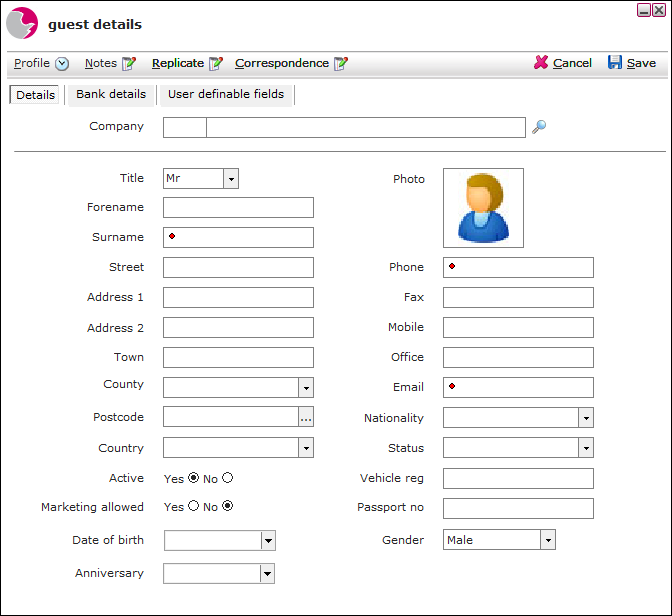
5. Click on Save to continue with the reservation.
See next: How to Merge Duplicate Guest Profile
How to Create Bedroom Reservations