
Rate Code groups are simply a tool to group rate codes together and filter the rate code display.
For example: Corporate, Leisure, Christmas.
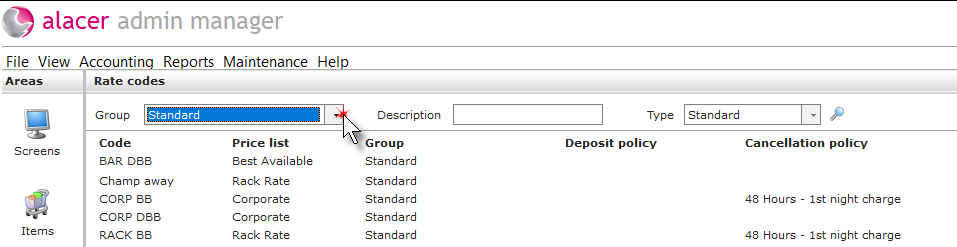
Create a new rate code group:
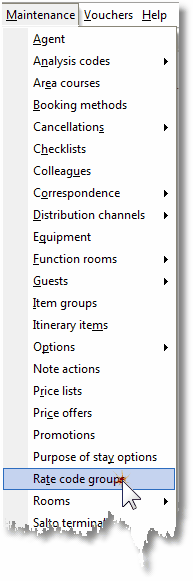
1. Click on rate code group under the maintenance menu.
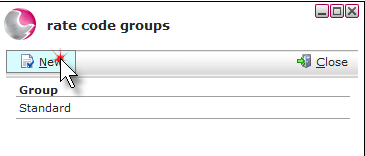
2. Click New.
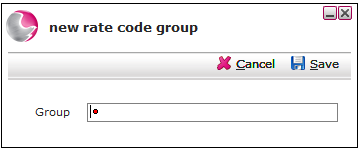
3. Enter a group description and click Save.
See next: How to Create a New Rate Code
How to Delete a Rate Code