
Application access can be granted or removed from the user profile by a colleague onsite with the appropriate security permissions. If you are unsure who the Alacer administrator is onsite, please contact your manager in the first instance.
1. Click on the Users icon in the Areas section of the screen.

2. Find the user and click on their name.
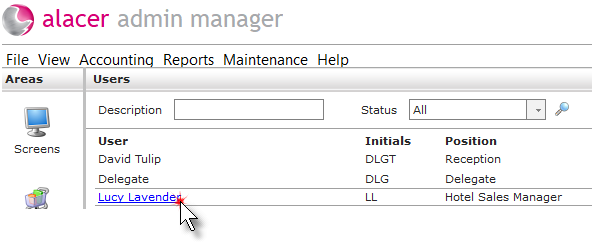
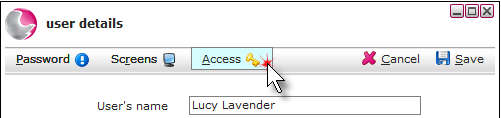
3. Click Access.
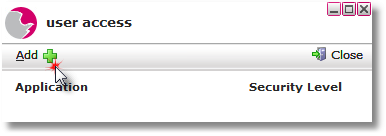
4. Click on Add.
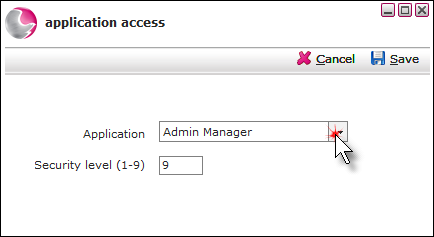
5. Select the applications from the drop-down menu and enter the application level, 9 is the highest level. Click Save.
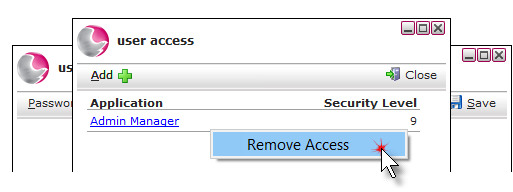
6. To remove application access, right-click on the application to be removed. Click Remove access.
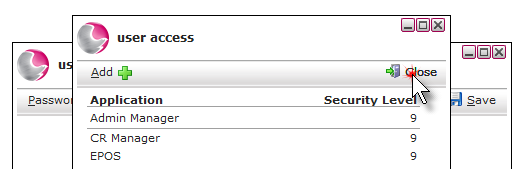
7. When all of the required applications have been added/removed, Click Close.
See next: How to Create a New User
How to Unlock User Profile