
If duplicate guest records have been created, use Manage duplicate guests to merge them. This keeps all the guest's important information and makes the database easier to use.
Before you start: The target is the guest profile you want to keep. The duplicate is the profile that will be merged into it.
Merging duplicate guests
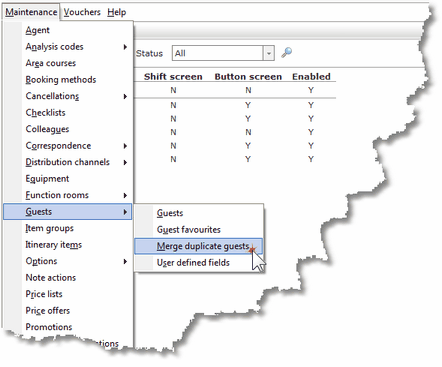
From the Maintenance Menu, click Guests, then Manage duplicate guests.
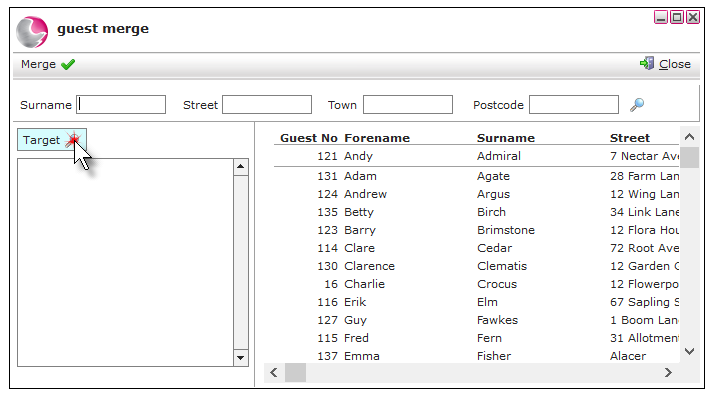
Click Target.
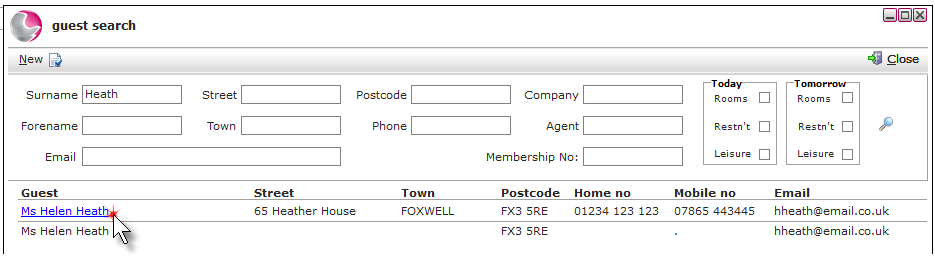
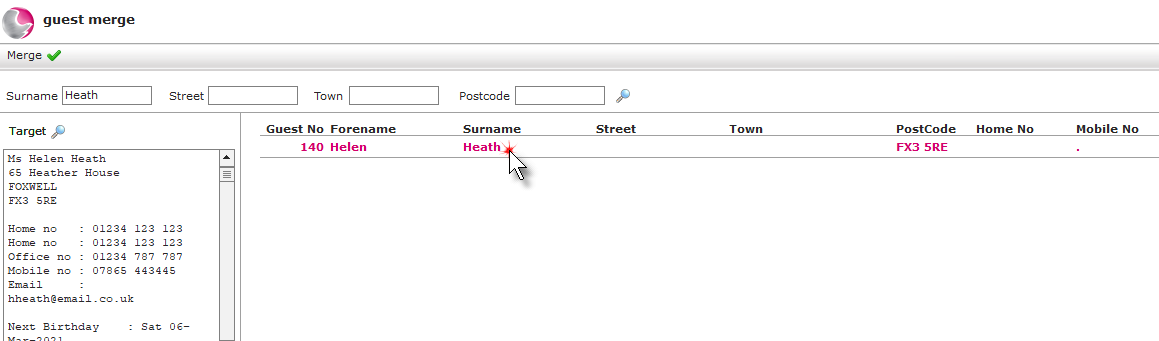
Use the search fields to find the guest profile you want to keep, then click it.
Use the search fields to find the duplicate guest.
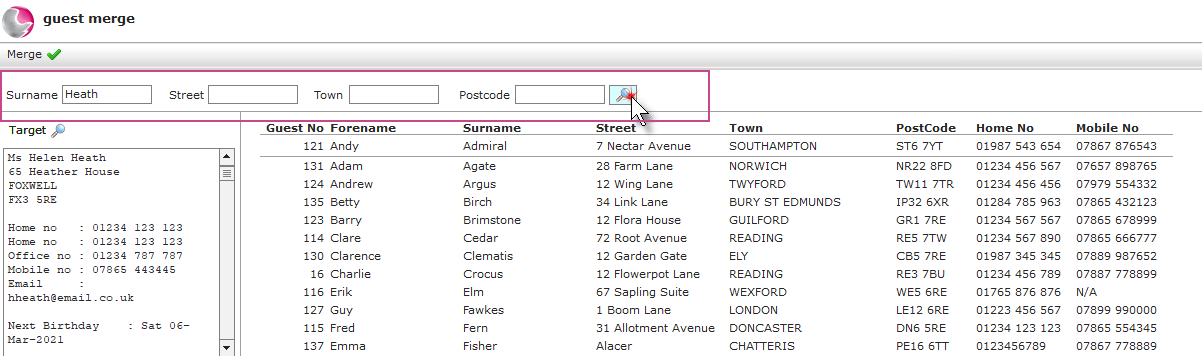
Select the duplicate guest. The guest's name is highlighted in pink.
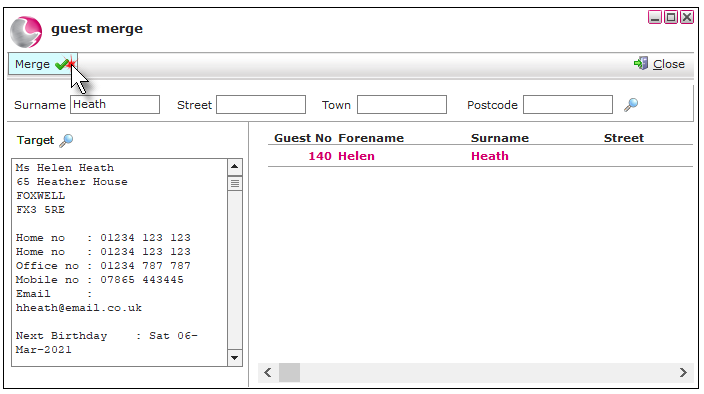
Click Merge.
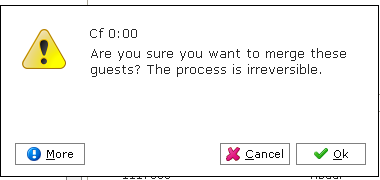
Click OK.
Related articles