
When an item is no longer available for sale it can be disabled.
Disable an Item:
1. Find the item.
2. Left-click on the selected item to open the item details form. Select No in the Enabled checkbox.
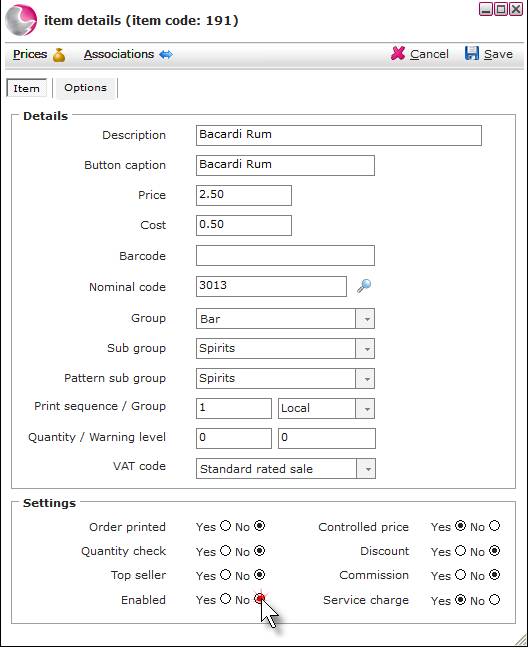
3. Click Save.
Deleting Items:
An item can only be deleted if it has never been sold and there are no transactions against it. If an item has been sold previously it will need to be disabled.
Depending on the version of the application, the option to archive an item may be available.
1. Right-click on the selected item. Click Delete.
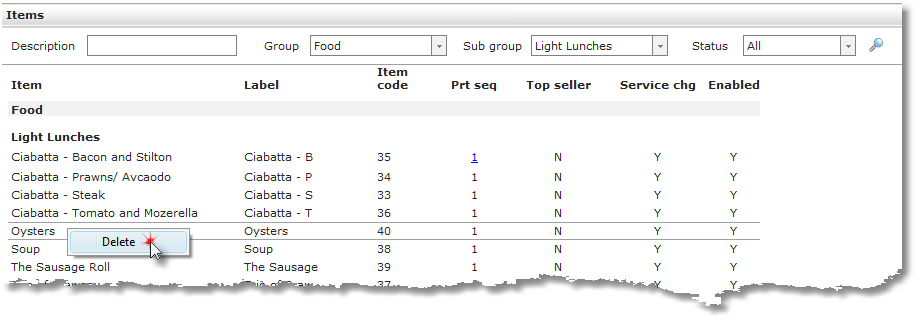
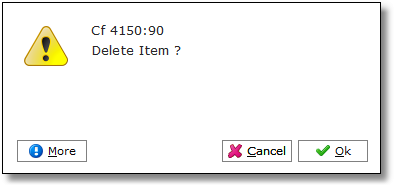
2. Click Ok.
See next: How to Create New Items
How to Create a Standard Package