
Deleting a screen is permanent and it cannot be recovered. If a screen is no longer needed it can be disabled for use in the future.
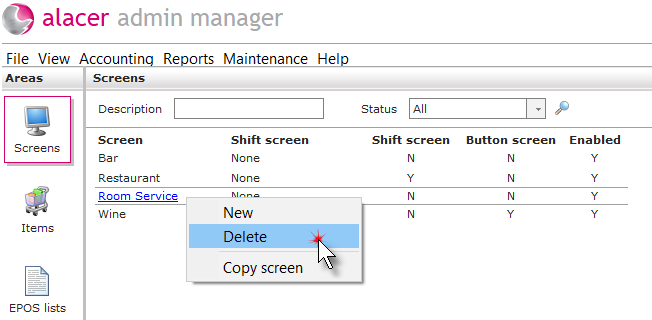
1. Click on the Screens icon in the Areas section.

2. Right click on the screen and select Delete.
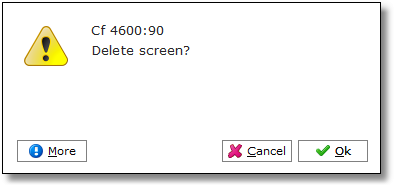
3. Click Ok.
See next: How to Create a New EPOS Screen
How to Create a New EPOS List