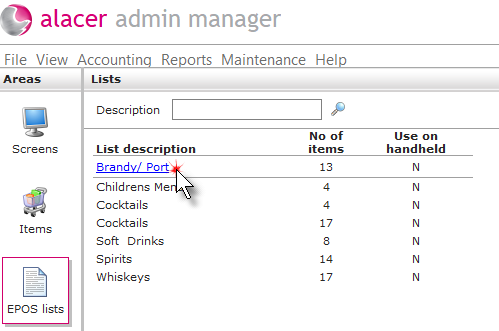
1. Click on the EPOS Lists icon in the Areas section.

2. Click on the EPOS List.
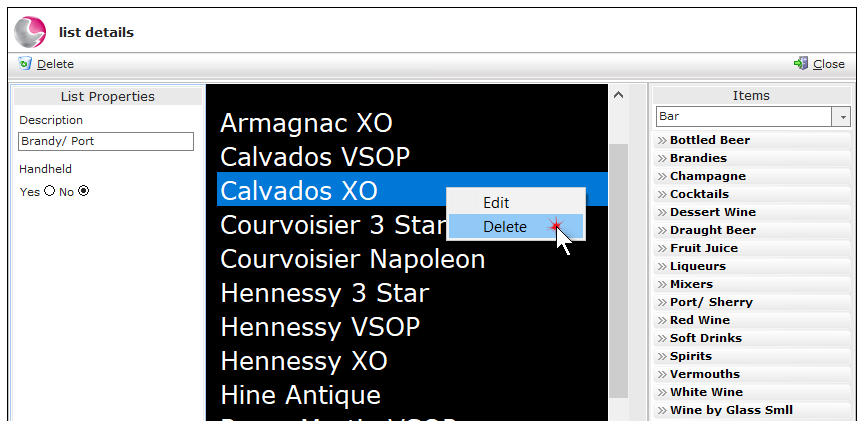
3. Right click on the selected item and select Delete.
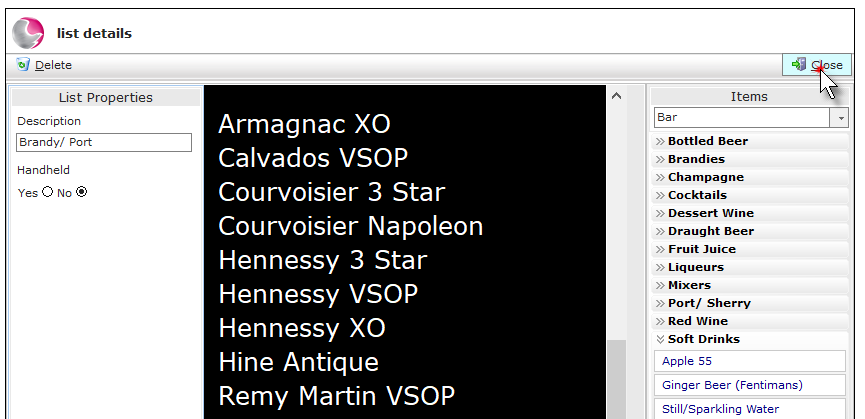
4. Click Close.
See next: How to Create a New EPOS List
How to Delete EPOS Lists

1. Click on the EPOS Lists icon in the Areas section.
2. Click on the EPOS List.
3. Right click on the selected item and select Delete.
4. Click Close.
See next: How to Create a New EPOS List
How to Delete EPOS Lists