
Cancel a sold voucher so it can't be redeemed.
Cancel a voucher
Click Sold vouchers.
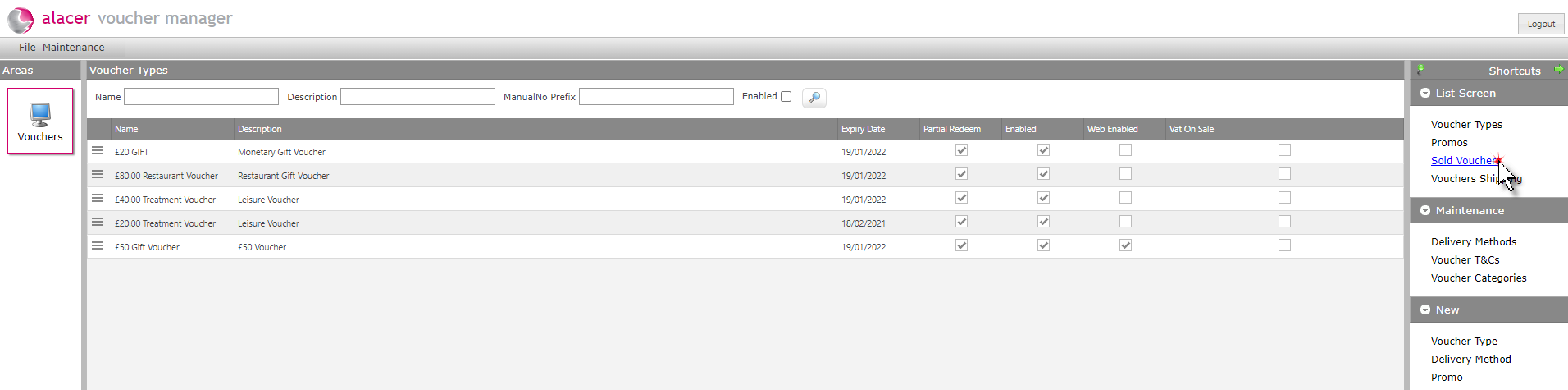
Click the voucher.

Click Cancel voucher.
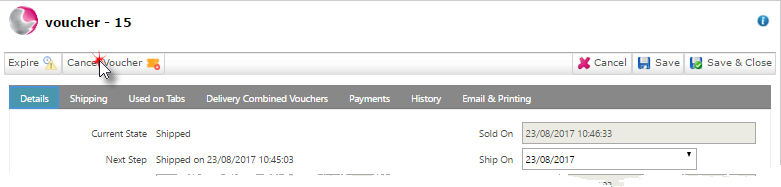
Select an option. See Cancel options below.
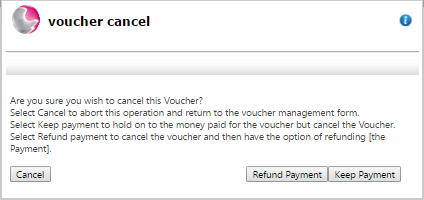
Cancel options
| Option | What it does |
|---|---|
| Keep payment | Keeps the revenue and cancels the voucher so it cannot be redeemed. |
| Refund payment | Cancels the voucher and refunds the payment. |
Related articles