
Expire a sold voucher to claim its revenue.
Good to know: Revenue isn't recognised automatically when a voucher expires. Once it reaches its expiry date, you can extend it to give the guest more time, or expire it and claim the revenue.
Expire a voucher
Click Sold vouchers.

Click the voucher.

Click Expire.

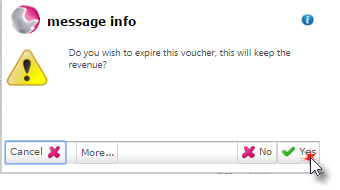
Click Yes.
Related articles