
Promos unlock a different price for an existing voucher type.
Good to know: For example, to run a half-price offer on a £15.00 Afternoon Tea voucher, give customers a promo code. When they enter it at online checkout, the price changes to £7.50.
Create a promo
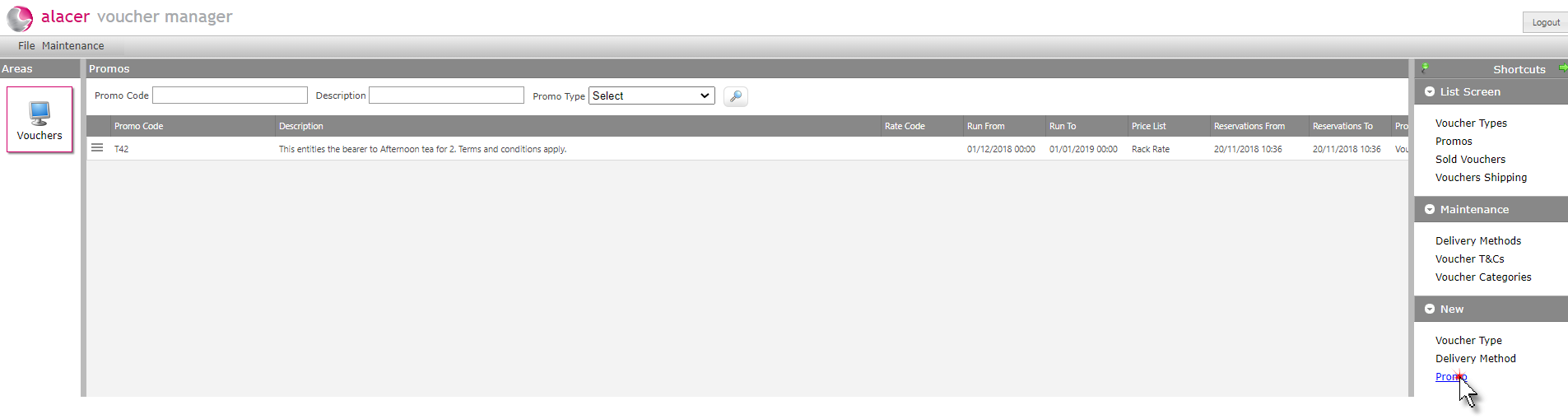
In the Shortcuts menu, under New, click Promo.
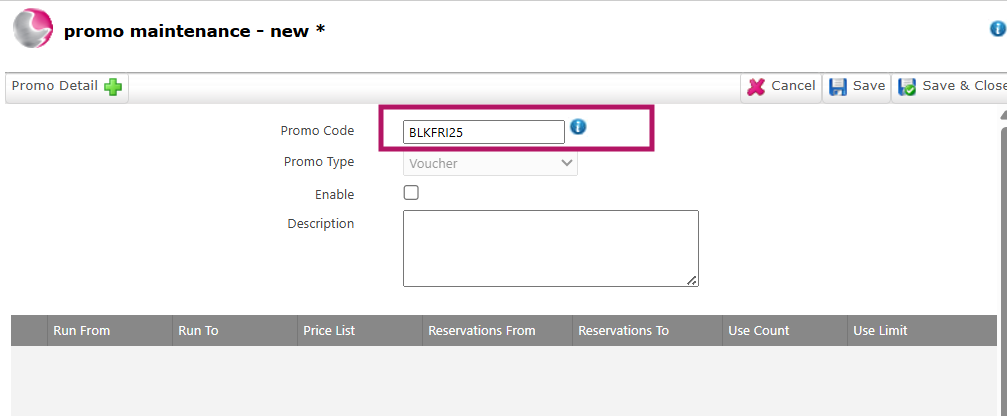
Enter the Promo code. This is the code guests enter at online checkout.
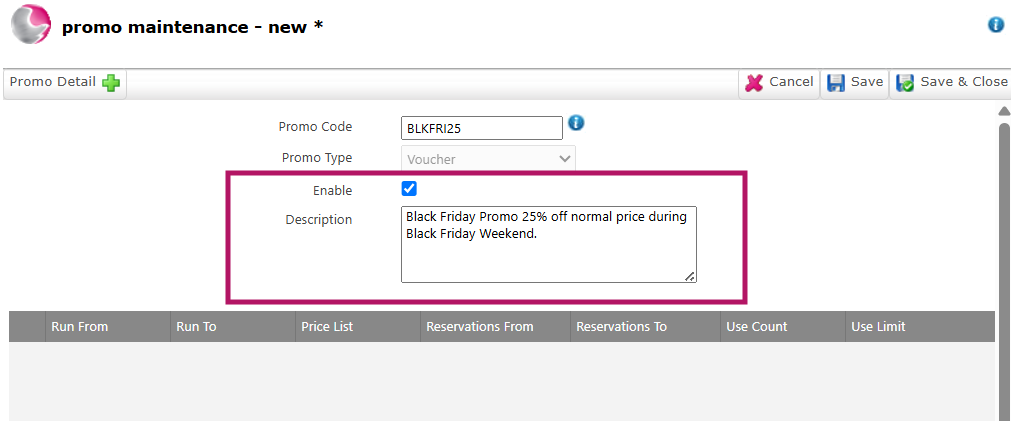
Tick Active.
Enter a Description of the promotion, for example Black Friday – 25% Off the Standard Rate.
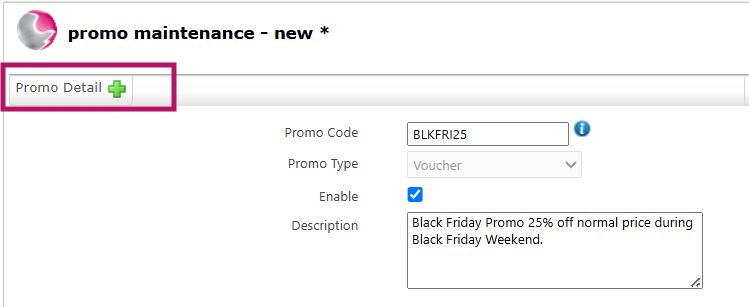
Click Promo detail.
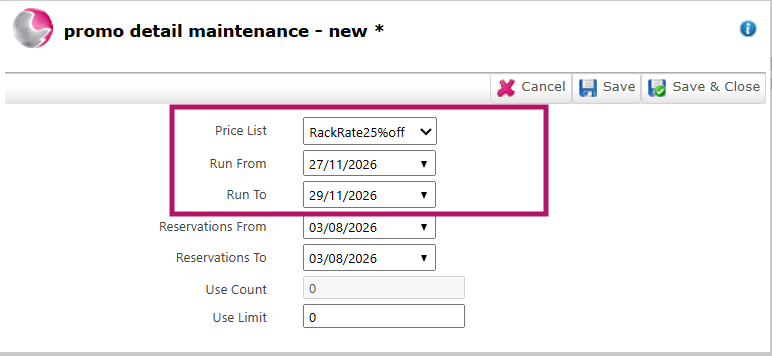
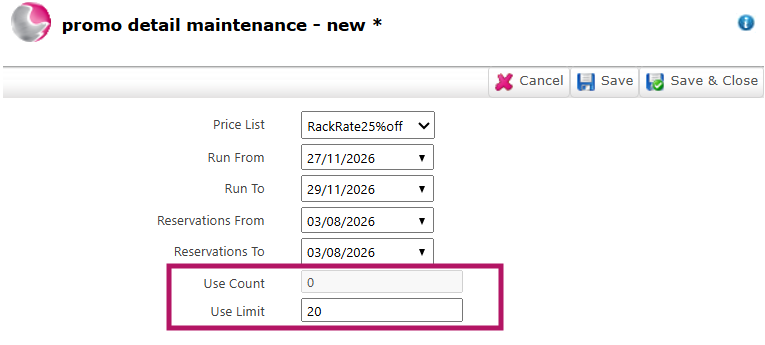
Complete the promo details. See Promo detail fields below.
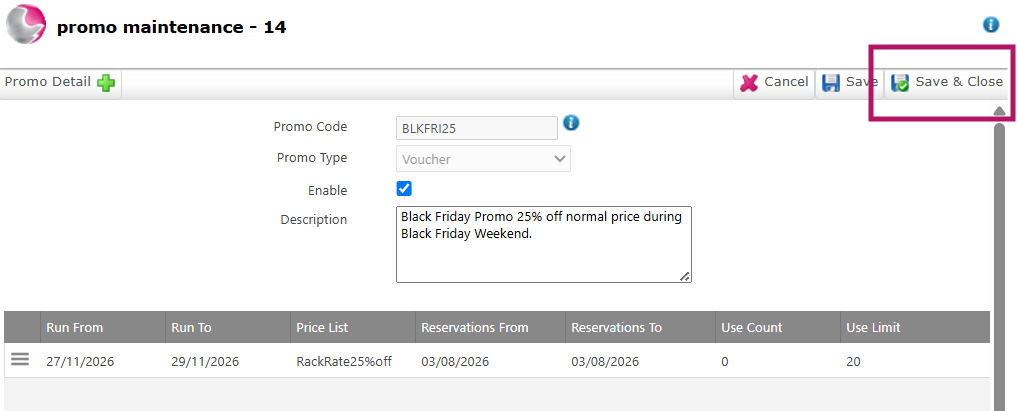
Click Save & Close.
Promo detail fields
| Field | What to enter |
|---|---|
| Price list | The price list the promo code uses. For example, for 25% off, create a price list with prices 25% below the Rack Rate. See How to Create a New Price List. |
| Run from and Run to | When the promotion is available. After the Run to date, the code stops working unless you extend the dates. |
| Reservation from and Reservation to | Not currently in use. |
| Use count | How many times the code has been redeemed. |
| Use limit | The most times the code can be redeemed. |
Related articles