
If you post vouchers from site, mark them as shipped so other users know they've been sent.
Good to know: Alacer offers a voucher fulfilment service. To find out more, contact the Alacer sales team on 0333 313 0066, option 1.
Mark a voucher as shipped
Click Vouchers shipping.

Click the voucher.

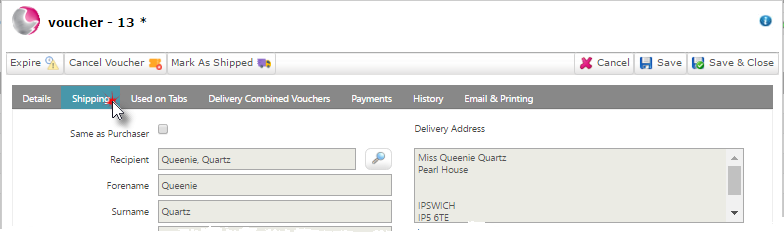
Open the Shipping page. The recipient details show.
Click Mark as shipped.
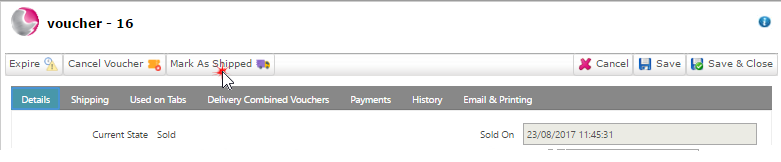
The mark as shipped icon disappears. Click Save & Close.
Related articles