
Check a sold voucher's history and the tab it was redeemed on.
In this article
Voucher history
Click Sold vouchers.
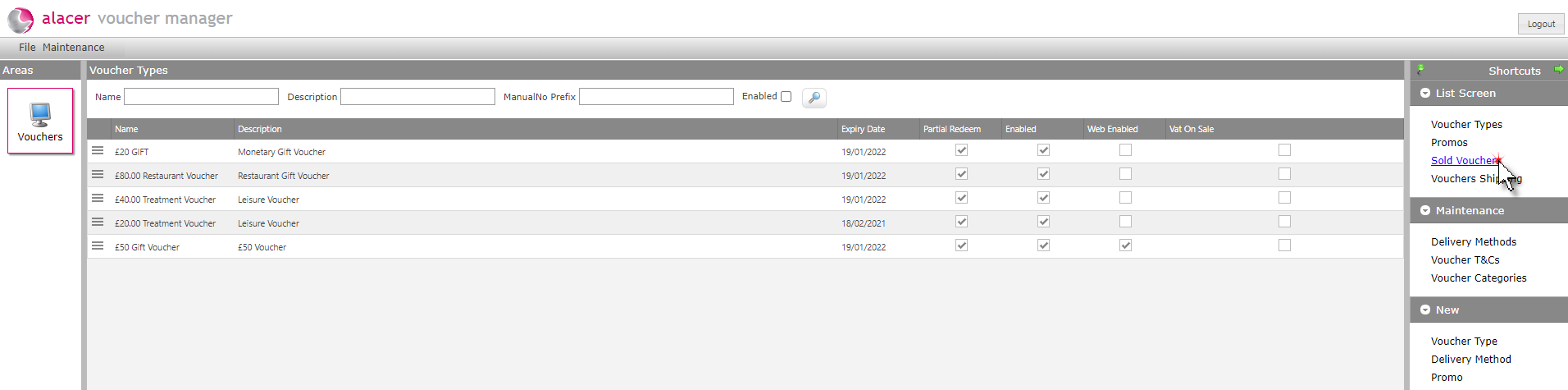
Click the voucher.

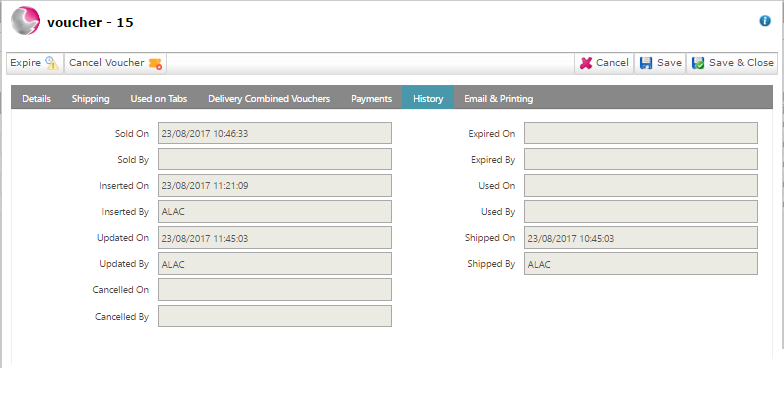
Open the History page.

The voucher's history shows.
Used on tabs
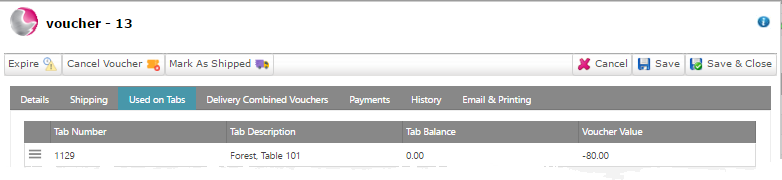
On the voucher, open the Used on tabs page.

This shows the tab number the voucher was redeemed on, the tab description, the current tab balance and the original voucher value.
Related articles