
This is the section where Z readings can be run as part of the Financial Control process. Performing a Z read produces a summary report for the takings on the chosen till/PC by payment type.
Running the Sales Ledger Z Read:
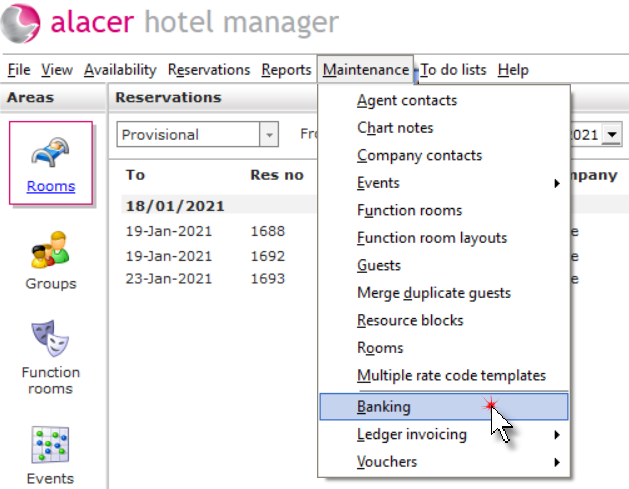
Click on Banking from the Maintenance menu.
Click on the type menu and select sales ledger.

Click Read SLedger.

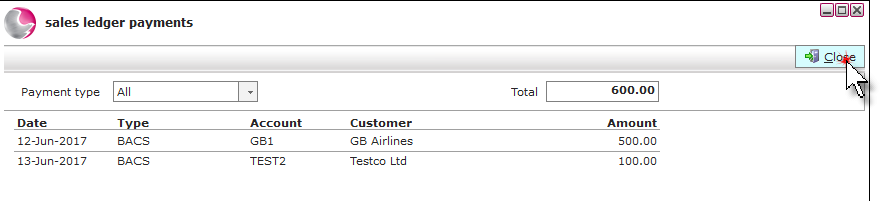
Before running the Z Read it is possible to view the payment type analysis to check that it is correct by clicking on one of the payment types listed.
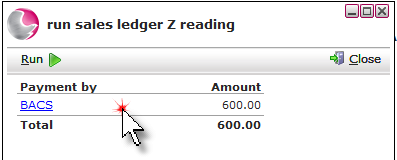
A list of all the sales ledger payments will be displayed. Click Close.
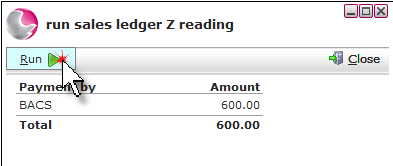
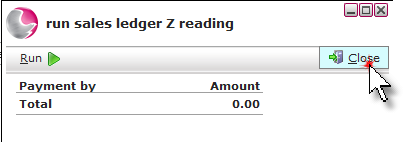
Click Run.
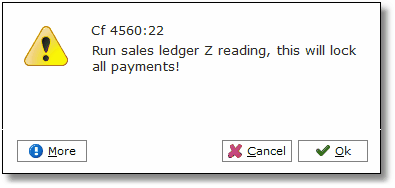
Click Ok.
Click Close.
The Z read will appear on the banking's form under the date it was run. Click Close.
