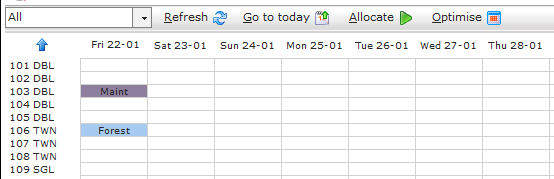
A resource block is used to temporarily remove a room from being used due to maintenance, renovations, deep cleaning etc. This will effect room availability as the room will be out of action, however this helps the user identify rooms that can't be sold or used to accommodate a guest avoiding any over-booking or customer complaint issues.
Adding a resource block:
Click on the Maintenance menu, click Resource blocks.
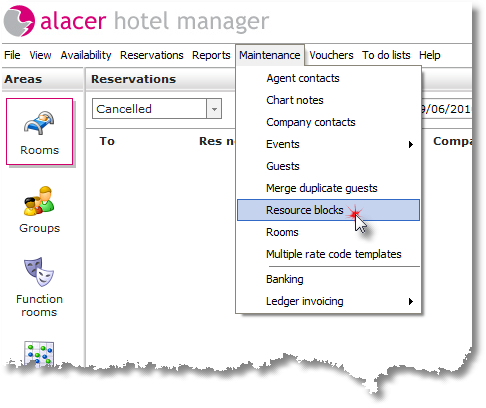
Or
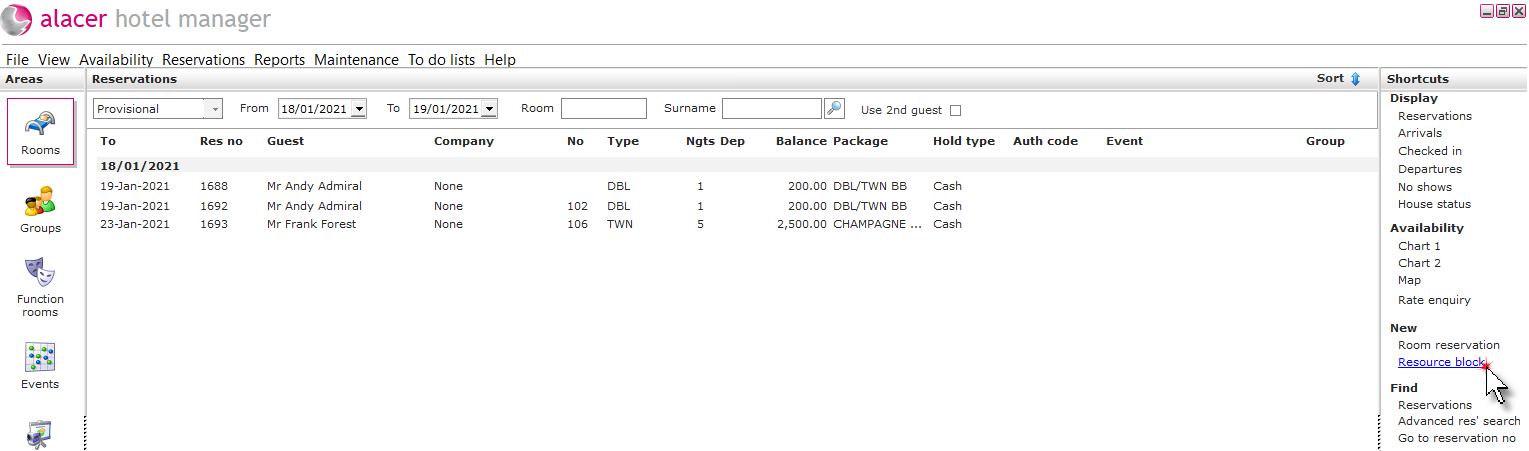
Click on Resource block under the New shortcut.
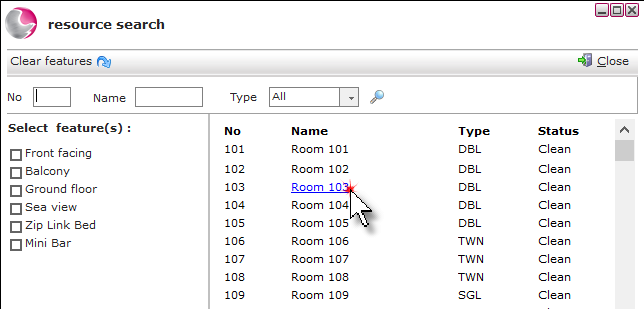
Click on the 3 dots in the room field.
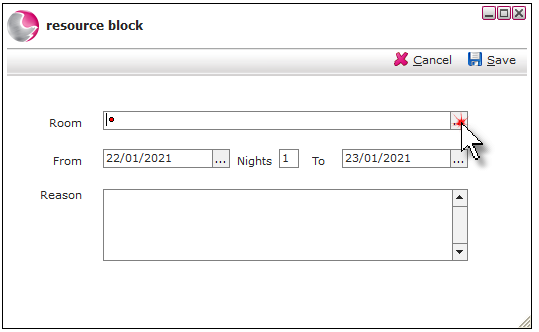
Select the room.
Select the required dates and enter a reason. Click Save.
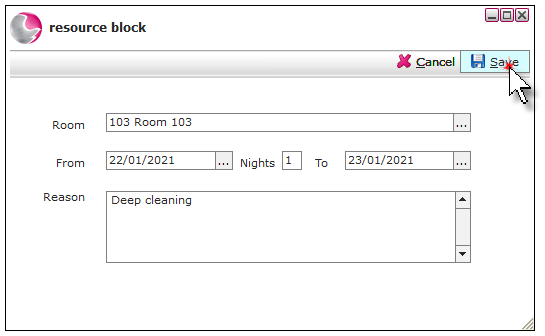
The resource block .