
Click on Vouchers then Voucher management from the Maintenance menu.
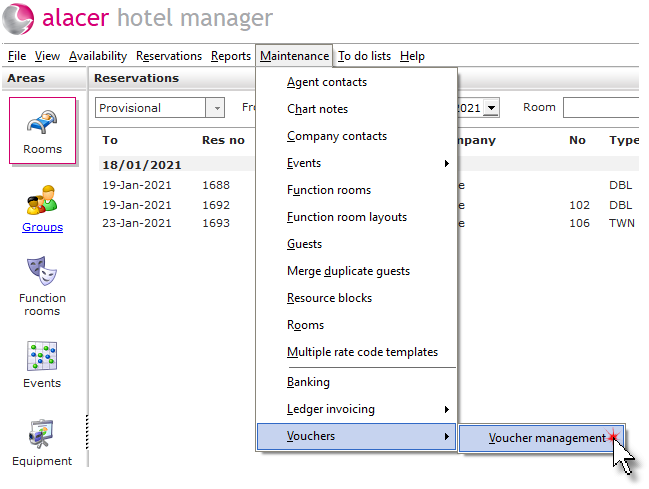
Cancel a voucher:
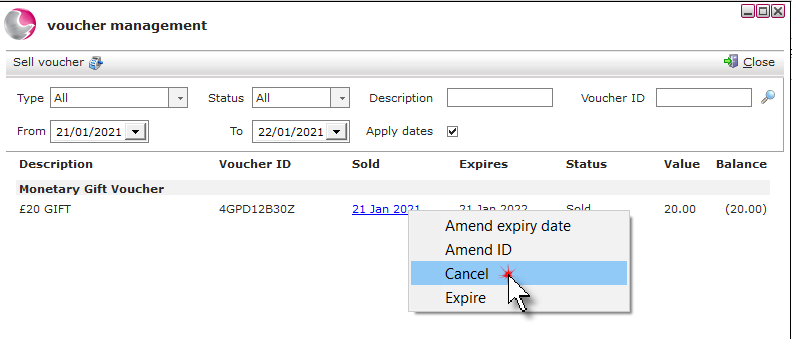
Right click on the voucher. Select Cancel.
Select an option.
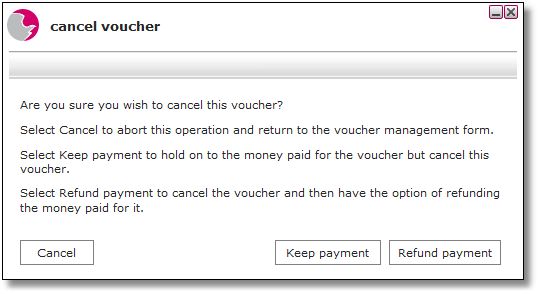
Keep payment: Select to keep the revenue for the voucher and cancel the voucher on the system so that it cannot be redeemed. If Keep payment is selected, the voucher status is changed to expired.
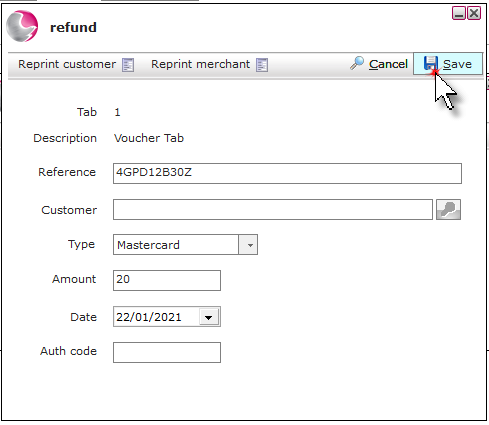
Refund payment: Select to cancel the voucher and then refund the payment.
Click OK.
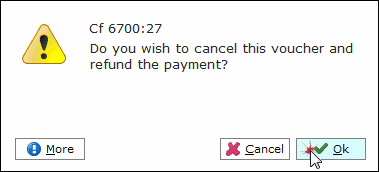
Select the payment type and click Save.
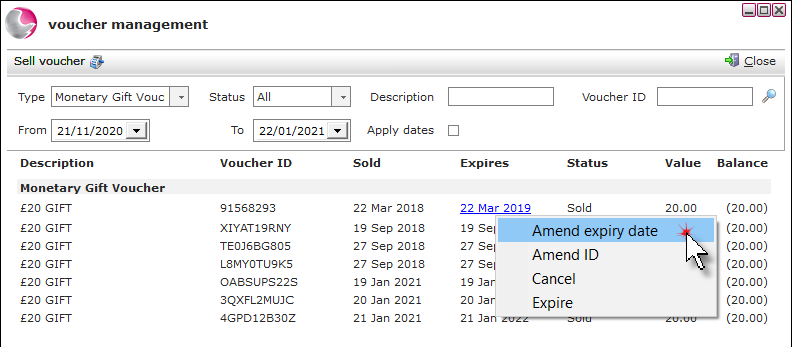
Amend a vouchers expiry date:
Right click on the voucher. Select Amend expiry date.
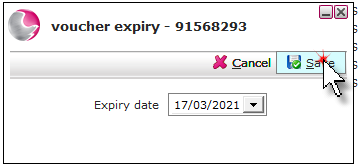
Select the new date and click Save.
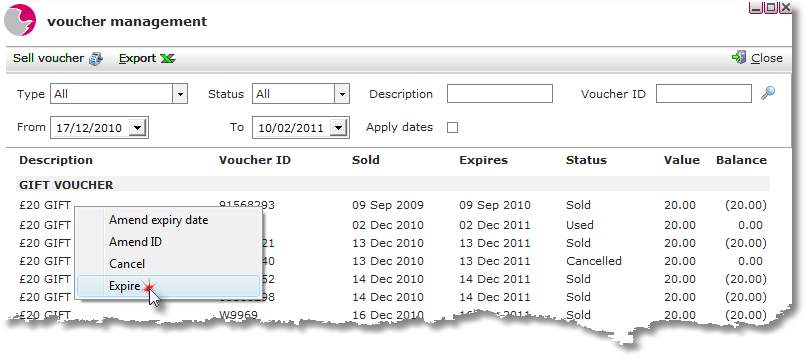
Expire a voucher:
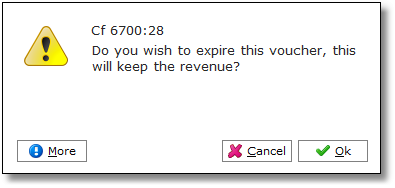
Right click on the voucher and select Expire.
Click OK.
Amend a Voucher ID:
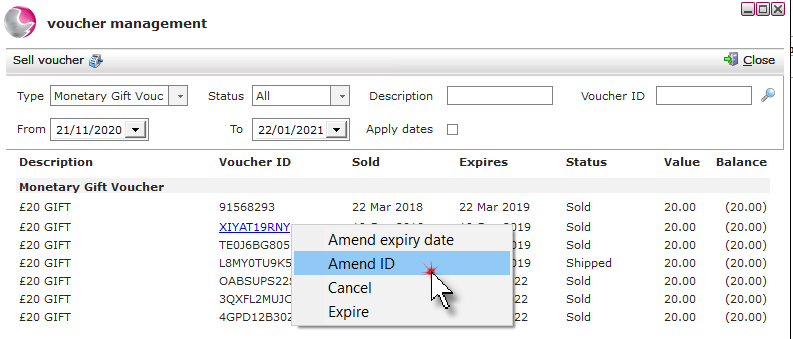
Right click on the voucher. Click Amend ID.
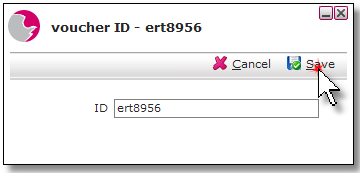
Enter the new ID. Click Save.
s