
A credit limit for a specific amount can be added to a tab to only allow charges up to the amount to be transferred from EPOS. i.e. £50.00
Setting up a Credit Limit:
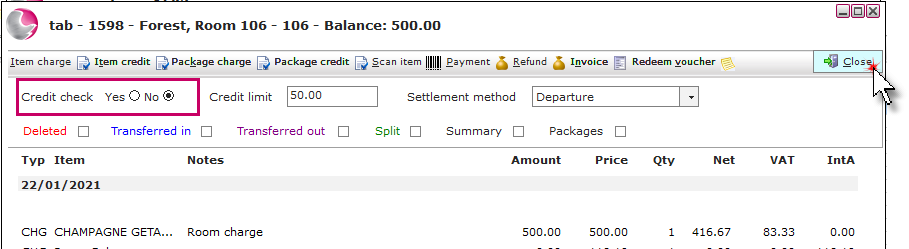
1. Open the reservation and click on the Tabs page. Click on the Tab description.
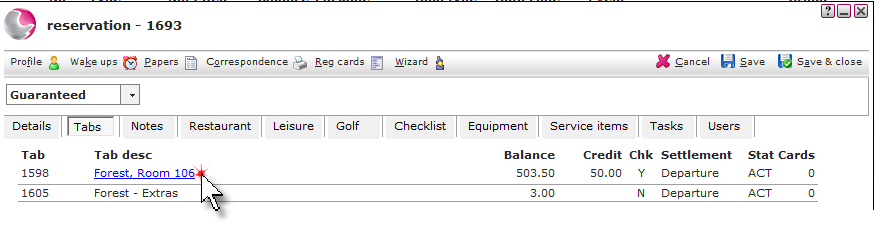
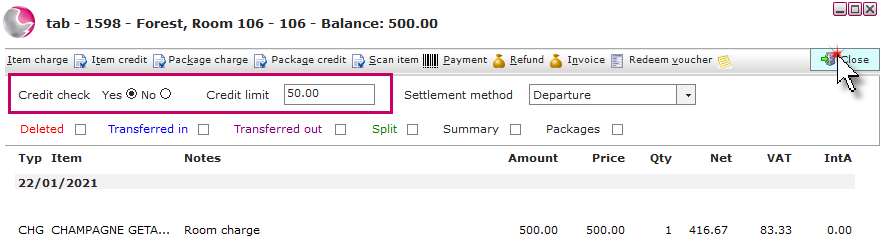
2. Click on the Yes check box, enter the amount.
A credit limit of £0.00 can be used to prevent charges from being transferred to a tab from EPOS.
For example:
If a guest request to add £50 credit limit. Enter £50.
If a guest request: no charges can be transferred from EPOS to their room. Enter £0.
3. Click Close.
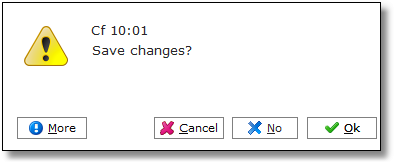
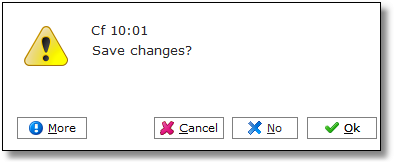
4. Click OK.
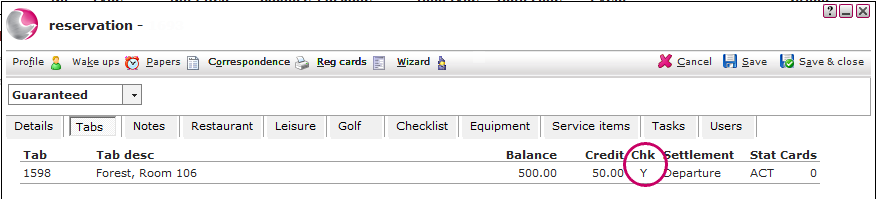
5. The tab details will show that a credit check has been added.
Removing a Credit Limit:
1. Click on the No to change the credit check status. Click Close.
2. Click OK.
See Also: How to Add Item/Package to a Tab
How to Add Payment on a Tab
How to transfer items to a different tab