
Correspondence can be sent directly from the system to guests by email or text message (SMS). The correspondence will automatically display details of the reservation.
Send correspondence:
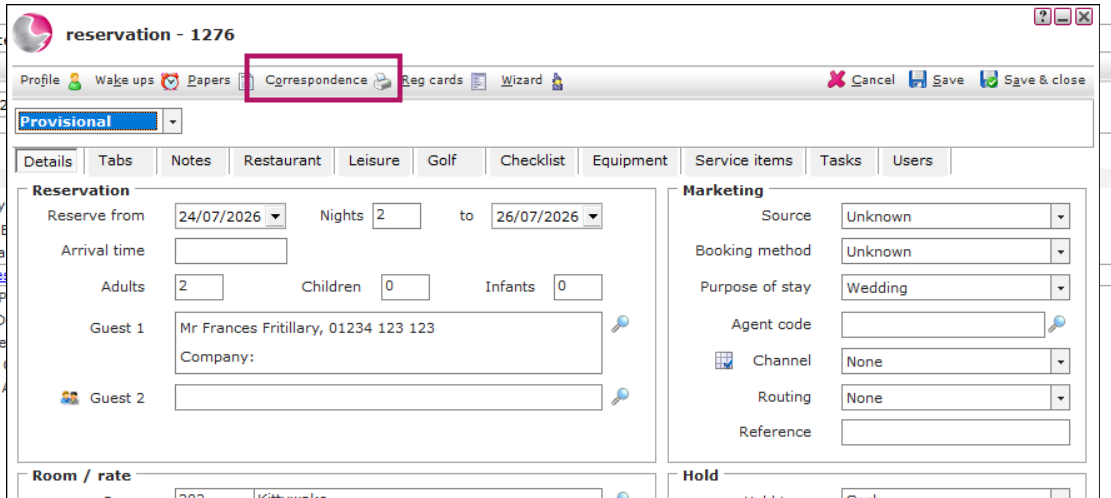
1. Click on correspondence within the reservation form.
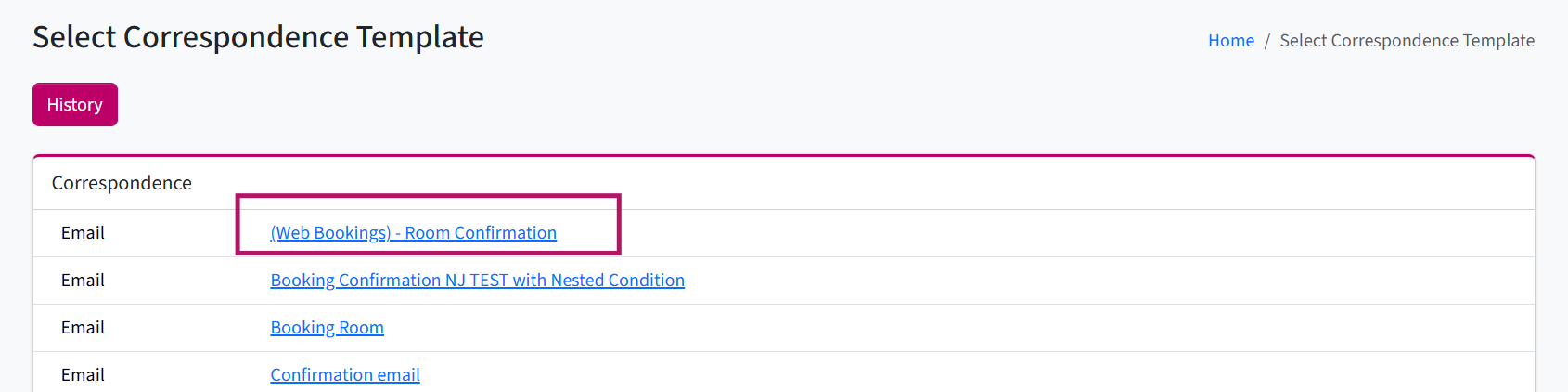
2. Select the template
Can't find a template? See How to Create New Correspondence Template
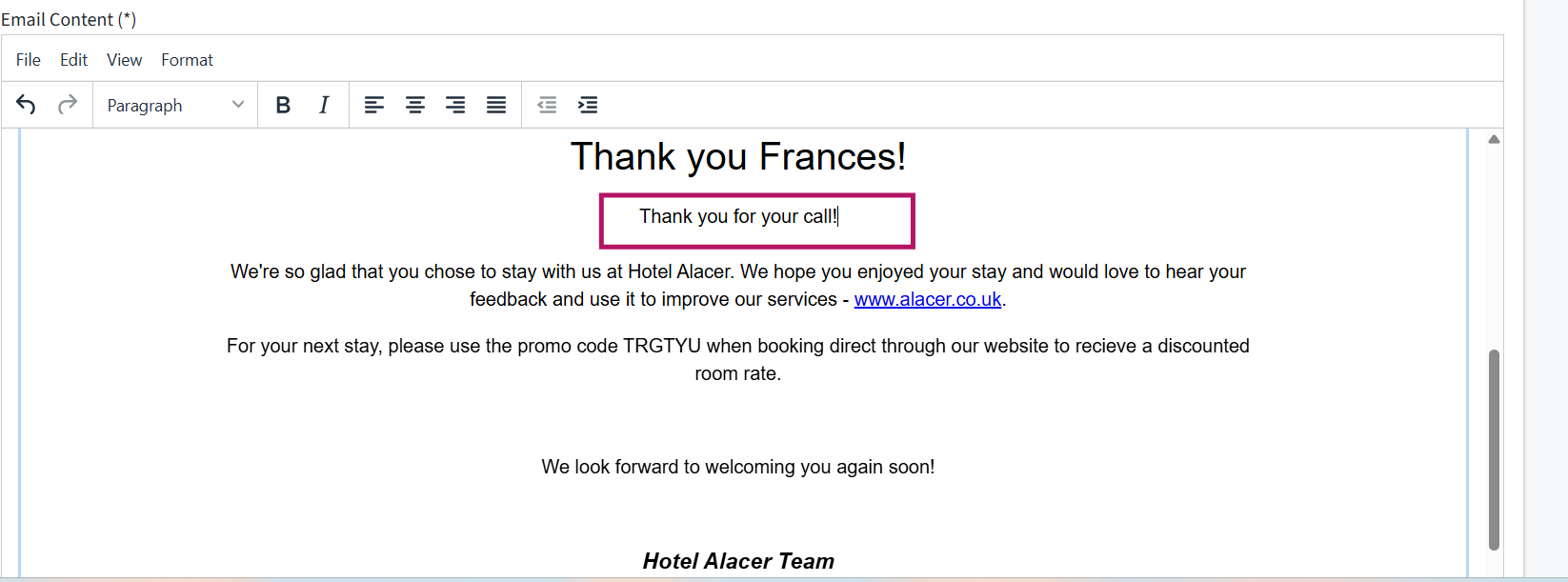
3. The generated email template will automatically include information from the reservation. Review the email and make any changes you need.
For example: you can add details discussed during a phone call or include any additional information relevant to the guest.
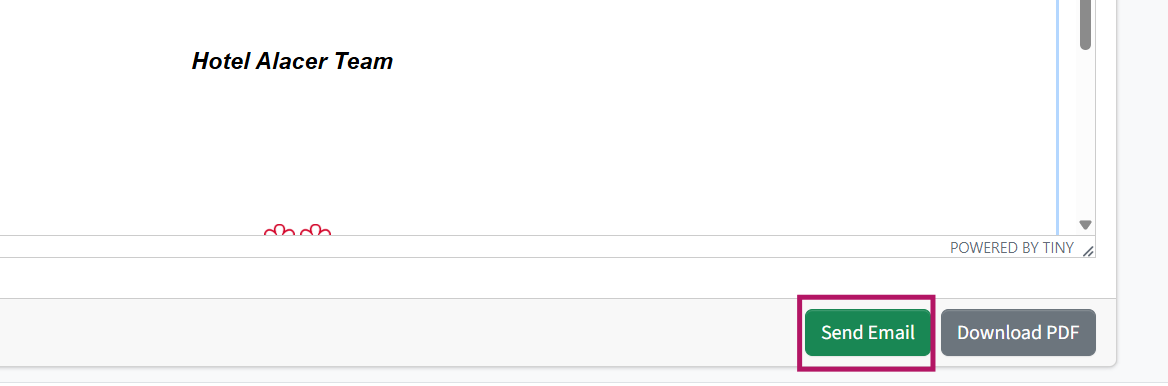
4. Once the email is ready, click Send Email to send it to the guest.
See next: How to Check in Reservation
How to Add Payment to the Bedroom Tab