
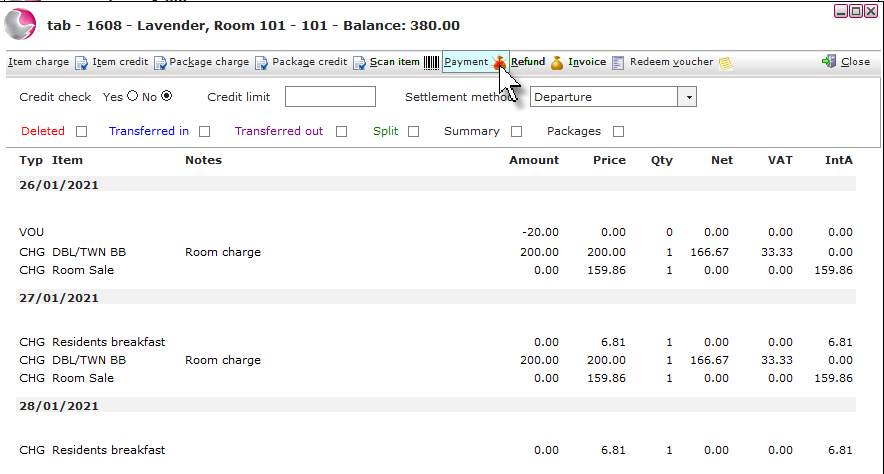
1. Open the reservation and click on the Tabs page. Click on the Tab description.
2. Click on Payment.
3. Complete the Payment form. Click Save.
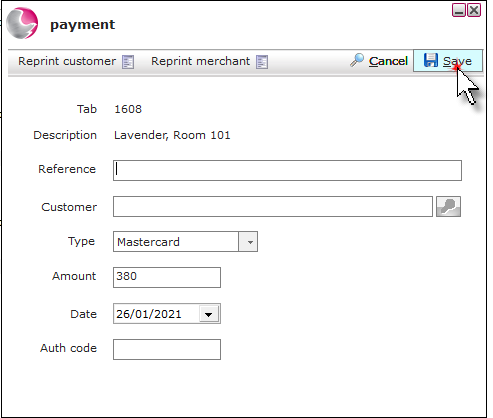
Reference: Enter an optional reference.
Type: Select the payment type. If an integrated payment provider is being used then additional options will display in the bottom right of the payment form.
Amount: Check the amount and overtype if required.
Date: The date will default to todays date and can be changed to a past date if needed.
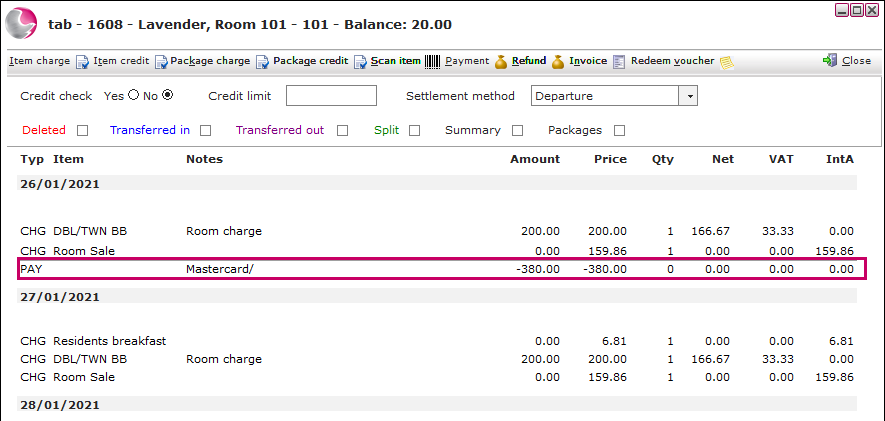
4. The payment will display as PAY on the tab.
See next: How to Add Item/Package Charge to a Tab
How to Delate a Transaction from a Tab
How to Refund a Payment