
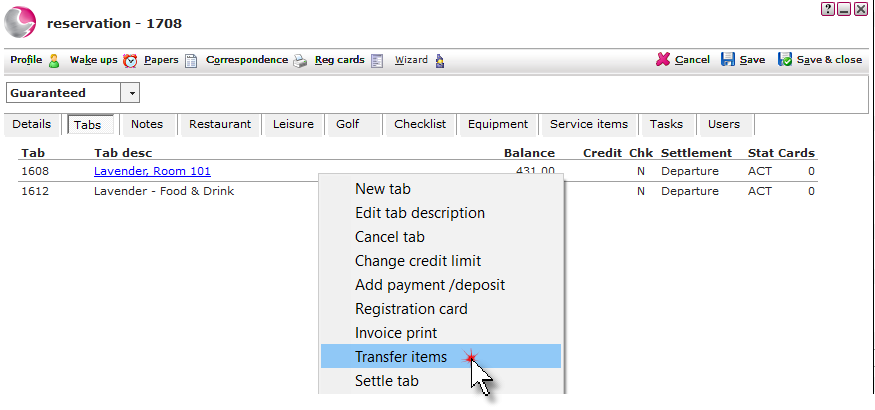
1. Open the reservation that the transactions will be transferred out of and click on the Tabs page. Right click on the Tab description and select Transfer items.
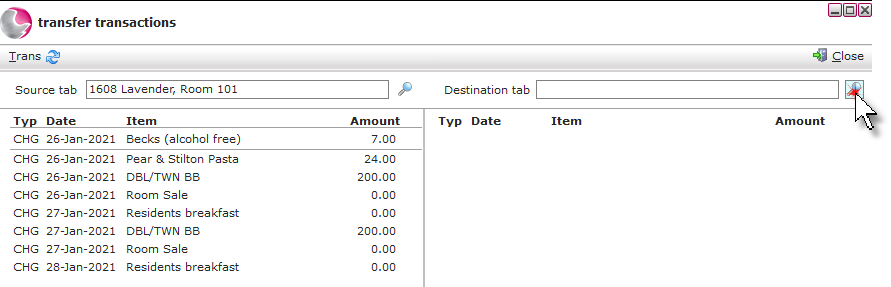
2. Click on the magnifying glass next to the destination field.
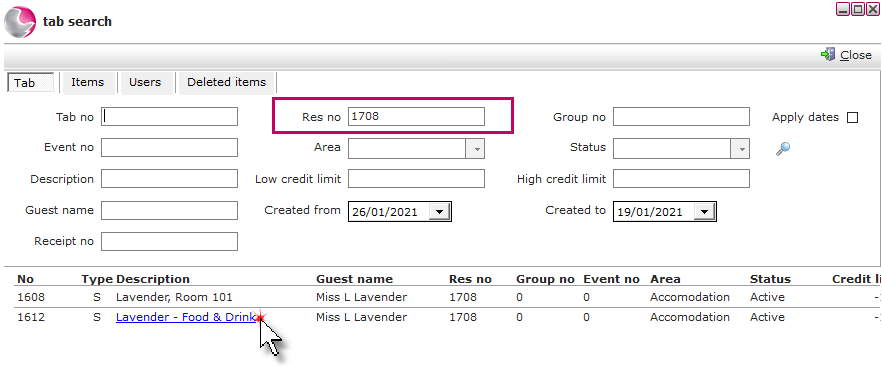
3. If transactions are being transferred to a tab within the the same reservation, select the tab to transfer the transactions to.
The Res no field will display the reservation number and any associated tabs attached to the reservation will be shown below.
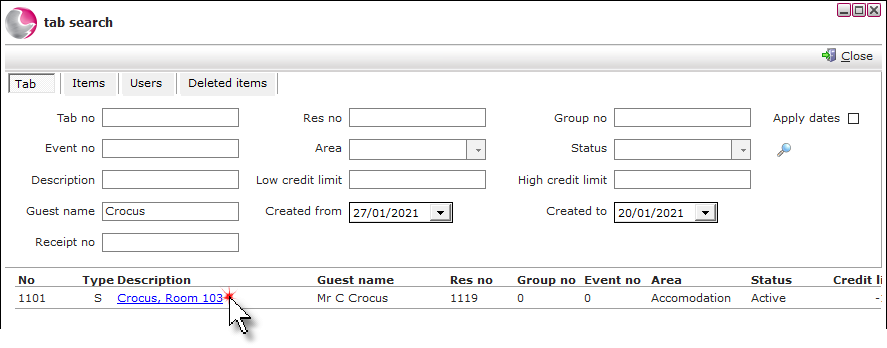
4. If transactions are being transferred to a tab within a different reservation, remove the reservation number from the res no field. Enter the required reservation number or use the search fields to locate the tab to transfer the items to.
5. Click on the items on the left of the transfer transactions form to move them to the destination tab.
If an item is moved by mistake, click on it on the right side of the form to move it back to the source tab.
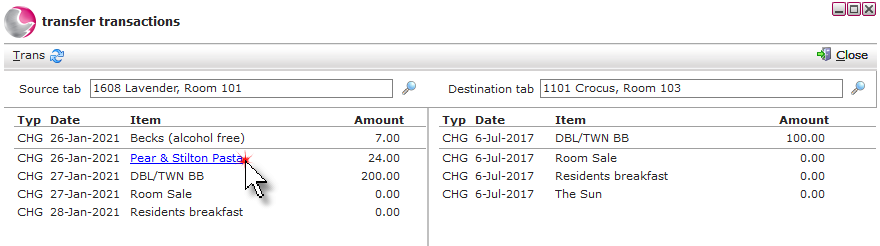
6. Once the items have been moved across, click Close.
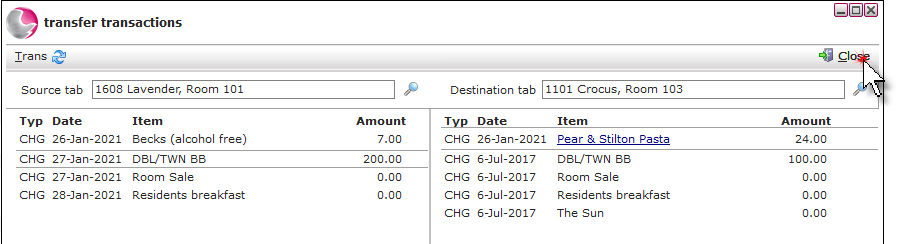
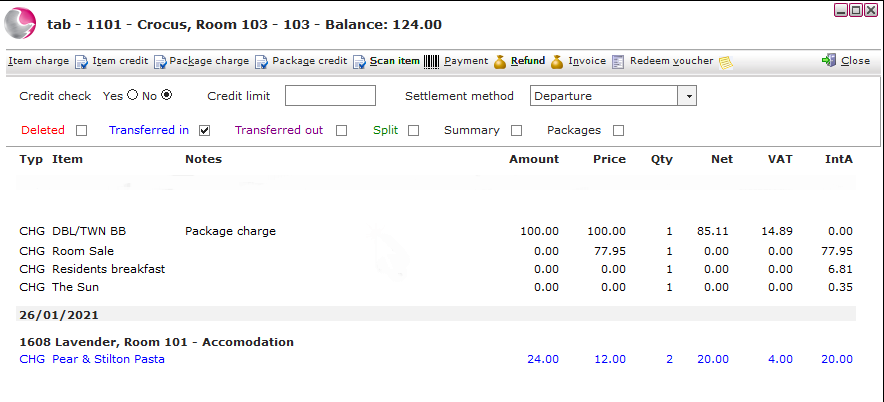
7. The items will appear on the destination tab.
See next: How to Audit a Tab
How to Delete Transactions on a Tab