
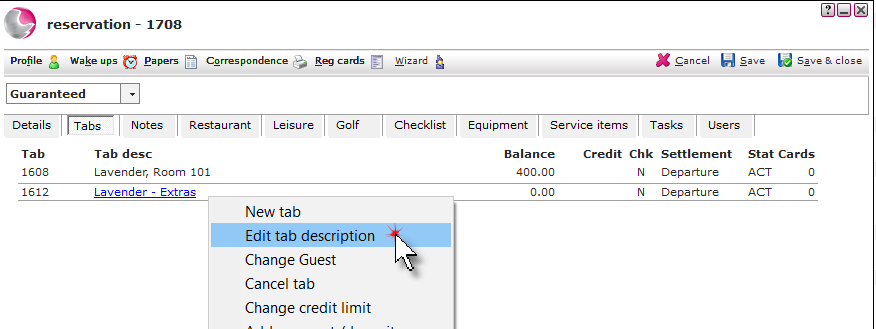
1. Open the reservation and click on the Tabs page. Right click on the Tab description. Select Edit tab description.
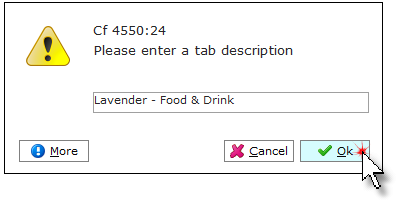
2. Enter the new description after the guests name. Click OK.
It is recommended to keep the guests name on the tab description so other users know which guest the tab is associated with.
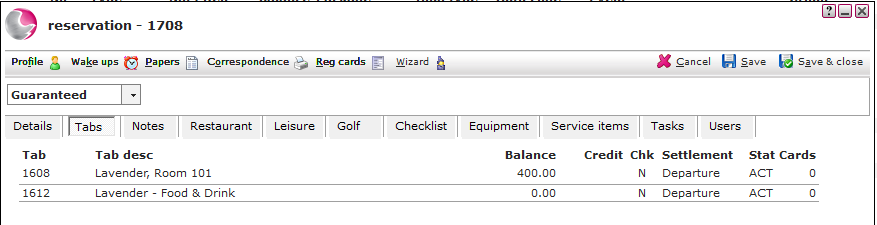
3. The updated tab description will be displayed.
See next: How to Transfer Transactions to Another Tab
How to View/Print an Invoice
How to Audit a Tab