
The incomplete status can be used when the reservation tab needs to remain active but the room needs to be made available.
For example: A guest leaves without paying. Making a reservation incomplete frees the room up for the next guest to check-in and leaves the tab and reservation intact until the situation is resolved.
Setting a reservation to incomplete:
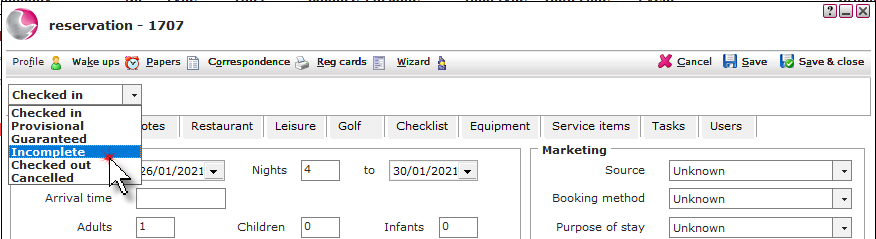
1. Open the checked in reservation. Change the status to incomplete.
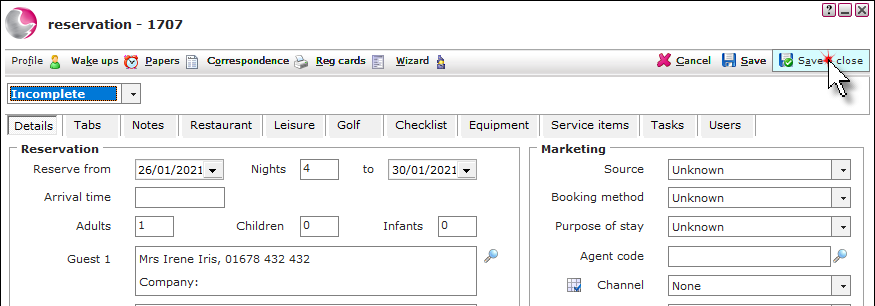
2. Click Save & Close.
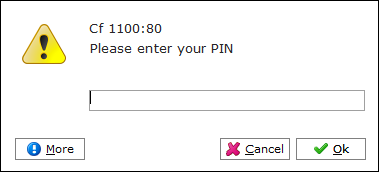
3. Enter a Pin number, click OK.
Viewing incomplete reservations:
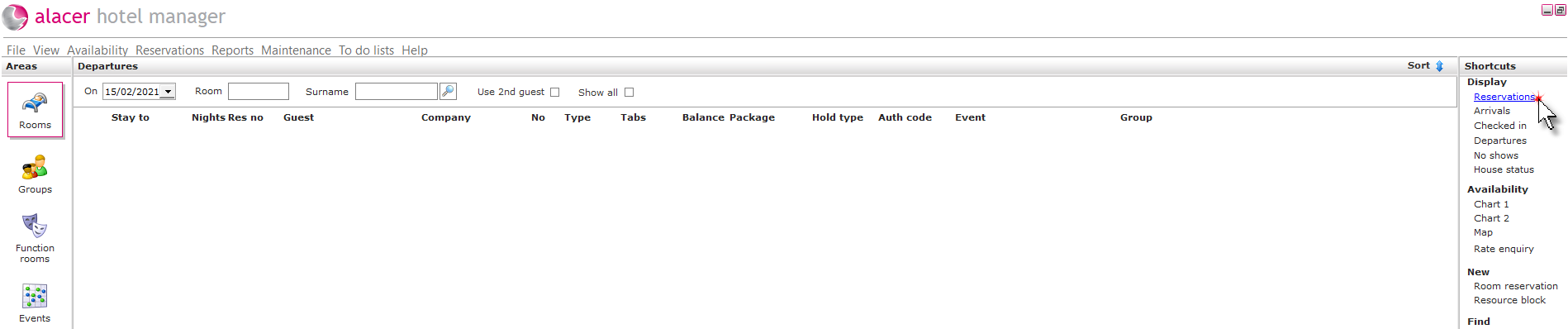
1. From the Rooms area, click Reservations under the Display shortcut.
2. Change the status menu to incomplete.
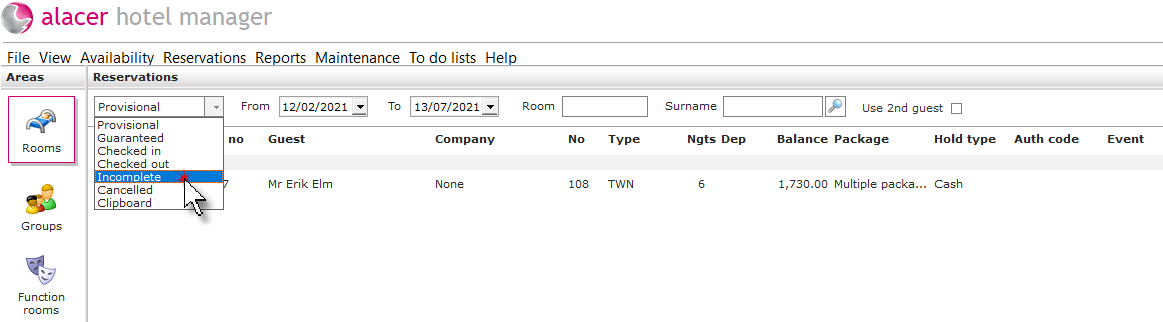
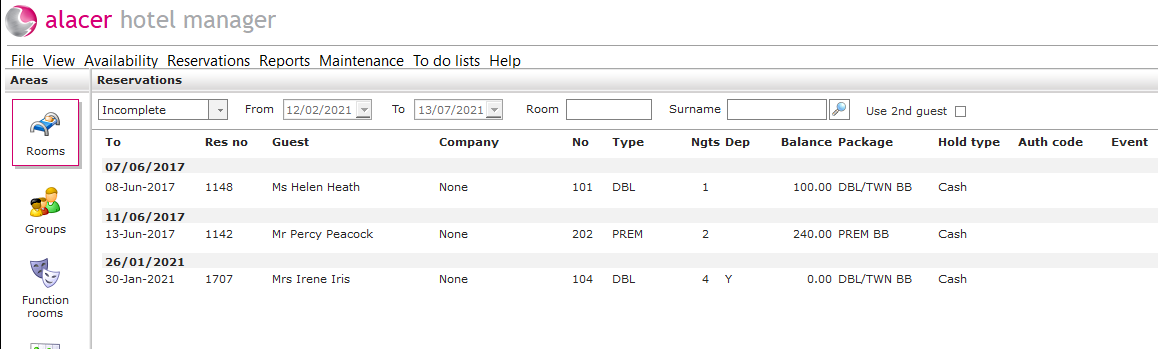
3. All incomplete reservations will be displayed. Once the tab has been dealt with the reservation can be checked out.
See next: How to Deal with No Show
How to Remove Transaction on a Tab