To do lists can be added to to record housekeeping tasks. To do reports can be printed and issued to the relevant teams. Tasks can be ticked as completed, and removed from the To do list when necessary.
Adding a housekeeping note:
From the To do list menu, click on Housekeeping.

Click New.

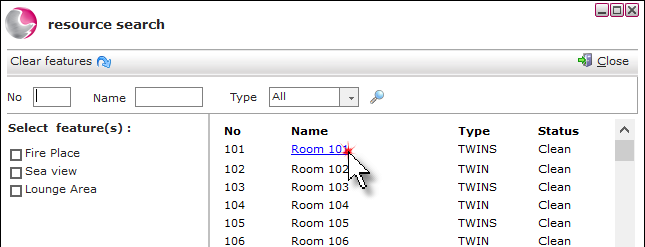
Click on the the required room.
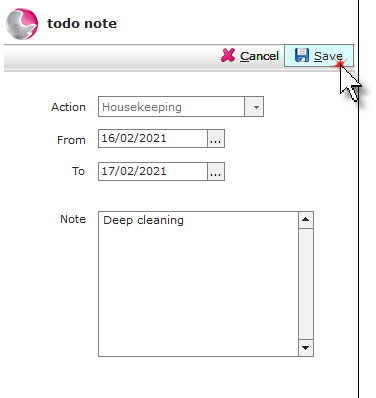
Select the date and add a note. Click Save.
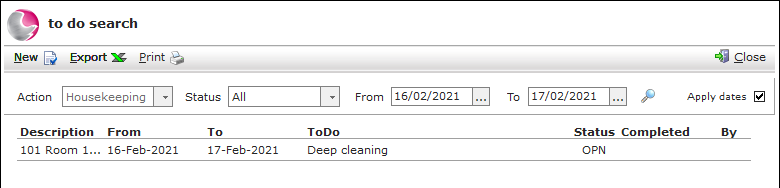
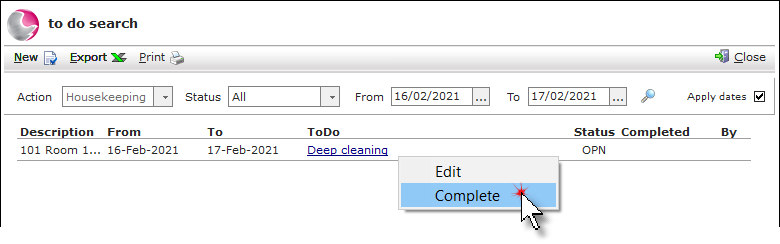
The note will display and can be printed or exported.
Complete a to do note:
Right click on the note. Click Complete.
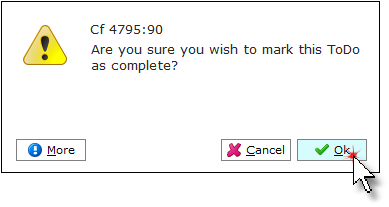
Click OK.