
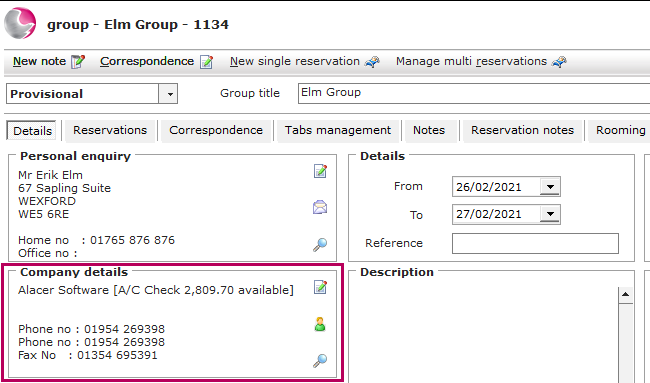
The group needs to be linked to a company before attempting to settle to the group to a sales ledger account.
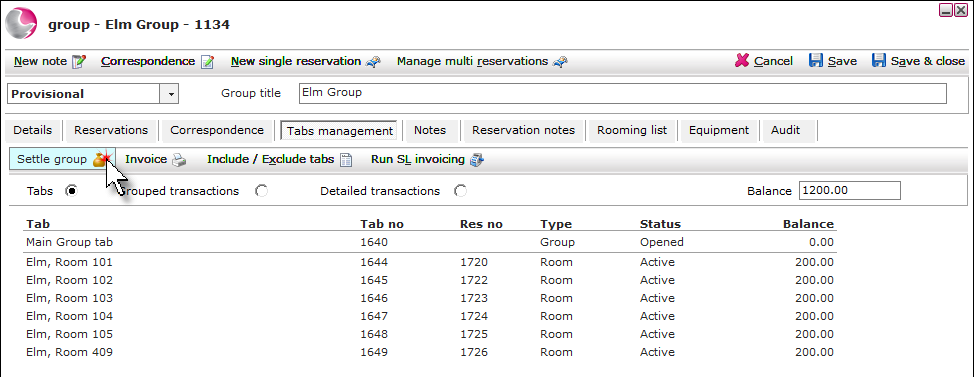
1. Open the group booking and click into the Tabs management page.

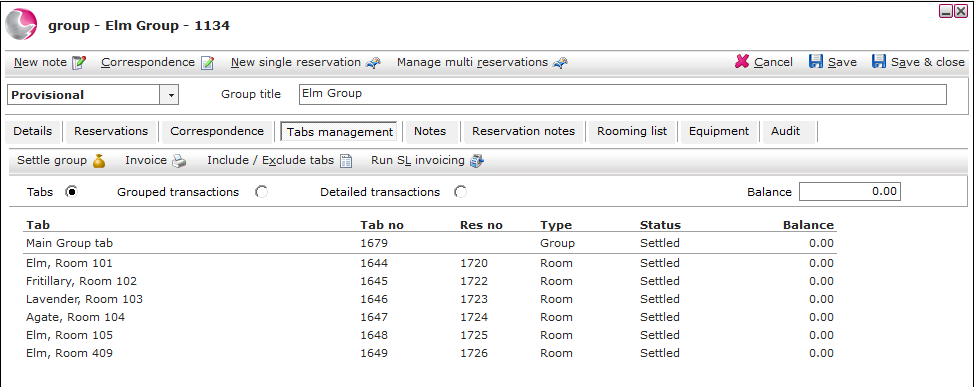
2. The individual reservation tabs will be displayed and the total balance. Click Settle group.
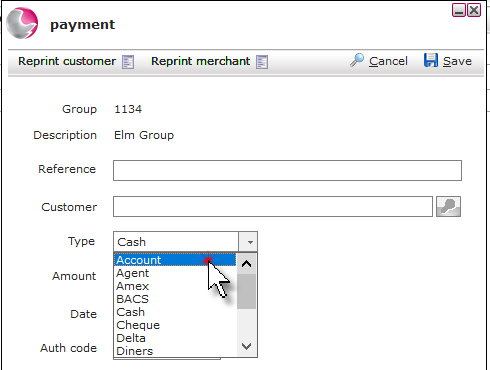
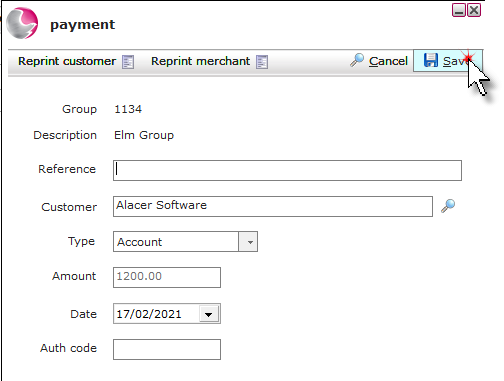
3. Select Account from the payment form.
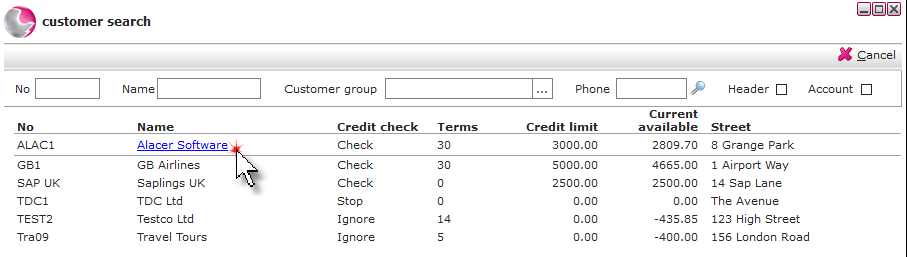
4. Click on the magnifying glass in the customer field.
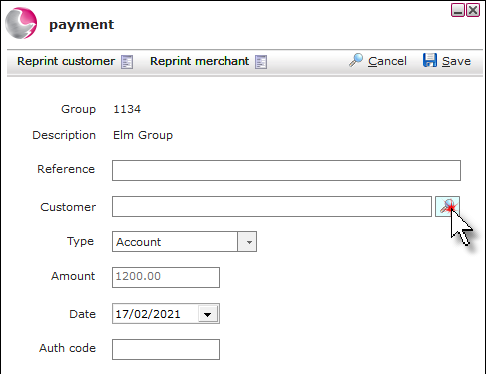
5. Select the customer.
6. Click Save.
7. The tabs will display as settled.
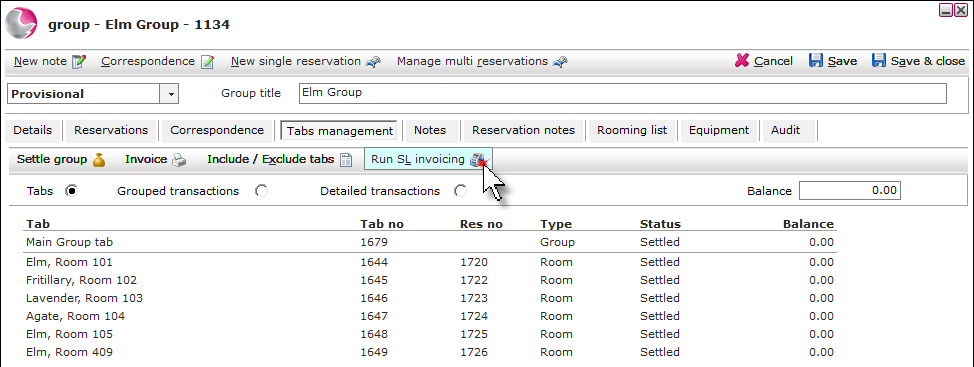
Note. If your system is not setup to automictically post sales ledger transactions, the SL Invoicing will need to be run.
8. Click Run SL Invoicing.
See next: ABC