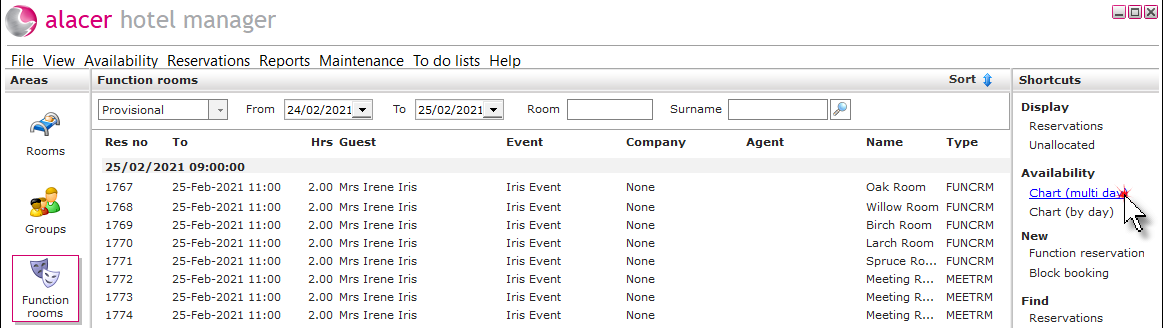
Click on the Function rooms area.

Using the chart (multi day):
Click on Chart (multi day) under the Availability shortcut.
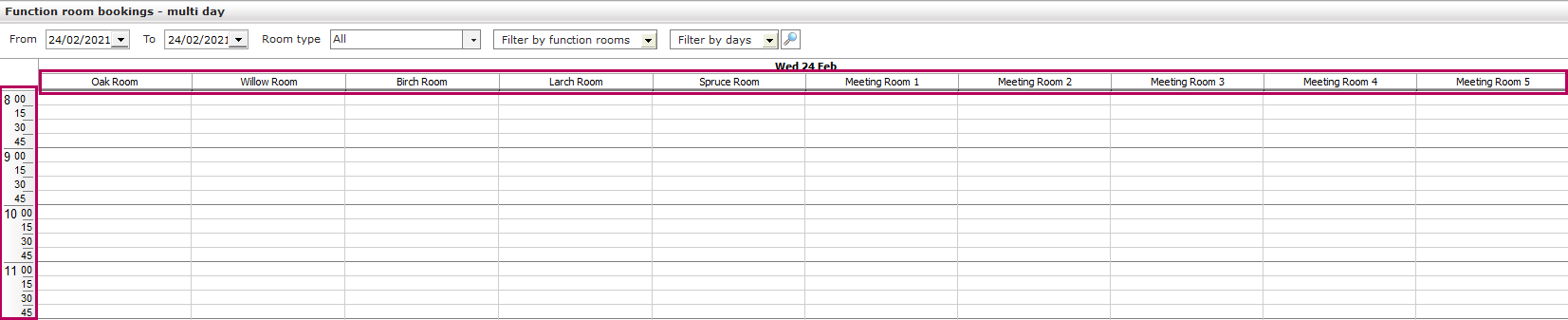
The timings are displayed on the left of the chart and the rooms are displayed at the top.
Availability can be searched between two dates, and can be filtered by room type.
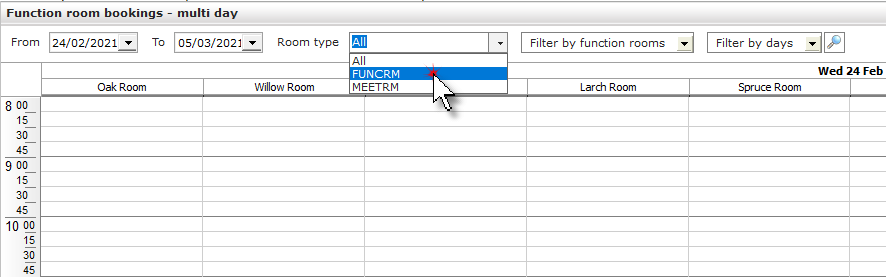
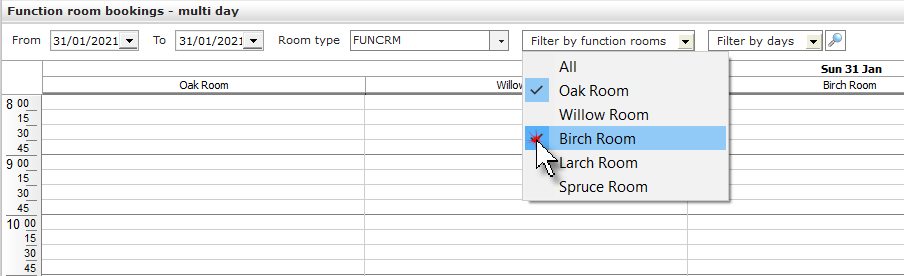
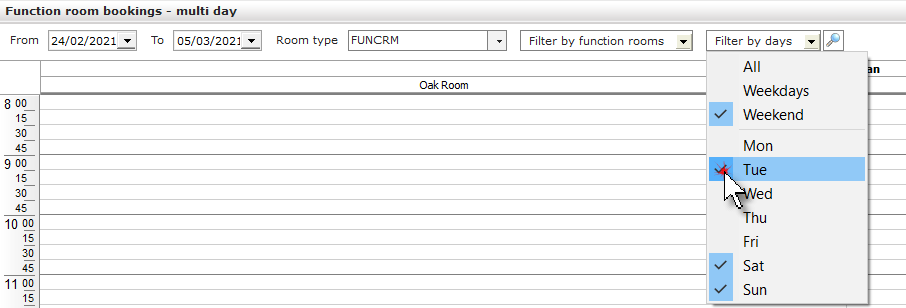
After the room type has been selected, the chart can be filtered by specific rooms and days of the week.
Using the chart (by day):
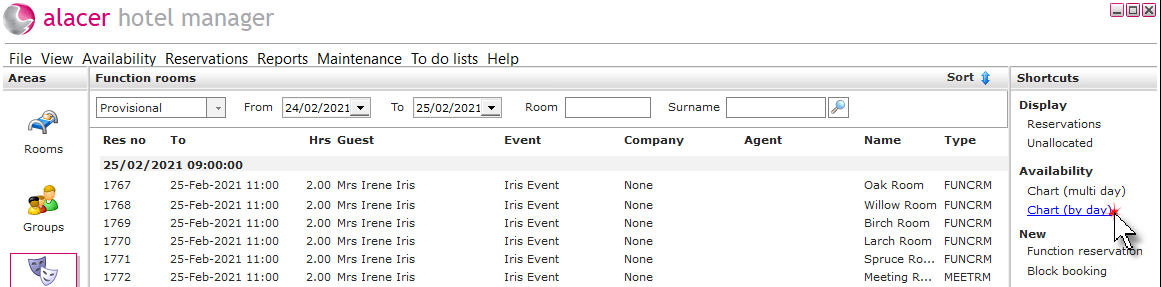
Click on Chart (by day) under the Availability shortcut.
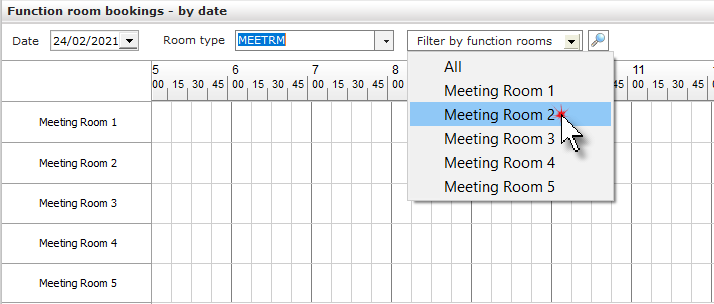
The rooms are displayed on the left of the chart and the timings are displayed at the top.
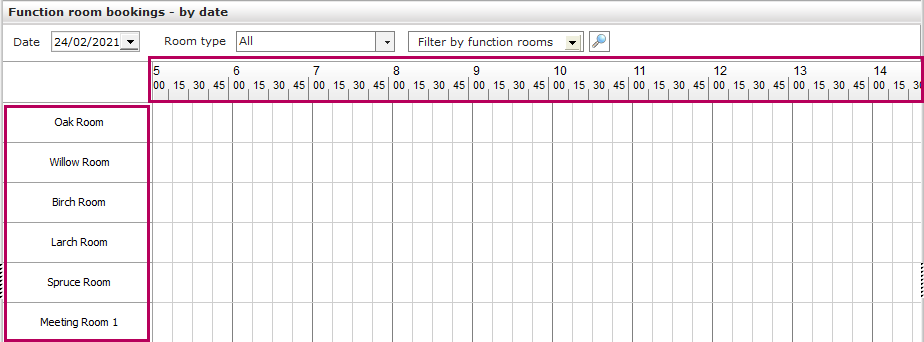
After the date has been selected, the chart can be filtered by room type and specific rooms.