
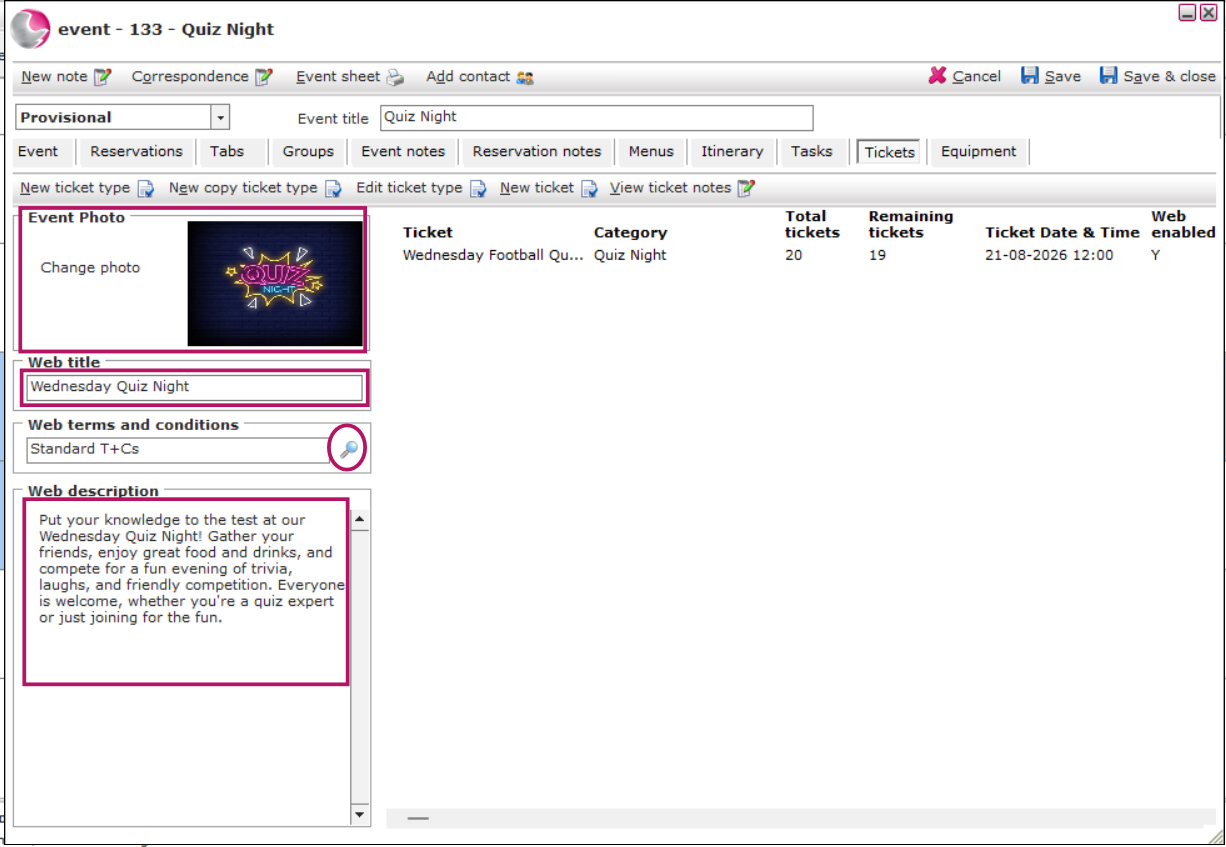
- Add an Image on the left-hand side of the Ticket page.
- Enter a Web Title.
Example: Wednesday Quiz Night.
- Select the Web Terms and Conditions using the magnifying glass.
Need to create new Terms and Conditions? - Enter a Web Description that will be displayed on the Ticket Engine.
- Click Save.
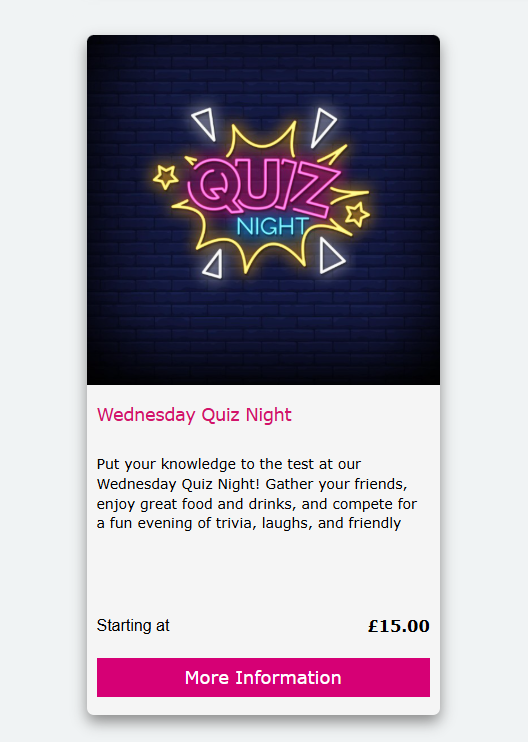
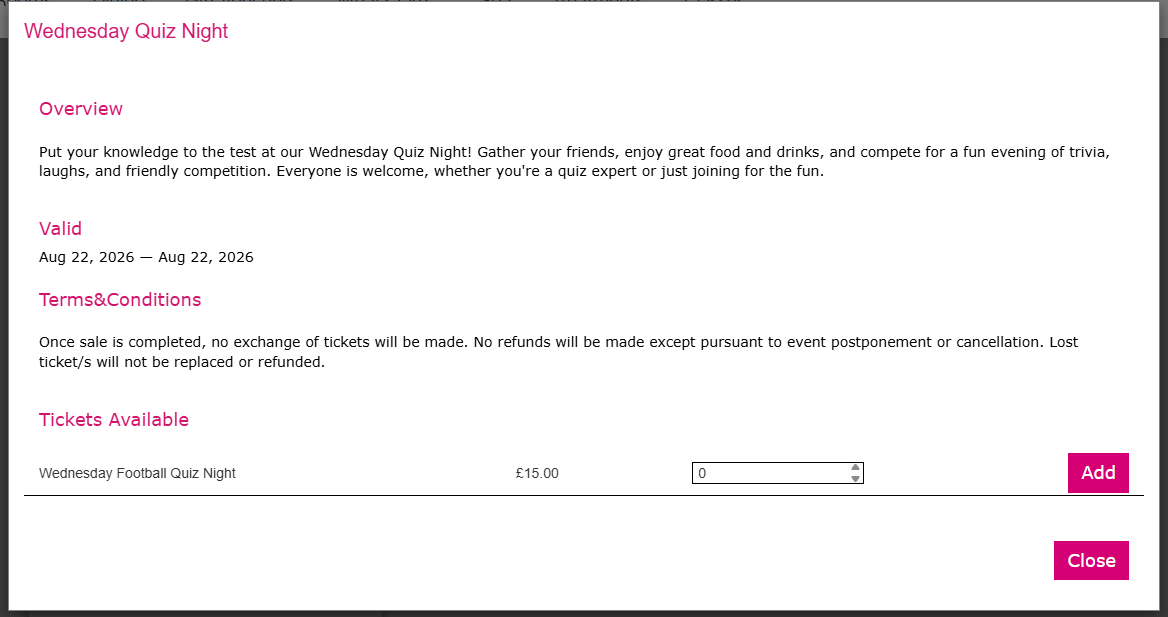
Ticket Engine View (Example):
See next: How to Sell Tickets In-house