
1. Select an Event Booking in Hotel Manager and click on Ticket Page
2. Click New Ticket, or right-click an existing ticket and select New Ticket Sale from the hidden menu.
No tickets available to sell? Check How to Create a New Ticket Type
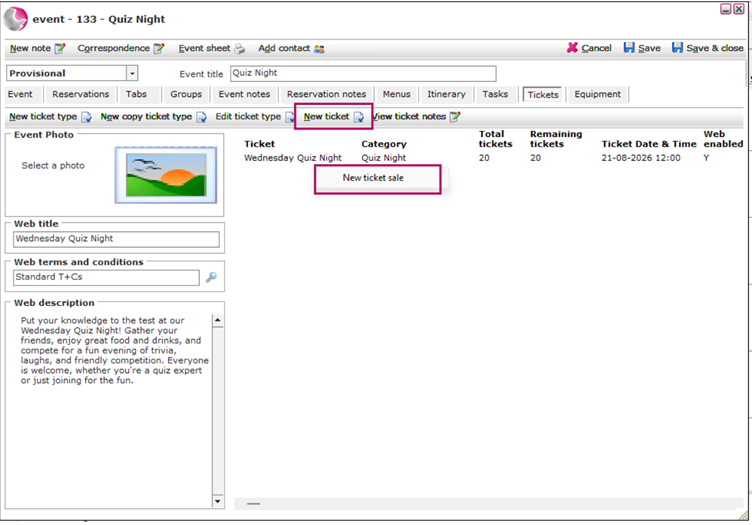
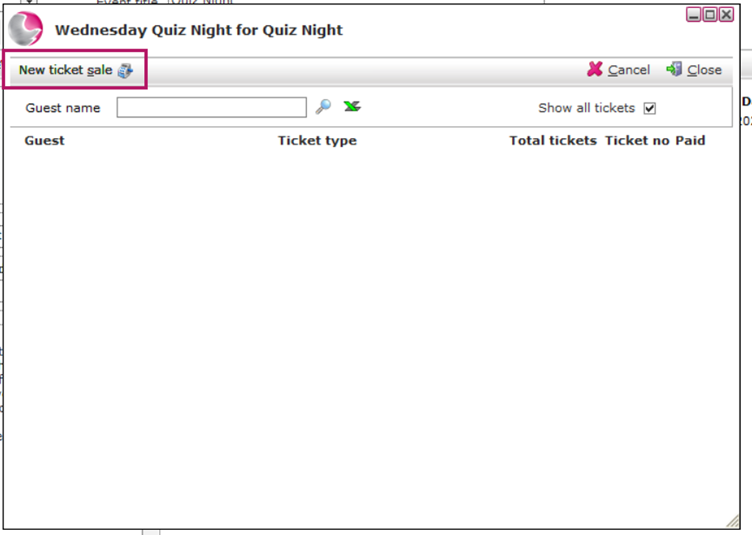
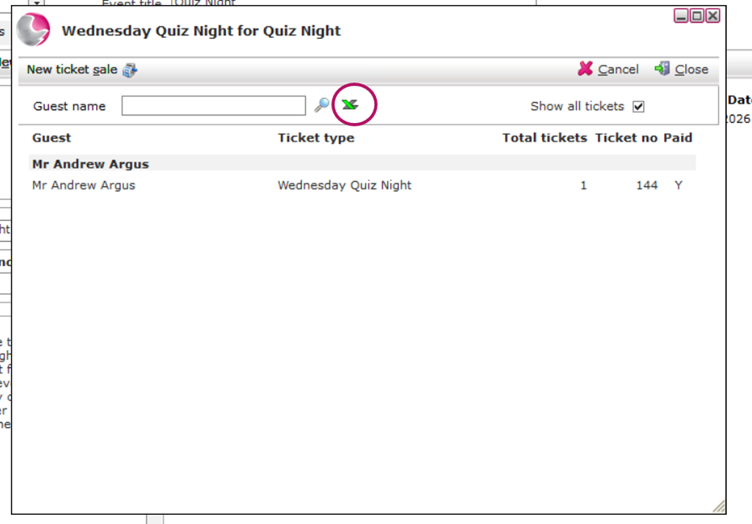
3. The Sold Tickets window will open.
4. Click New Ticket Sale.
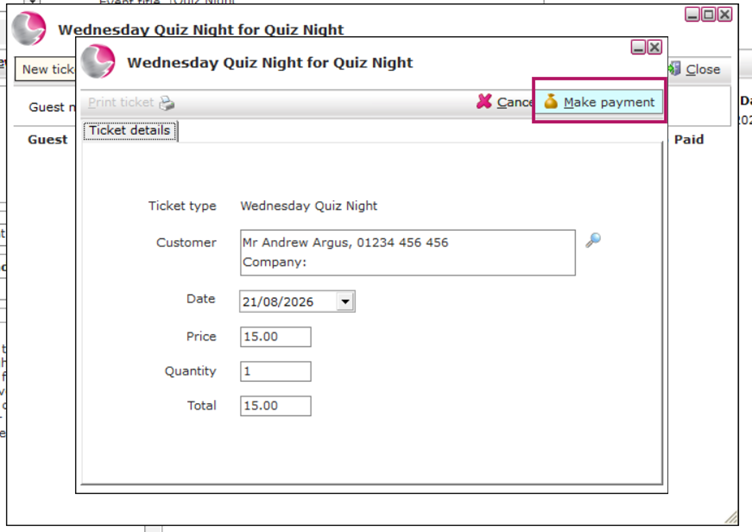
5. Select the guest from the guest database.
Can't find the guest profile? See How to Create a New Guest Profile.
6. Click Make Payment.
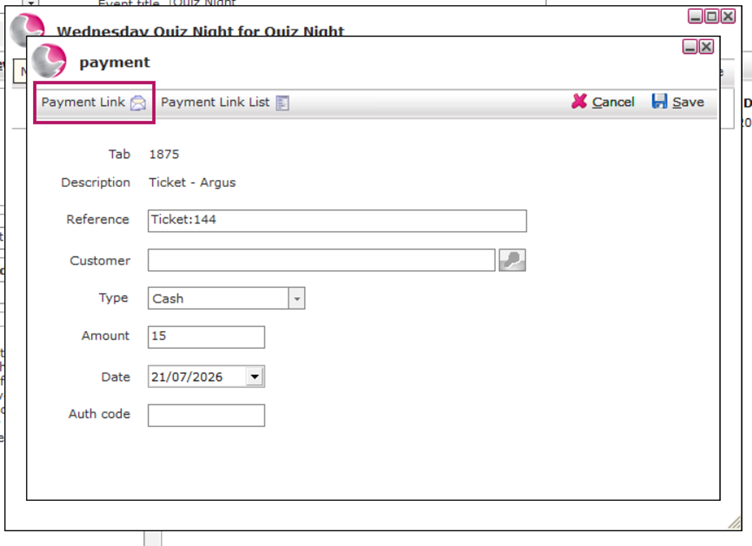
7. In the Payment window, either:
Record a payment already taken from the guest, or Generate a Pay by Link email request.
If using Pay by Link, the payment is automatically applied to the ticket once the guest has paid. (Available with AlacerPay terminals.)
See How to Add Payment to the Tab
8. Once ticket sales are complete, click the Excel icon to generate an attendance list for the event.
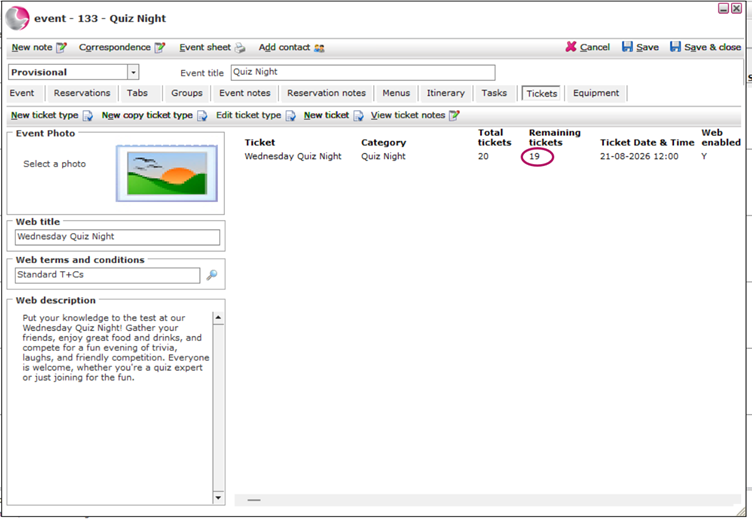
9. Monitor the number of tickets remaining in Event Booking.
See next: