
Sometimes you may need to change the guest profile on a bedroom reservation.
For example: You have replicated an existing reservation and now need to assign the room to the guest who will actually be staying in it.
- Open Hotel Manager and open the bedroom reservation.
- Next to the Guest 1 field, click the magnifying glass.
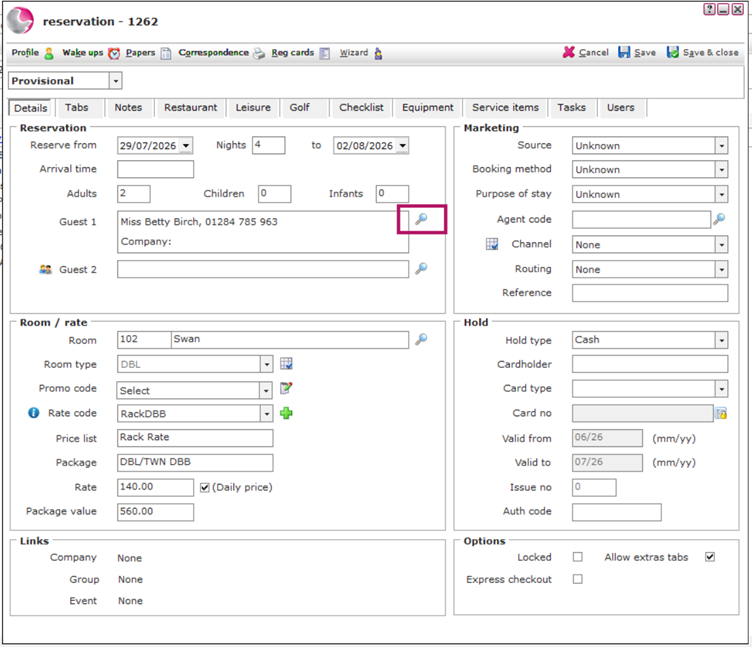
3. Search for the guest you want to assign to the reservation. If the guest does not already have a profile, click New to create one.
See: How to Create New Guest Profile
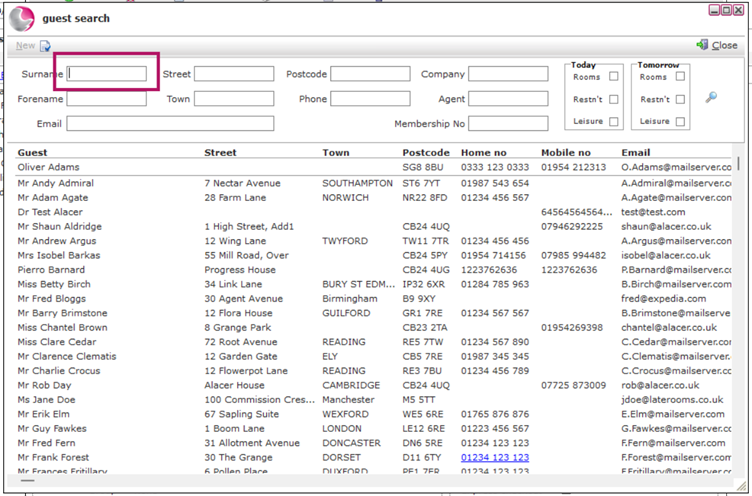
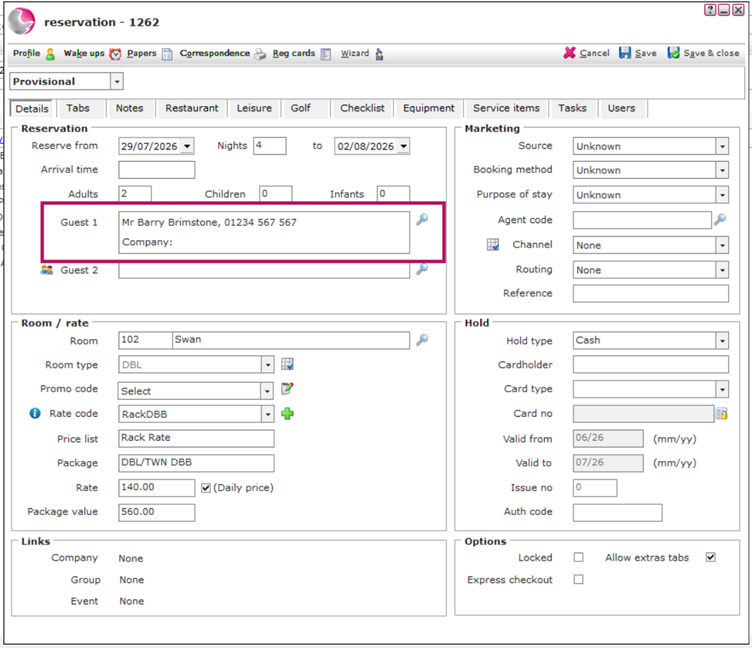
4. Select the guest. They will now appear in the Guest 1 field.
5. Click Save to update the reservation.
The bedroom reservation is now linked to the correct guest profile.
See next: How to Amend Guest information
How to Merge Duplicate Guests