
If a guest's details change, you can easily update their profile to keep your records accurate.
For example: A guest lets you know they have changed their phone number or email address.
Update Guest Information from a Reservation
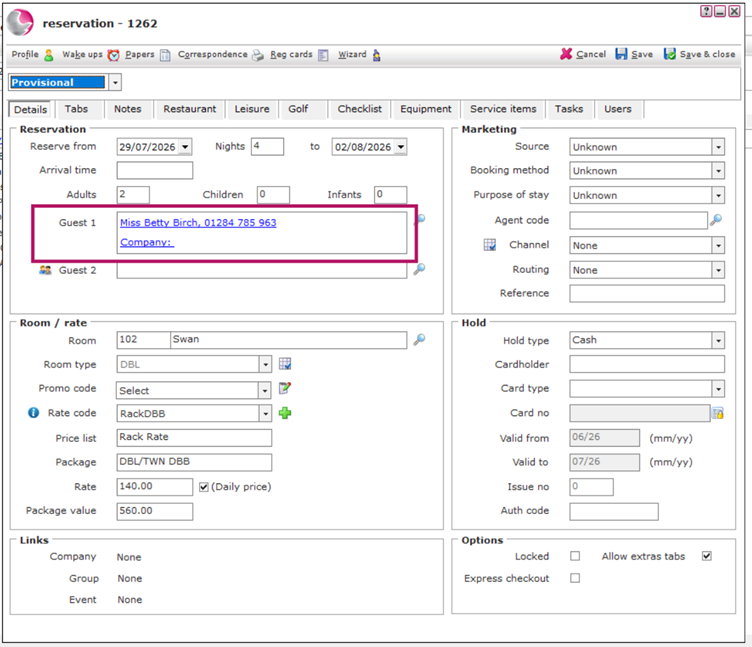
- Open a future reservation for the guest.
- In the Guest 1 field, click the guest's name.
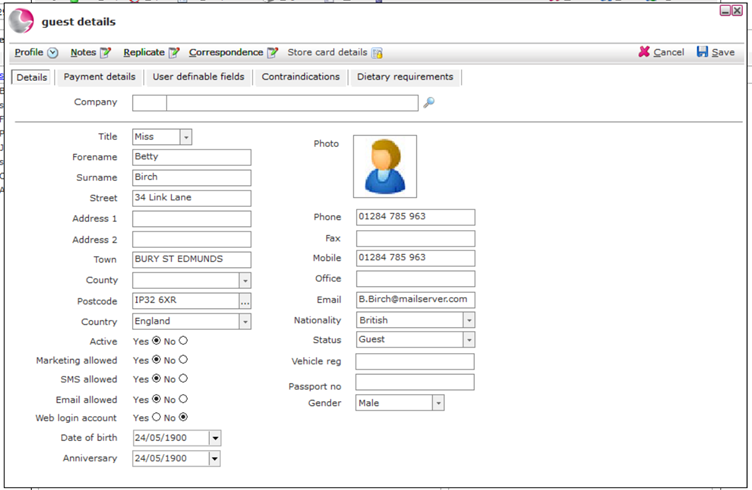
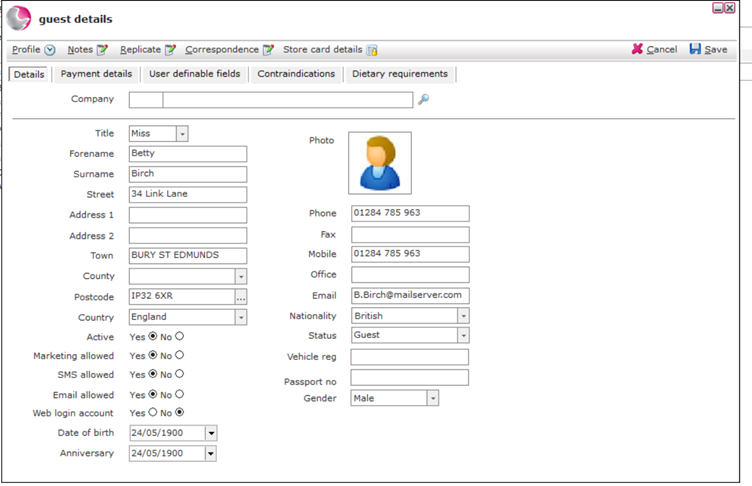
3. The Guest Details window will open.
4. Update the guest's information as required.
5. Click Save to apply the changes.
Update Guest Information from the Guest Database
You can also update guest details directly from the Guest Database.
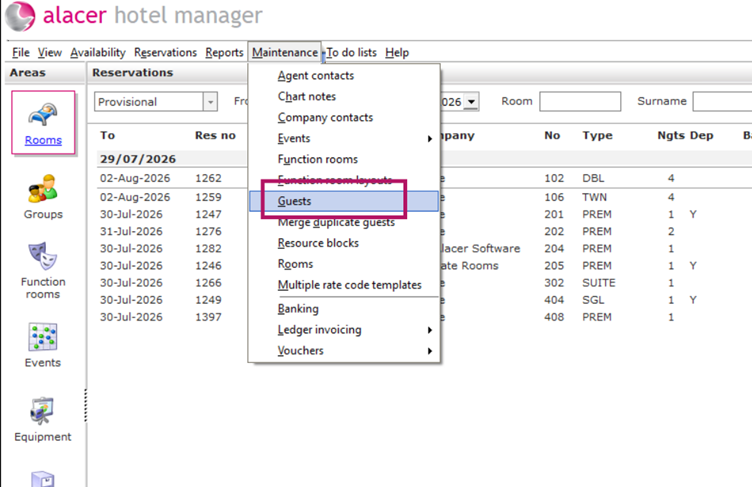
- Go to Maintenance → Guests.
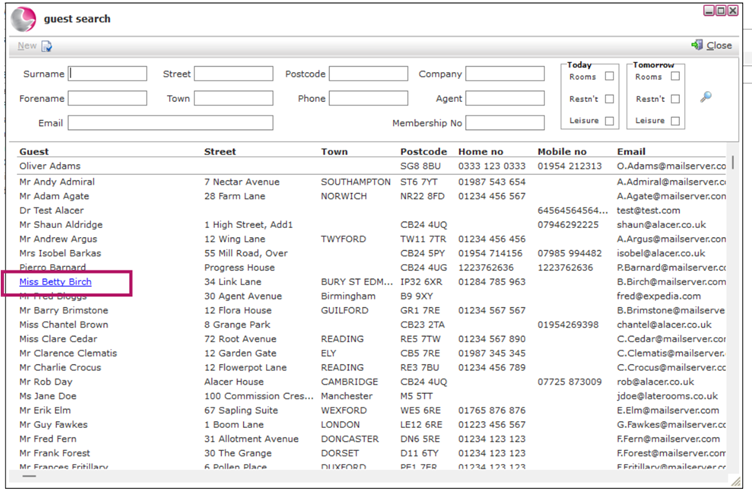
2. The Guest Database will open.
3. Search for and open the guest profile you want to update.
4. The Guest Details window will open.
5. Make the required changes.
6. Click Save to update the guest profile.
Any future reservations linked to this guest profile will automatically display the updated information.
See also: How to Change Guest Profile on a Bedroom Reservation
How to Create a New Guest Profile