
Unallocated bookings are reservations that have been made against a room type, Double, Twin etc but haven't been given a specific room. Reservations that are displayed in the unallocated section of the chart can automatically be assigned to unoccupied rooms.
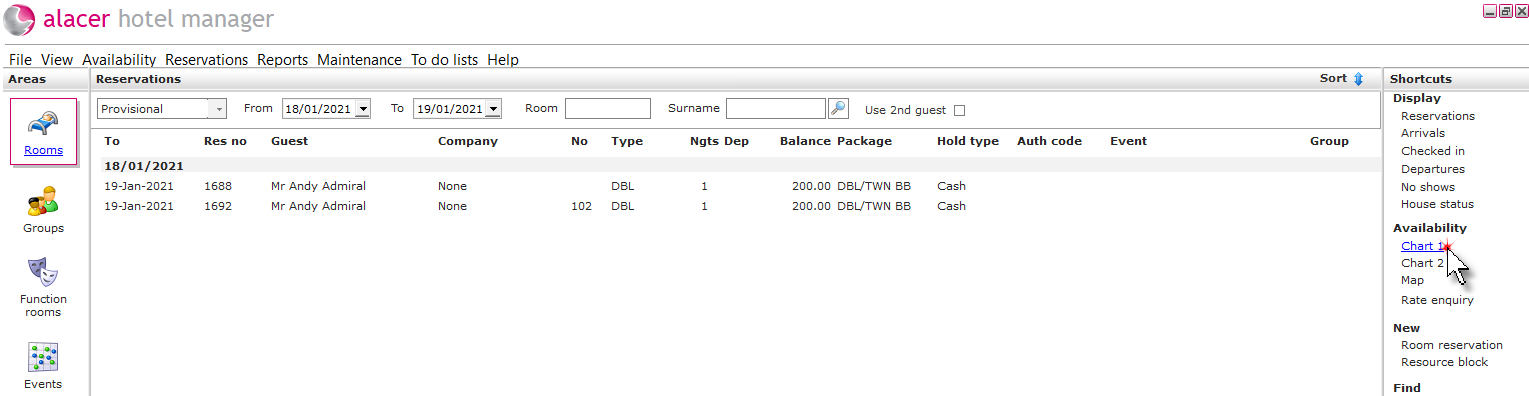
1. Click the Rooms icon in the Areas section of the screen.

2. Click on Chart 1 under the Availability shortcut.
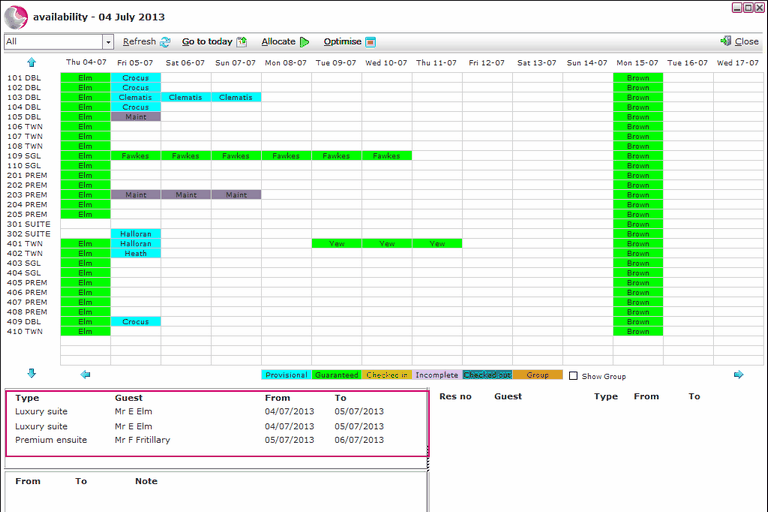
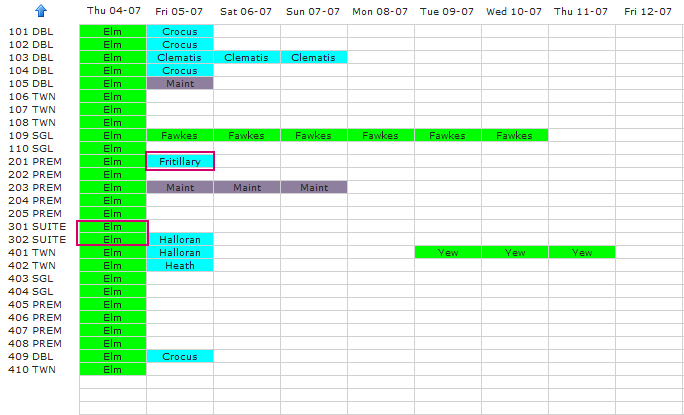
3. Unallocated reservations are displayed on the bottom left hand side of the chart.
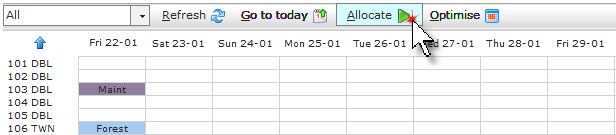
4. Click Allocate.
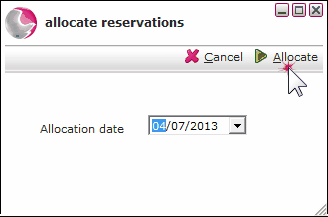
5. Select the arrival date of the reservation. Click Allocate.
6. The reservations will be displayed on the chart.
See next: How to Optimise the Chart