
The item discount log can be used to view all of the discounted transactions that have been sold through the EPOS application.
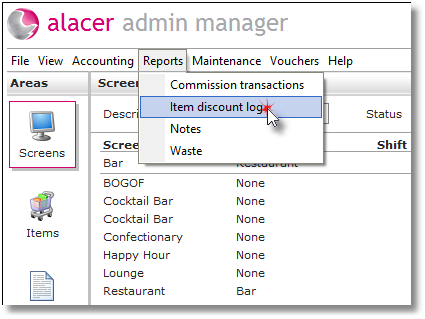
1. Select Item discount log from the reports menu.
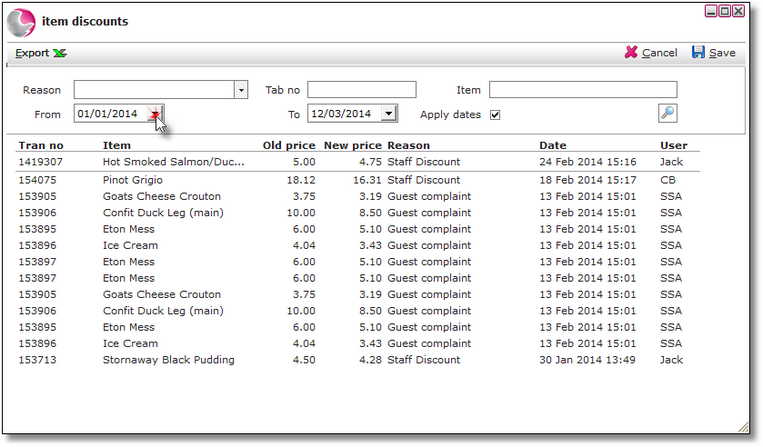
2. Select from and to date to display discounted transactions within a date range.
The old price is the normal selling price and the new price is the value after discounts.
Complimentary items will display as 0.00.
See next: How to Add New Discount Reasons