
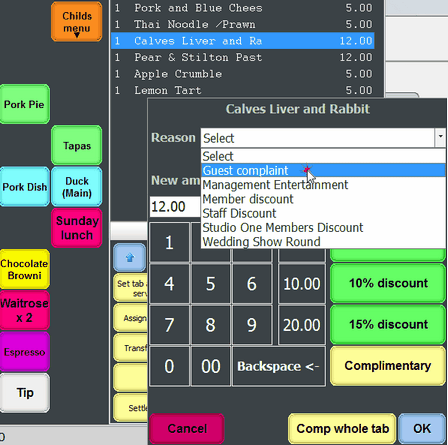
Discount reasons can be added to enable users to apply a reason for discounting an individual item or the whole tab from the EPOS system.
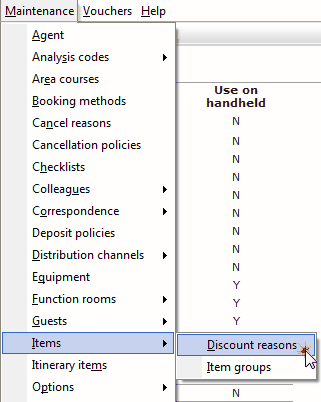
1. From the maintenance menu select items, then discount reasons.
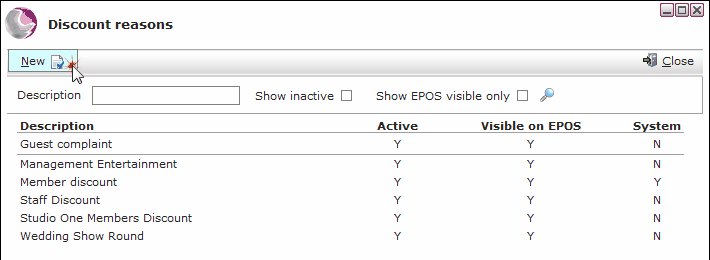
2. Click New.
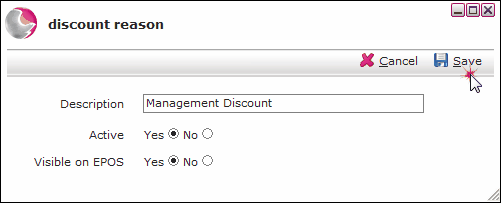
3. Enter a discount reason and set to active. Click Save.
A report of all the discounted transactions can be exported by using the item discount log.
See How to Generate an Item Discount log
See next: How to Create a Discount Scheme
How to Create Price Offer