
Users will have 6 attempts to enter their password correctly before they are locked out of the system.
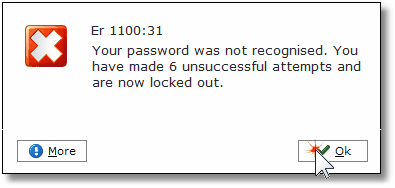
If a user has been locked out their user profile will need to be unlocked by a colleague onsite with the appropriate security permissions. If you are unsure who the Alacer administrator is onsite, please contact your manager in the first instance.
1. Click on the Users icon in the Areas section of the screen.

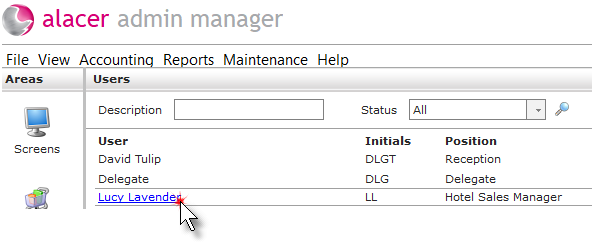
2. Find the user and click on their name.
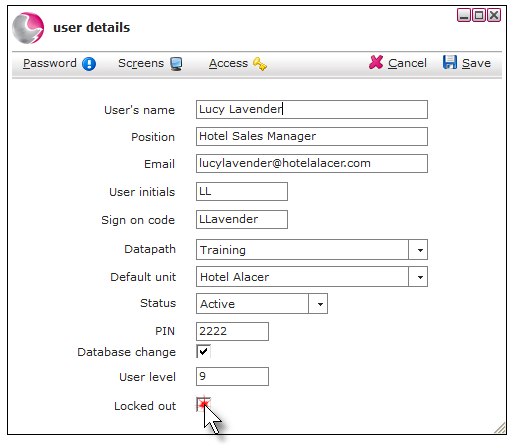
3. Untick the locked-out tick box.
4. The user may also need their password resetting.
See How to Reset a Users Password
Next see: How to Add a User to Security Profile
How to Create a New User