
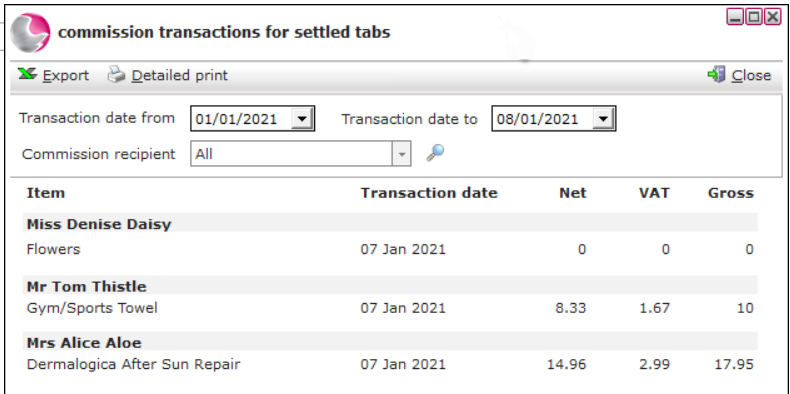
The commission transactions report shows which users sold items that earn commission. Use it to reward staff for upselling, for example a bottle of your most expensive Champagne or spa products.
Good to know: Only items set up to record commission appear on this report. To set this up, see How to Create a New Item.
Run the report
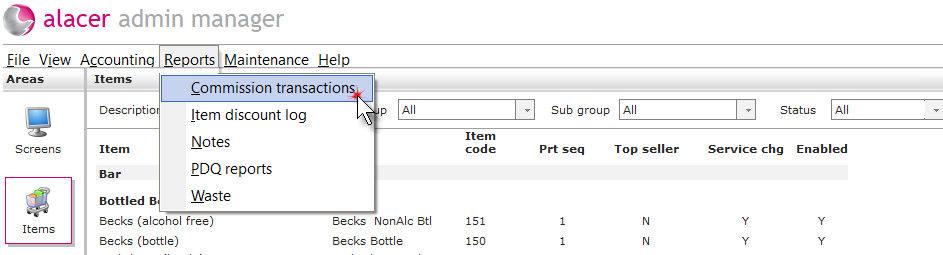
Click Reports at the top of the screen and select Commission transactions.
Select the From and To dates to show transactions between those dates.
Related articles