
Items can be set up to record the users that sold a specific item to receive commission for it. This could be used as a selling tool to encourage users to upsell an item.
For example: a bottle of the most expensive Champagne in stock or Spa products.
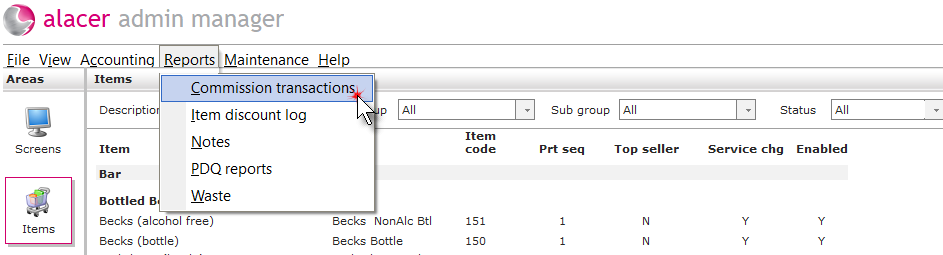
1. Click on the Reports button at the top of the screen and select Commission transactions.
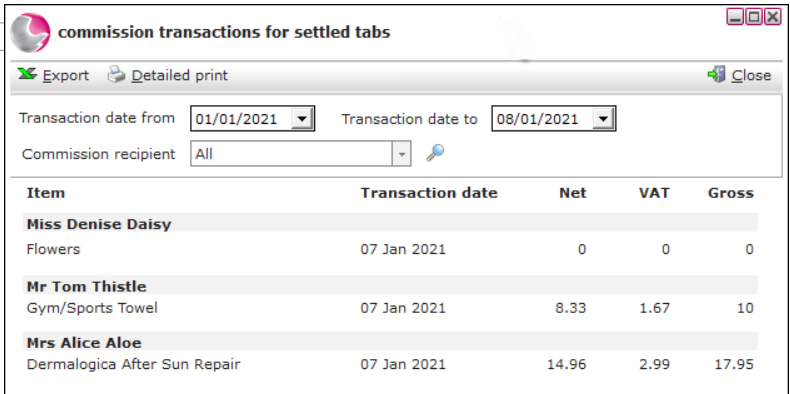
2. Use the date from and to date to find transactions between two dates.
See next: How to Find an Item