
Depending on your Admin Manager version, deleting an Item Group may or may not be available.
Deleting an Item Group
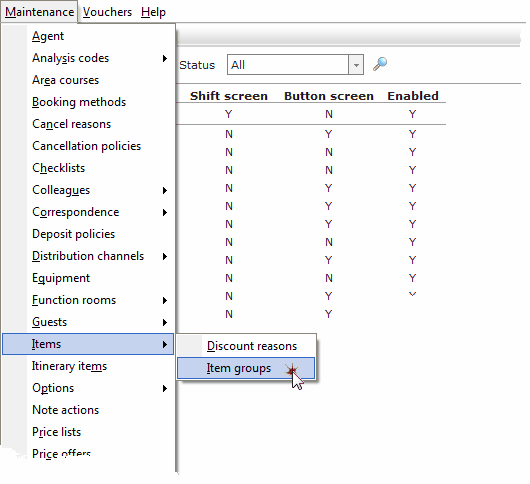
1. Select Items from the Maintenance Menu, then select Item Groups.
2. Right click on the selected group.
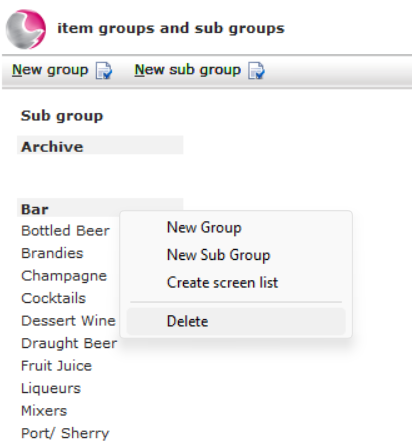
3. Click Delete.
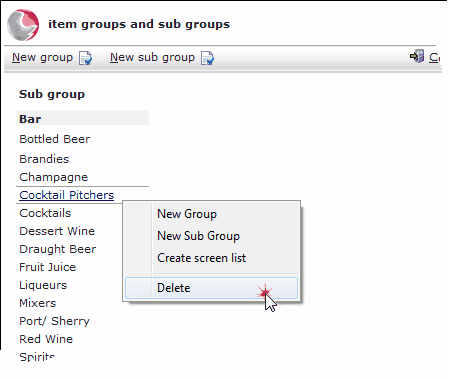
Deleting a Sub Group:
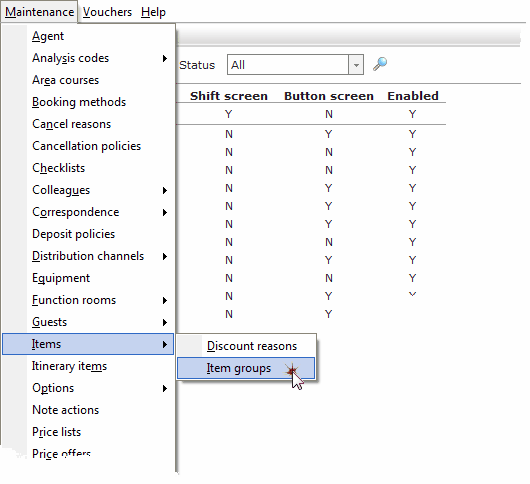
1. Select Items from the Maintenance Menu, then select Item Groups.
2. Right click on the selected sub group.
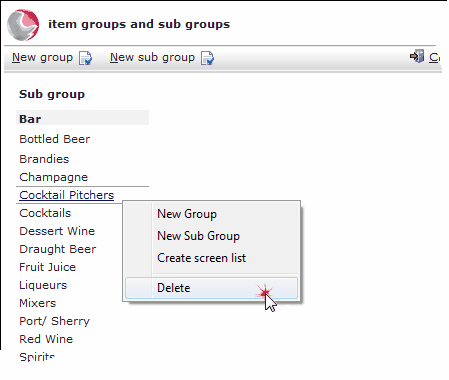
3. Click Delete.
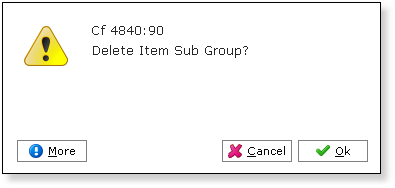
4. Click OK.
See next: How to Create Item Groups and Sub Groups
How to Create a New Item