
Deleting a button will only remove the button from the screen it has been placed on. It doesn't delete the item from the system.
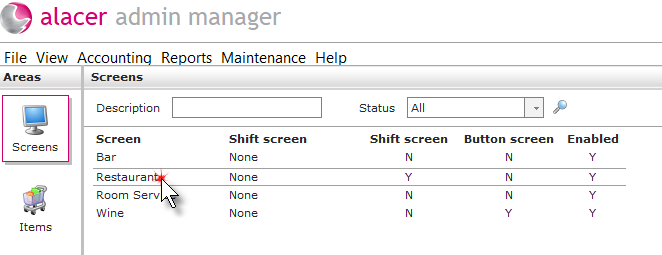
1. Click on the Screens icon in the Areas section.

2. Click on the screen.
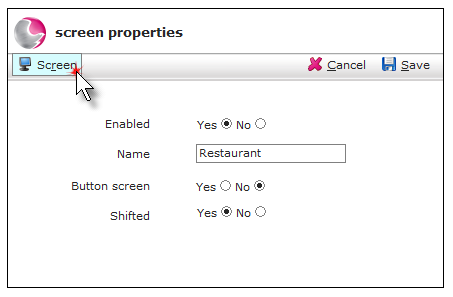
3. Click on Screen.
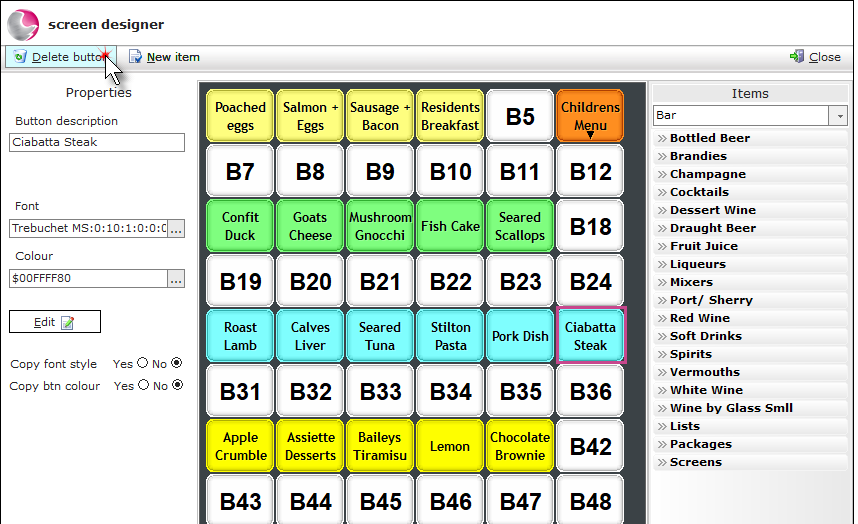
4. Click on the button that needs to be removed. Click Delete button.
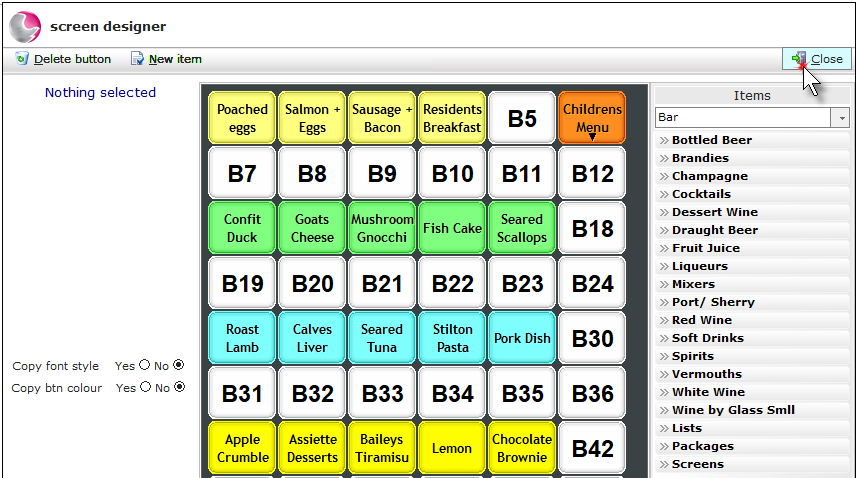
5. Click Close.
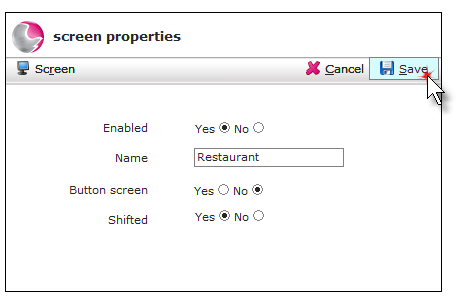
6. Click Save.
See next: How to Add Items to an existing EPOS Screen
How to Delete an EPOS Screen