
You can only delete a rate code that has never been used.
Good to know: If the rate code has been used, schedule it off instead so no new reservations can be made on it. See How to Schedule a Rate Code On/Off.
Delete a rate code
In the Areas section, click the Rate codes icon.

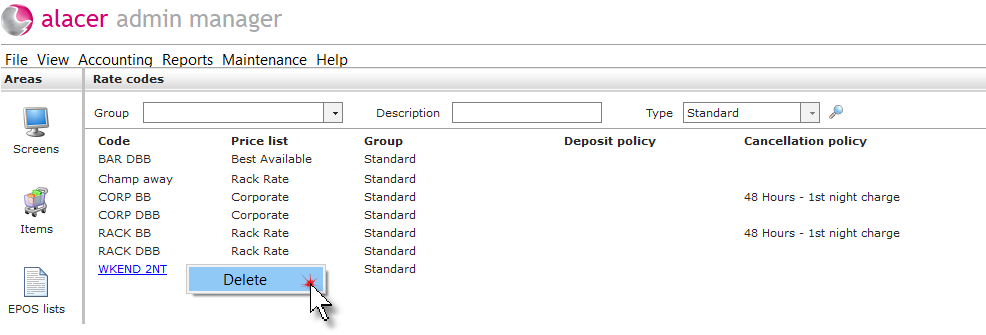
Right-click the rate code and select Delete.
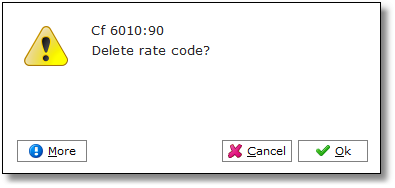
Click OK.
Related articles