
A rate code can only be deleted if it has not been used.
If the rate code is no longer required it can be scheduled off so that no reservations can be made against it.
See How to Schedule a Rate Code On/Off
Delete a rate code:
1. Click on the Rate codes icon in the Areas section of the screen.

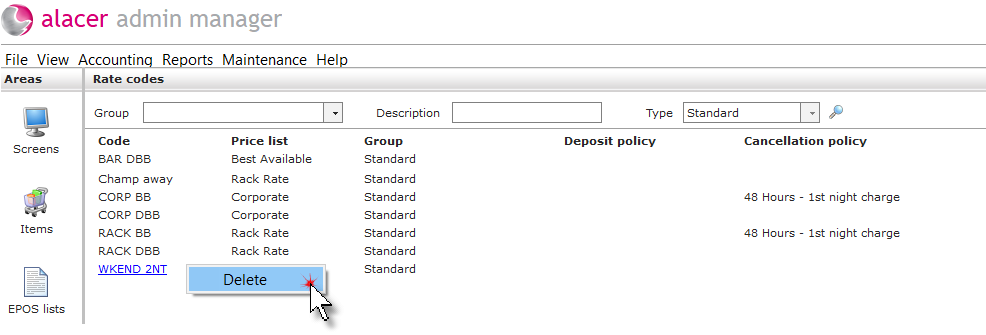
2. Right click on the rate code and select Delete.
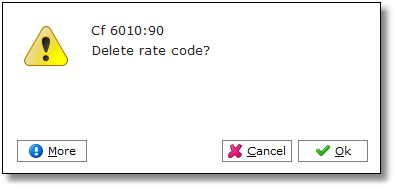
3. Click Ok.
See next: How to Create a New Rate Code
How to Change the price of a Rate Code