
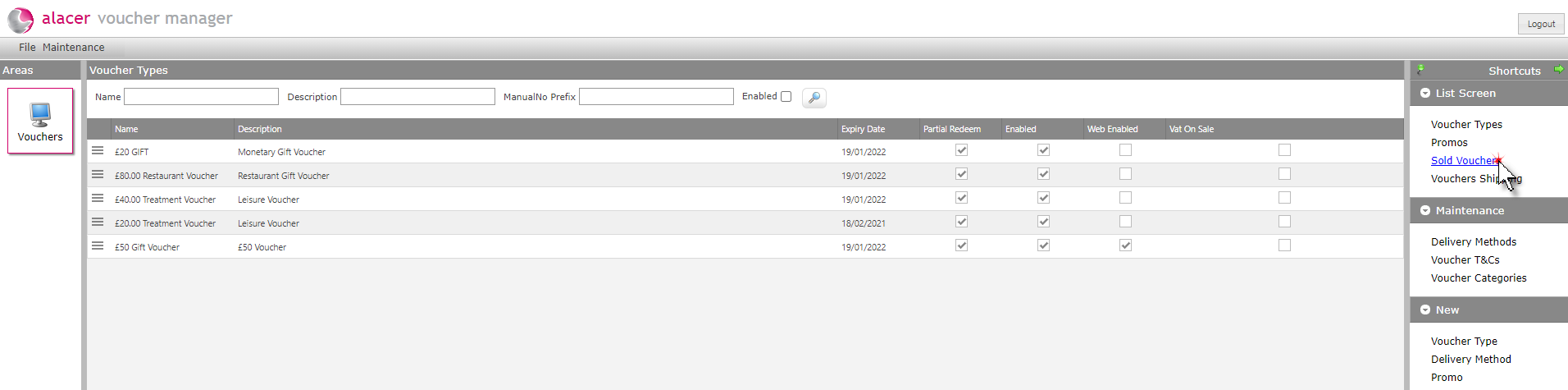
1. Click on Sold vouchers.
2. Click on the required voucher.

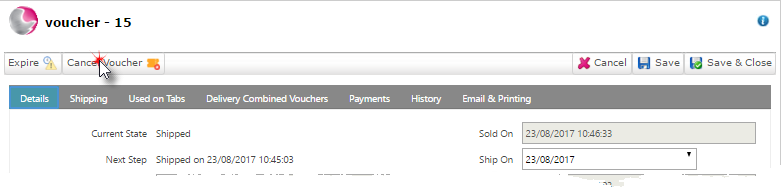
3. Click on Cancel Voucher.
4. Select an option.
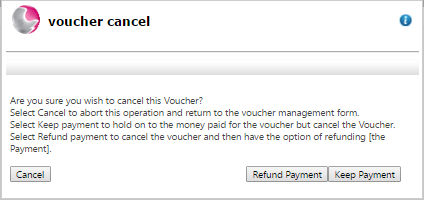
Keep payment: Select to keep the revenue for the voucher and cancel the voucher on the system so that it cannot be redeemed.
Refund payment: Select to cancel the voucher and then refund the payment.