
When a voucher expires, the revenue is not recognised automatically. Once the voucher has reached its expiry date, you can decide whether to extend its validity to allow the guest more time to redeem it, or leave it expired and claim the revenue
1. Click on Sold vouchers.

2. Click on the required voucher.

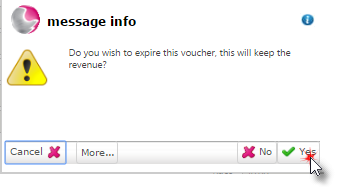
3. Click on Expire.

4. Click Yes.
See also: How to Cancel a Voucher
How to Create a New Voucher Type