
Terms and conditions are displayed alongside online voucher sales to make customers aware of the sale conditions.
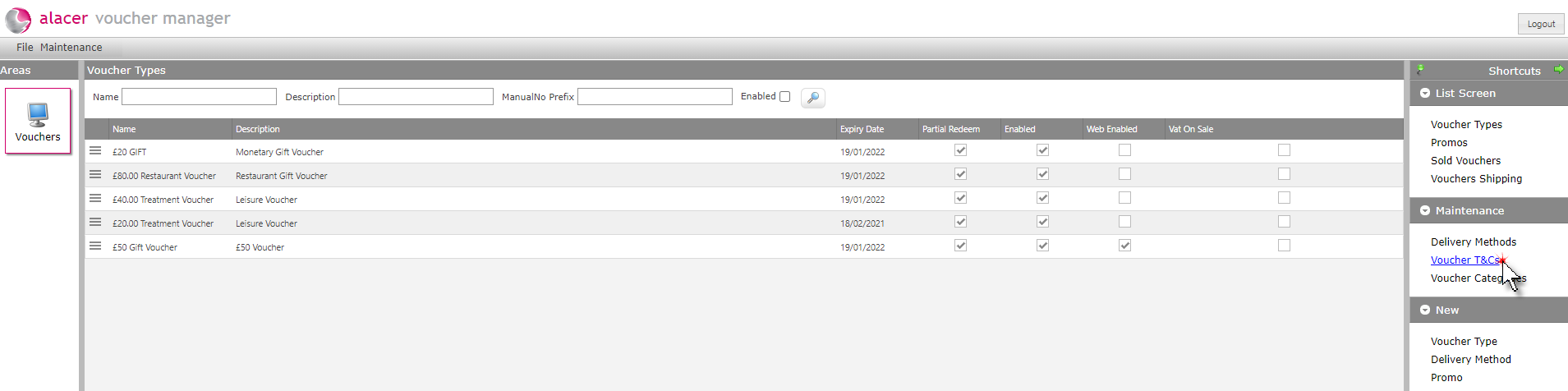
1. Click Voucher T&Cs under the maintenance shortcuts menu.
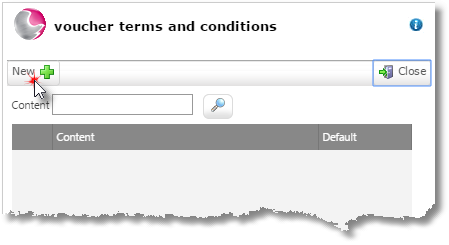
2. Click New.
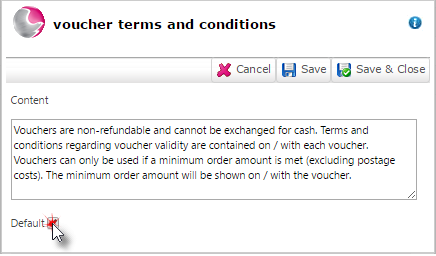
3. Enter the required terms and conditions. If this is the first T&Cs entry, click default and then Save.
See next:
How to Create Voucher Categories
How to Create a New Delivery Method