
Delivery date exceptions can be used to mark periods when the business may be closed or voucher deliveries may not be possible.
For example: Christmas and New Year's Break
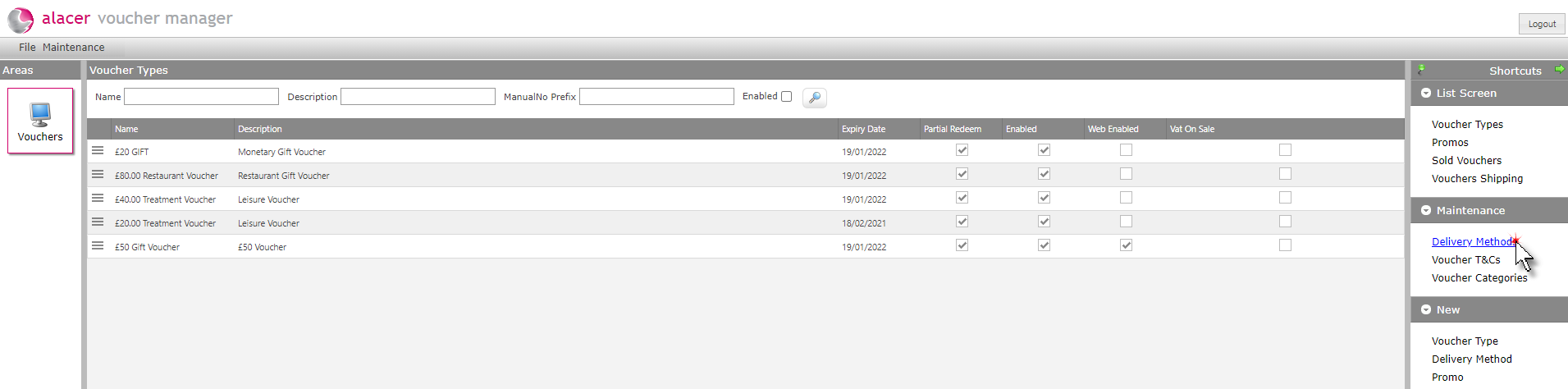
1. Click Delivery Methods in the Maintenance section of the Shortcuts menu.
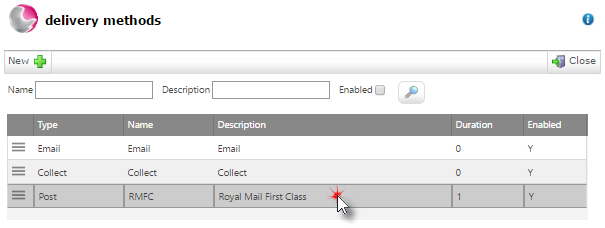
2. Select a delivery method to add the exception to.
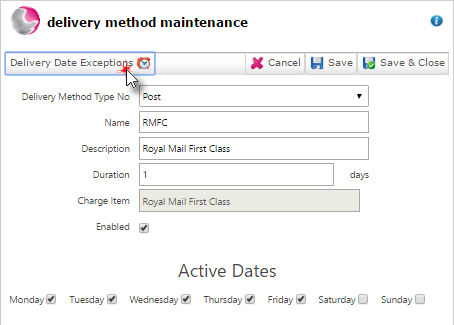
3. Click Delivery date exceptions.
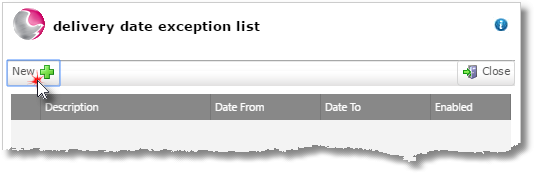
4. Click New.
5. Complete the delivery date exception maintenance form. Save & Close.
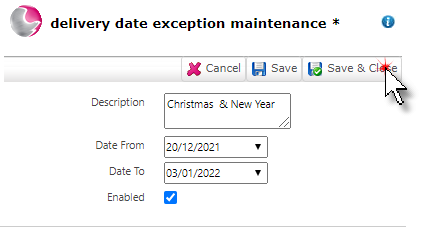
Description: Write a description for the exception.
Dates From: Enter the date that the exception starts.
Date To: Enter the date the exception ends.
Enabled: Click enabled to make the exception active.
See next: How to Create a New Delivery Method
How to Create Voucher Terms & Conditions