
Voucher categories are used to divide voucher types, especially when selling them on the voucher engine. Voucher types can be divided into any required categories
For example: Monetary, Restaurant, Afternoon Tea, Treatments and Accommodation.
1. Click Voucher Categories from the Maintenance menu.
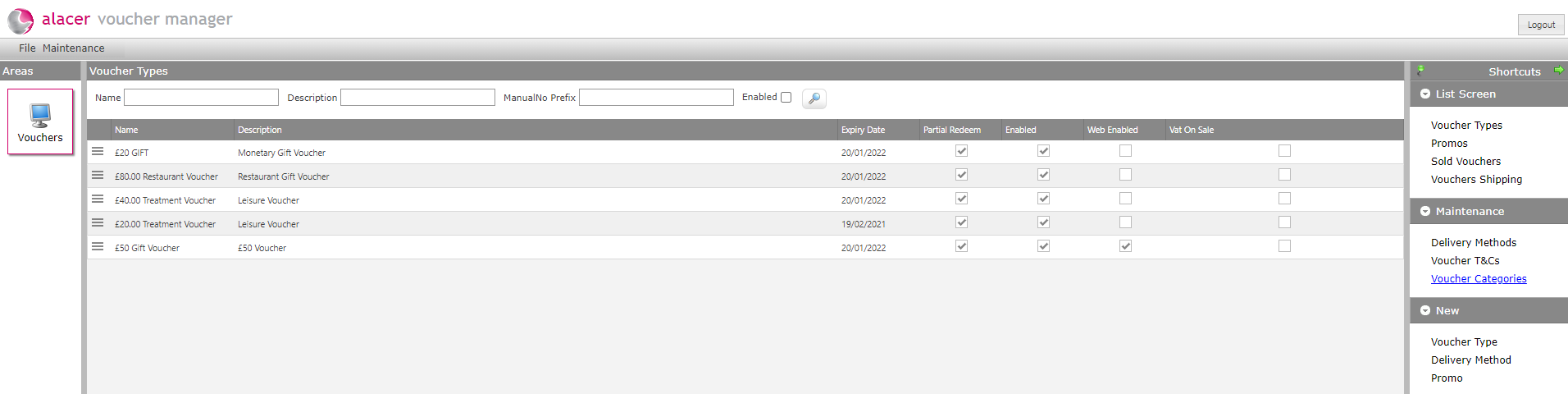
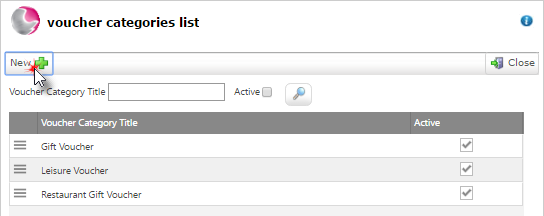
2. The Voucher category list is displayed.
3. Click New to add a new voucher category.
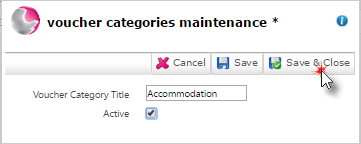
4. Enter a Voucher category title, click Active tick then click Save & Close.
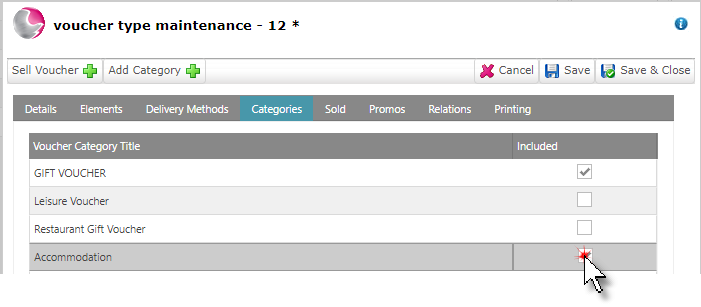
5. Voucher categories can be selected from within the voucher type form the categories page.
See How to Create a New Voucher Type
See next: How to Create Voucher Terms and Conditions
How to Create a New Delivery Method